# Desktop Experience
The Aikido Device Protection agent runs silently in the background. For most installs, nothing happens and the package installs as normal. You only see a notification when something is blocked.
## Dashboard
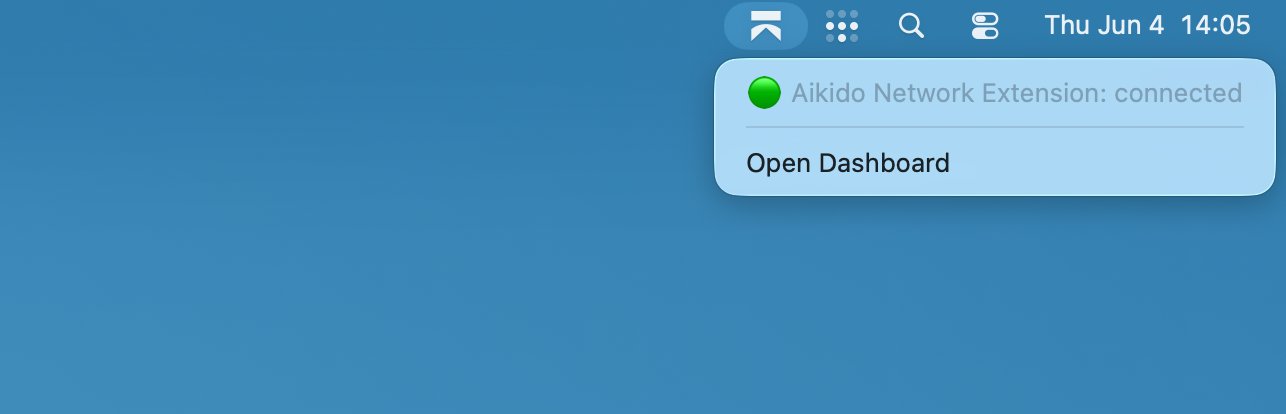
You can access the Device Protection Dashboard by clicking on the Aikido icon in your taskbar and selecting "Open Dashboard"
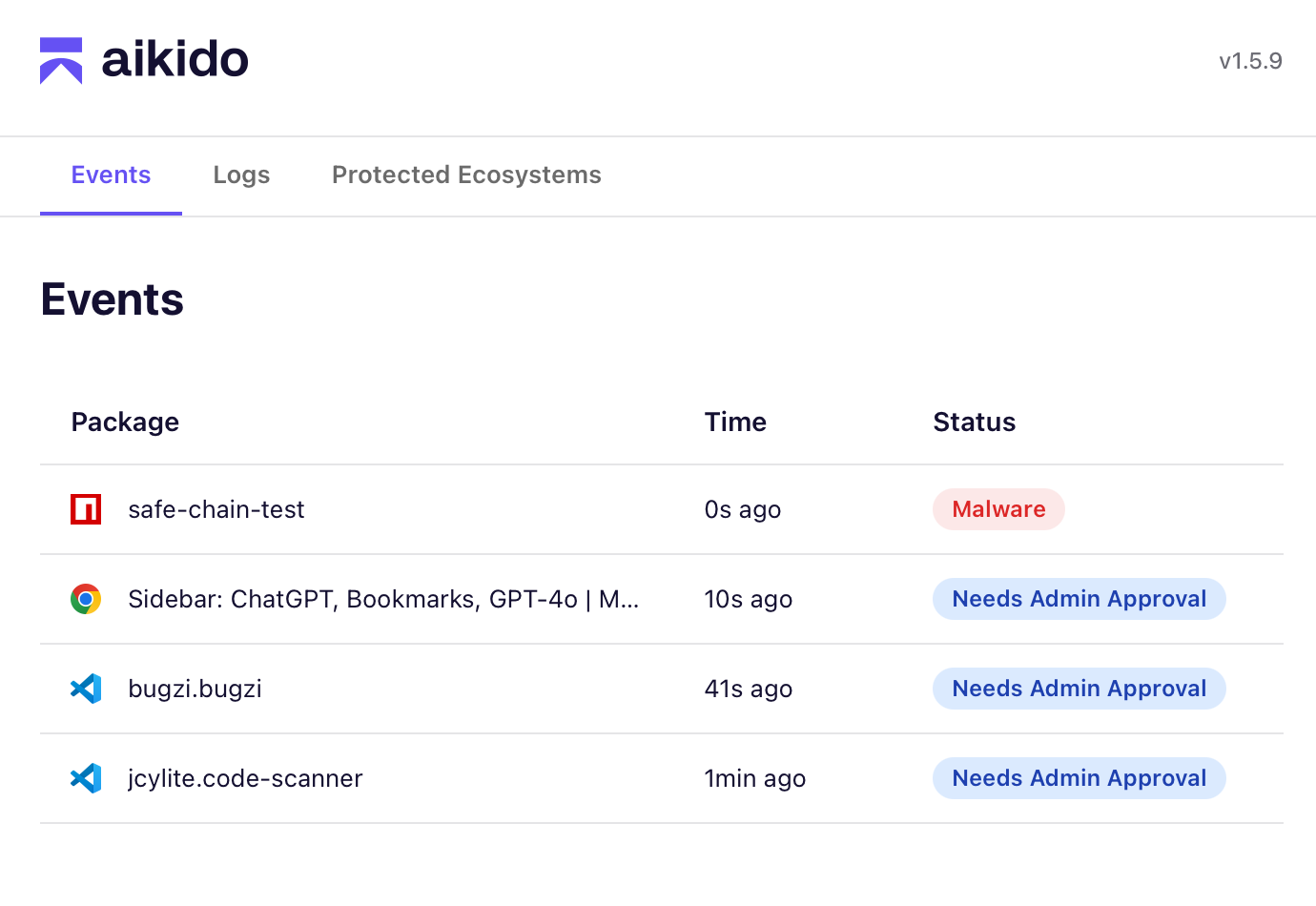
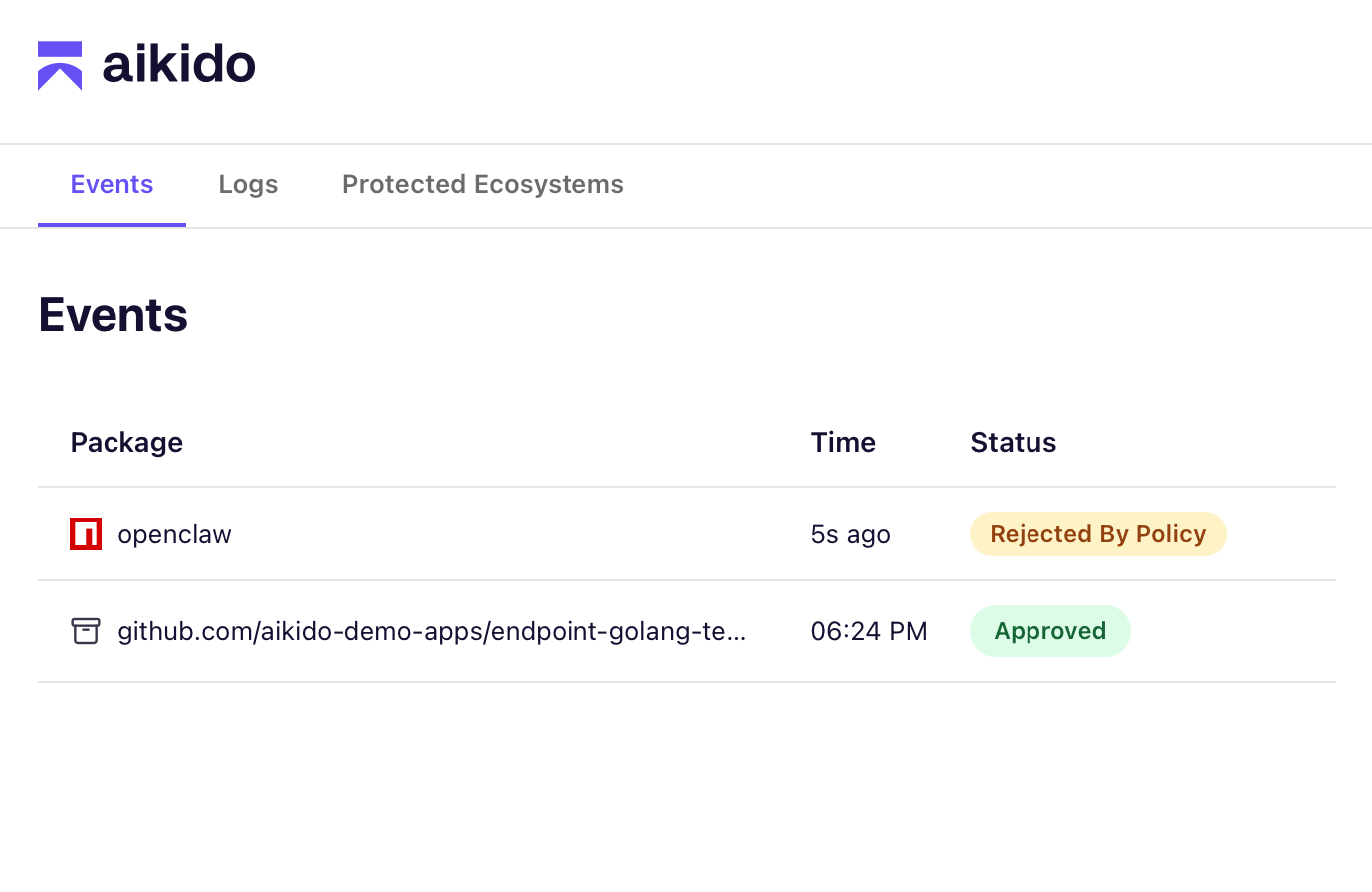
The dashboard will show any recent **events like Malware or Policy blocks**. The **Logs tab** has additional information about **package age restriction blocks**.
You can click on each item for more information.
## Notifications / Events
{% columns %}
{% column %}
{% endcolumn %}
{% column %}
{% endcolumn %}
{% endcolumns %}
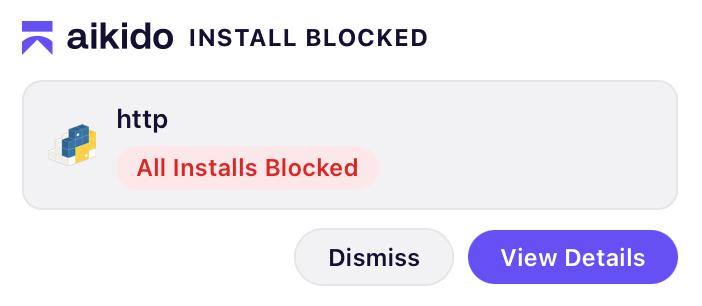
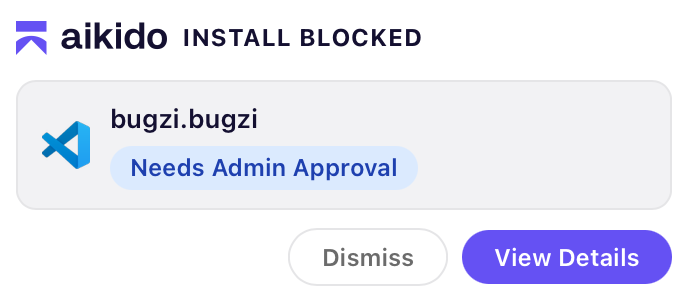
Notifications will show up whenever a package contains malware or is blocked by your policy.
Types of notifications:
* **Malware** means the package has been identified as malicious. This block is final and cannot be appealed.
* **Policy** means your organization has restricted installs from this ecosystem or blocked this specific package.
You can **Dismiss** the notification or click **Open Dashboard** to view more details in the Aikido app.
## Event details
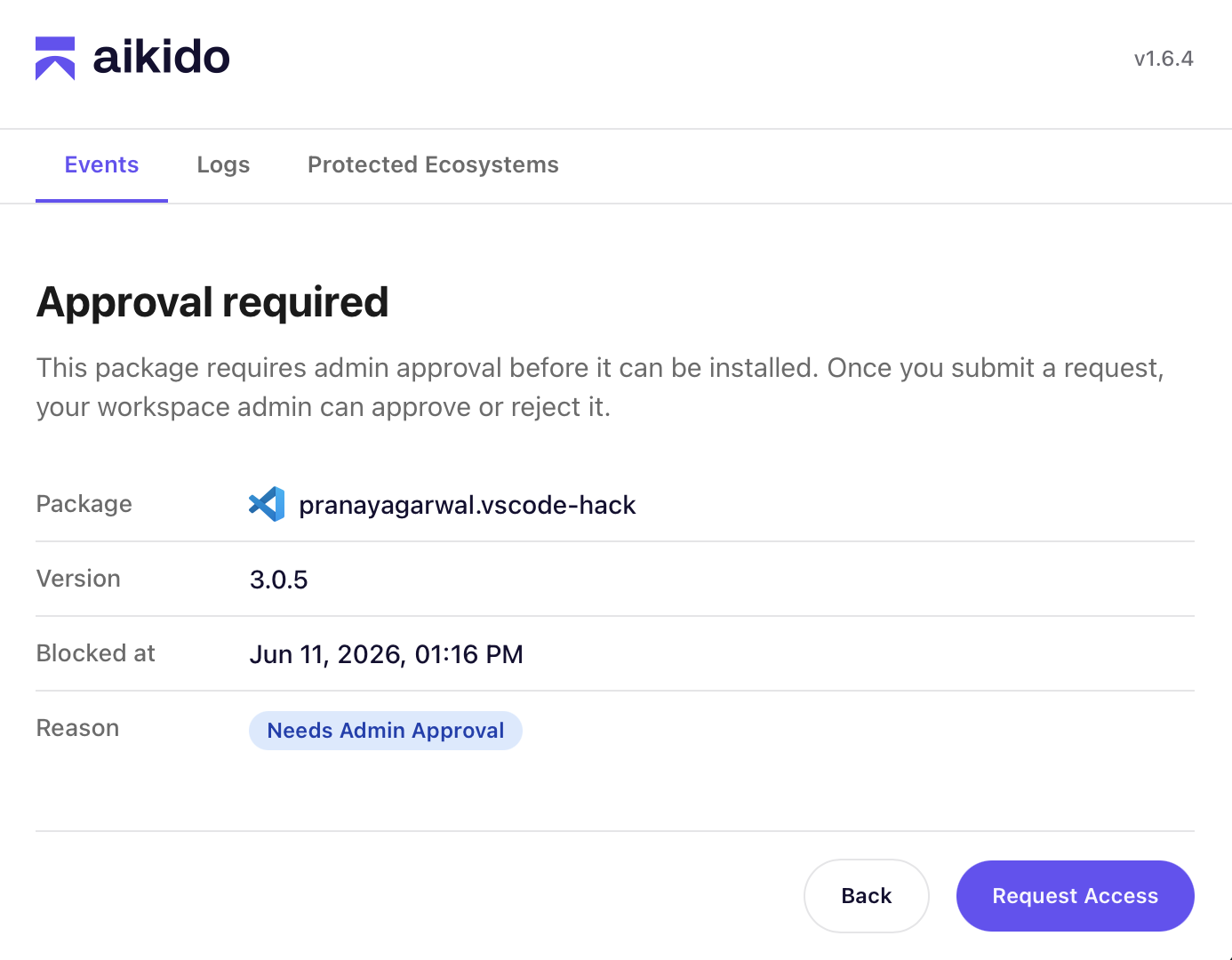
The events page shows you the details of a package, when it was blocked and the reason. With policy blocks you sometimes have the option to **Request Access**. This allows you to send a request to your workspace admins for an exception.
{% hint style="info" %}
No desktop on the machine, such as a Linux server or a remote shell? Run `aikidoctl request` to send the same request. See [Request a Blocked Install from the Command Line](https://help.aikidogov.us/aikido-device-protection/miscellaneous-aikido-endpoint/aikidoctl-cli/request-a-blocked-install).
{% endhint %}
Once a package has been approved or denied you will see a message within your dashboard with the result.