# Gradle - Private Packages
If your repo is using private packages, Aikido needs access to the private package repositories in order to create a Gradle lockfile or to update your Gradle dependencies. You can configure environment variables in Aikido to authenticate to the private package respositories.
## Configuration in Aikido
You can configure Aikido to authenticate with your private registry by following the steps below:
1. Go to your account's settings page for AutoFix, [here](https://app.aikido.dev/issues/fix/settings).
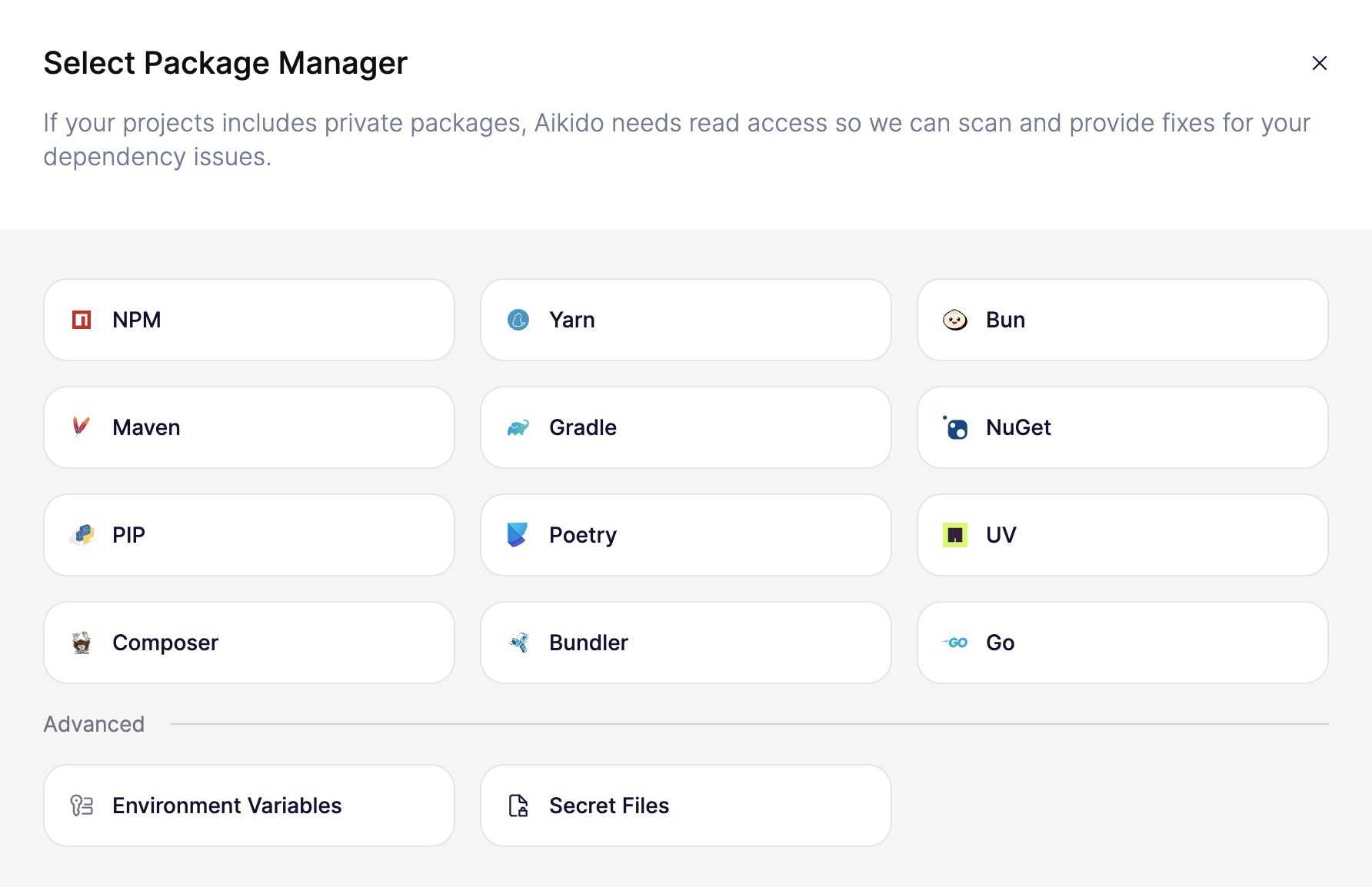
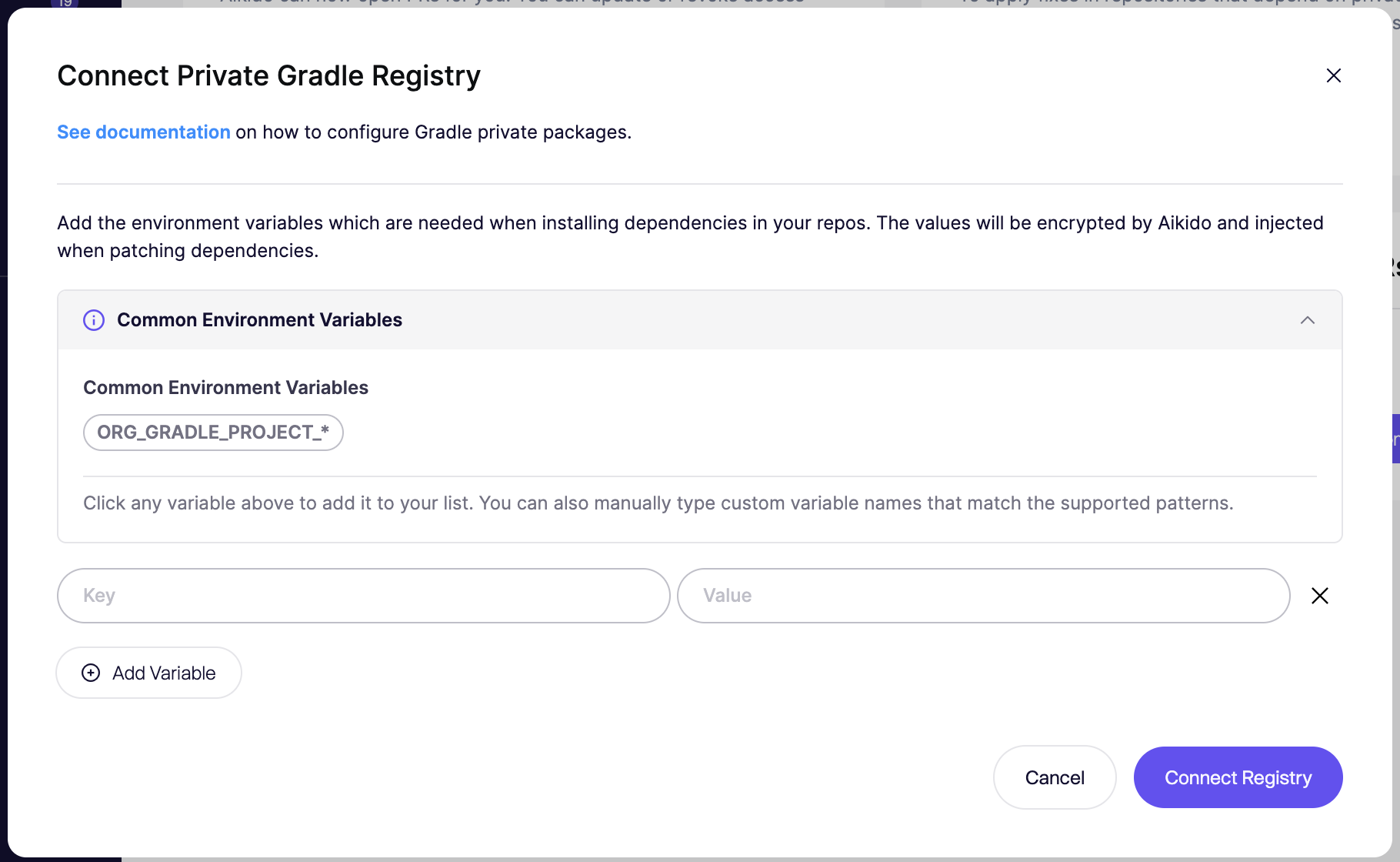
2. Click on “Connect Registry”, the configuration modal will now be shown.
3. Select the “Gradle” section.
4. Add the environment variables required for your build file as your identifier for where your private registry is stored. All environment variables that contain `GRADLE` are allowed.
5. Make sure these environment variables match your `build.gradle` file
6. Click “_Connect Registry_” to save the configuration.
Aikido will now use these environment variables when creating Gradle lockfiles or updating your Gradle dependencies.