# Connect Render Account
### Why connect my Render account?
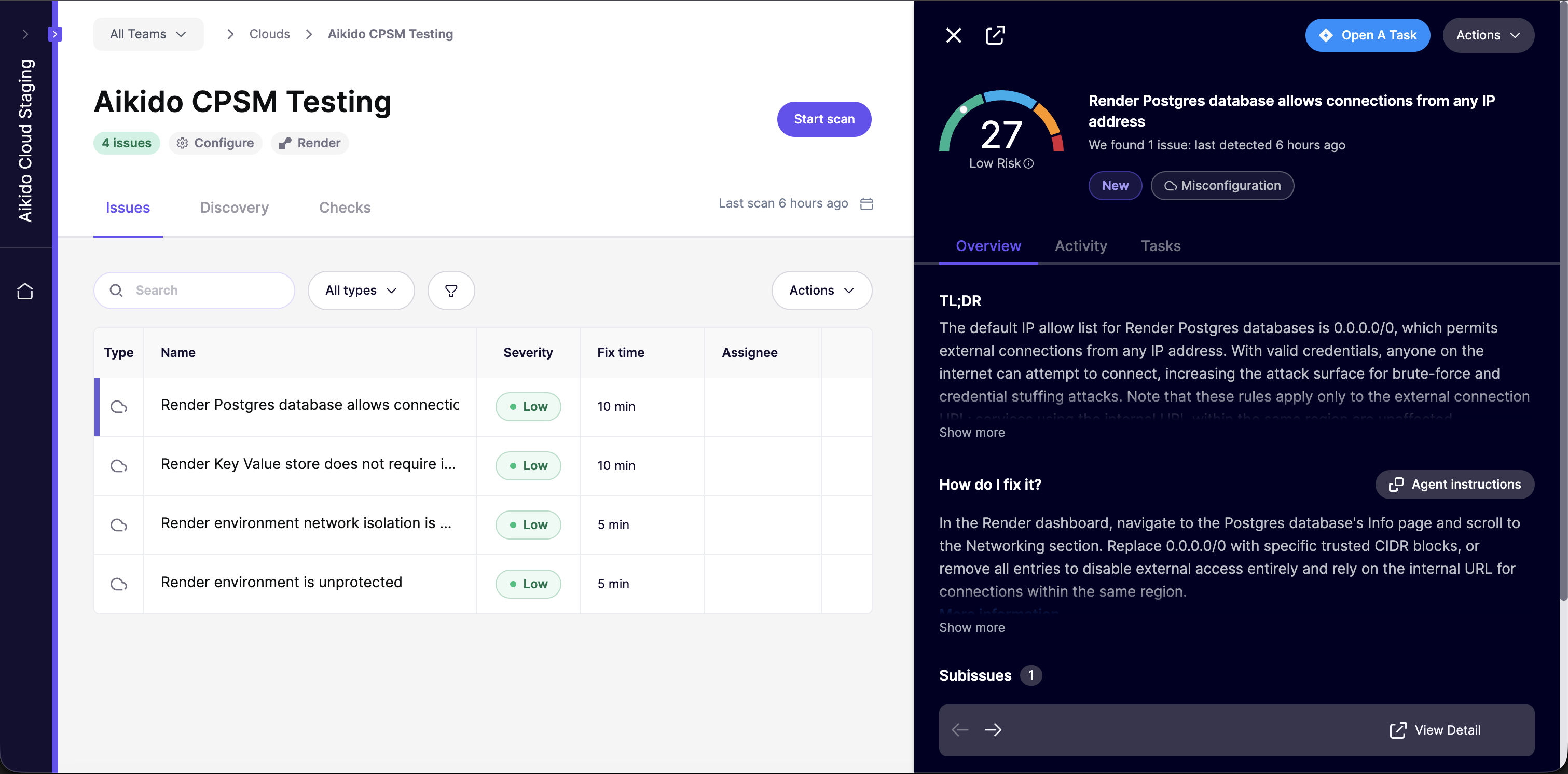
Securing your cloud infrastructure is crucial to protecting your user data. You can leverage Aikido's security checks to detect and address any misconfigurations in your Render services.
#### **Main use cases**
* Aikido surfaces critical cloud misconfigurations that could expose your Render services to attackers. All configuration checks can be found [here.](https://app.aikido.dev/clouds/checks)
* Aikido continuously monitors your Render workspace for new risks as your setup evolves.
Aikido performs daily compliance scans on the above.
### Getting started
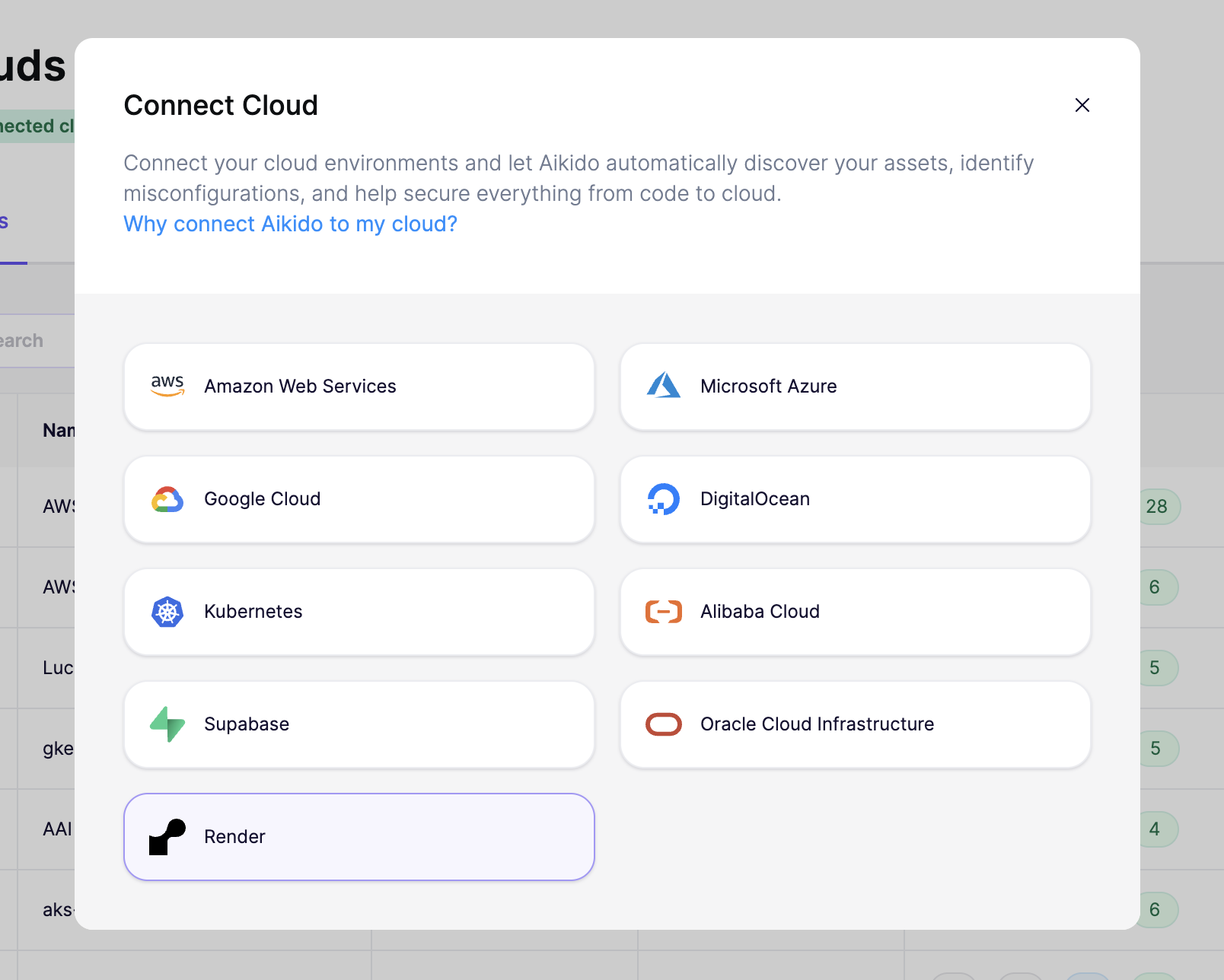
To get started, head to the [cloud overview page](https://app.aikido.dev/clouds) on Aikido and click **"Connect Cloud"**. Select **Render** from the list and follow the step-by-step setup wizard.
{% stepper %}
{% step %}
#### **Log into your Render account**
Go to the [Render dashboard](https://dashboard.render.com) and sign in with the account that has access to the workspace you want to connect.
{% endstep %}
{% step %}
#### **Generate an API key**
Go to **Account Settings > Workspaces**. Copy the **Owner ID** of the workspace you want to scan. It looks like `tea-xxxxxxxxxxxxxxxxxxxx` for teams or `usr-xxxxxxxxxxxxxxxxxxxx` for personal accounts.
{% endstep %}
{% step %}
#### Paste both values into Aikido
Paste the **API key** and **Owner ID** into the matching fields in Aikido's setup wizard. Then click **"Save & Continue"**.
{% endstep %}
{% step %}
#### Name your cloud configuration
Give your connected workspace a name in Aikido and specify the purpose/environment it operates in (production, staging, etc.). This helps Aikido prioritize findings based on severity and business impact. Click **"Save"**.
{% endstep %}
{% endstepper %}
Within 1-2 minutes after connecting your account, Aikido will report misconfigurations that could pose a threat.