# Code Scanning with a Workspace Access Token
{% hint style="warning" %}
Bitbucket only supports the creation of Workspace Access Tokens for their premium plan.
{% endhint %}
### Introduction
You can easily configure Bitbucket Code Scanning via the Aikido interface via the account settings page, or by navigating directly to [this link](https://app.aikido.dev/onboarding/bitbucket/update-workspace-access-token).
### Creating a Workspace Access Token
{% stepper %}
{% step %}
**Navigate to the workspace settings**
{% endstep %}
{% step %}
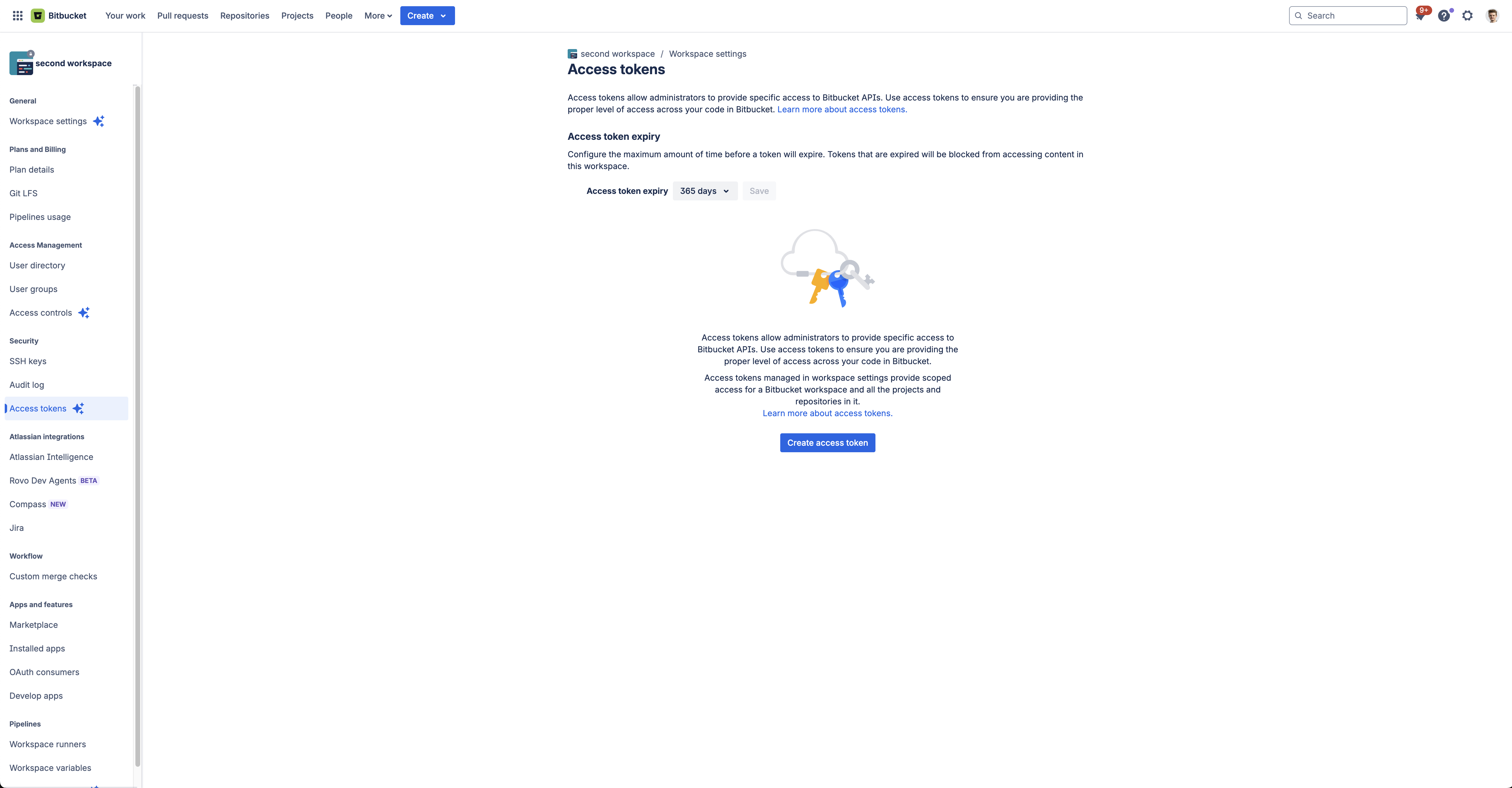
**Create access token**
Click on the "Create access token" button to start creating a workspace access token.
{% endstep %}
{% step %}
**Select the required scopes**
Choose a descriptive name for the token like "**Aikido Security Code Scanning**", and select the following scopes: **Account:Read** & **Repsitories:Read**
{% endstep %}
{% step %}
**Copy the token**
After clicking "**Create**", you can copy the token and enter it in the input field on [this page](https://app.aikido.dev/onboarding/bitbucket/update-workspace-access-token)
{% endstep %}
{% endstepper %}