# Code Scanning With a Personal Access Token
### ⚠️ Disclaimer
For **Gitlab Premium & Gitlab Ultimate** users we recommend using [Gitlab Service Accounts](https://help.aikidogov.us/pr-and-release-gating/gitlab-mr-gating/gitlab-server-ci-mr-gating-via-aikido-dashboard-with-a-service-account-token). In case you would use this approach, make sure to setup an integration user that is called AikidoSec.
### Introduction
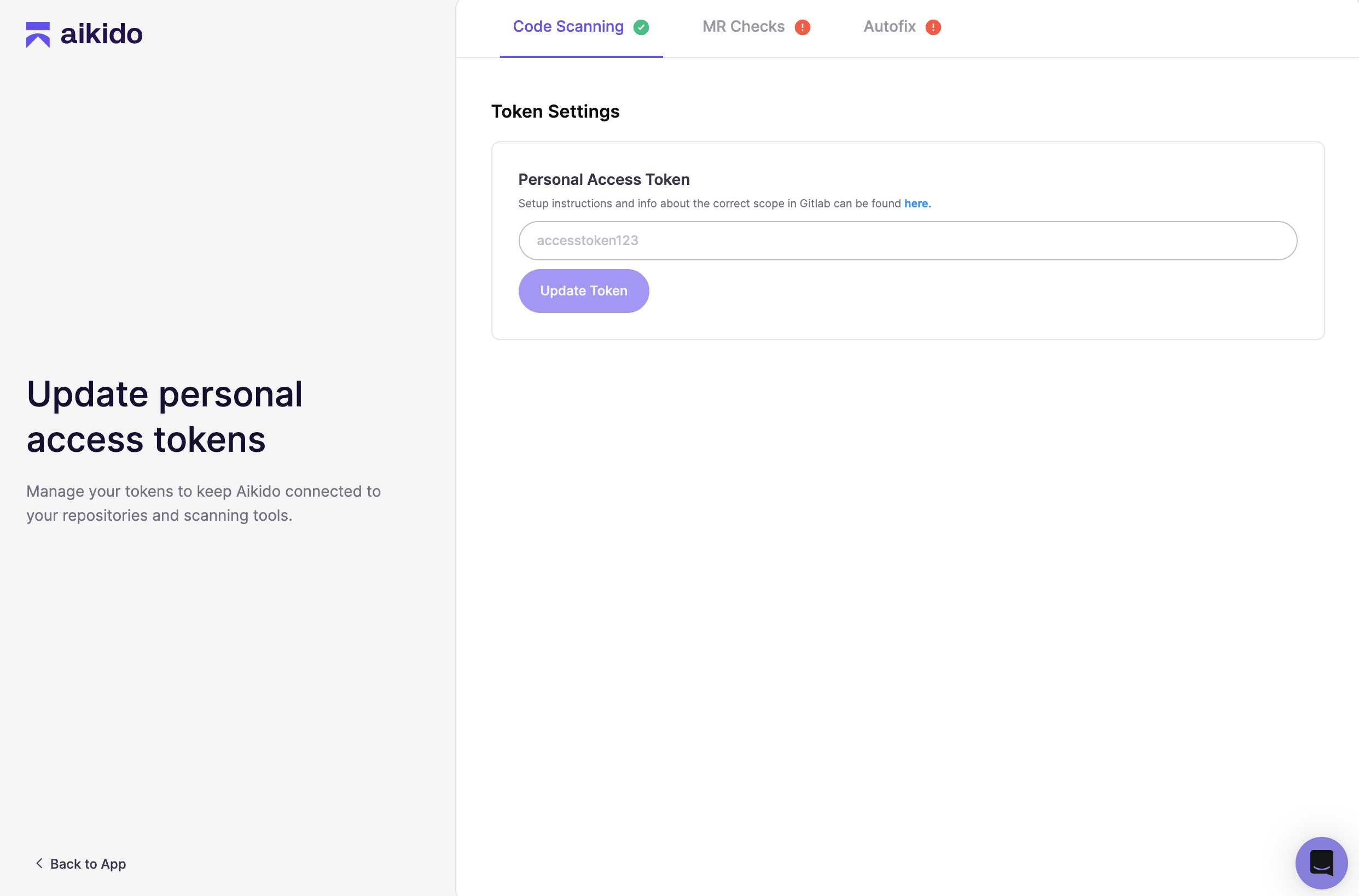
You can both use personal access or group tokens (Gitlab Premium required). Aikido will use these to perform the code scanning. You can update this token on [this page](https://app.aikido.dev/onboarding/gitlab/update-workspace-access-token).
### Creating a Personal Access or Group Access Token
Gitlab cloud supports several different personal access tokens, which all work the same way. We usually recommend to create a group PAT, but for Gitlab cloud this is only possible for premium customers.
1. Navigate to the **Token settings page**
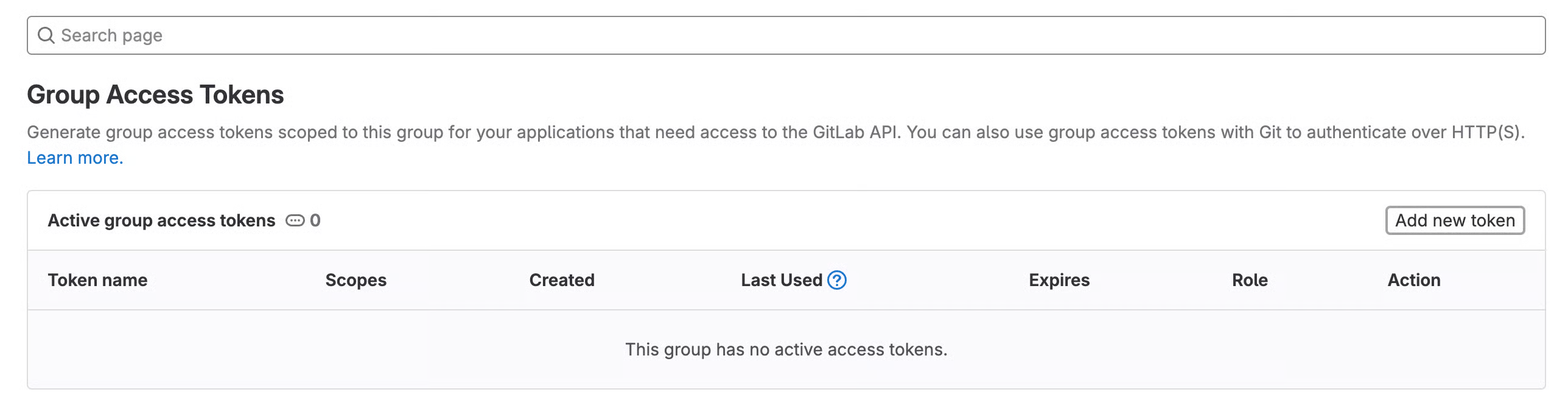
1. For a **group access token**: Go to you group page > Settings > Access Tokens
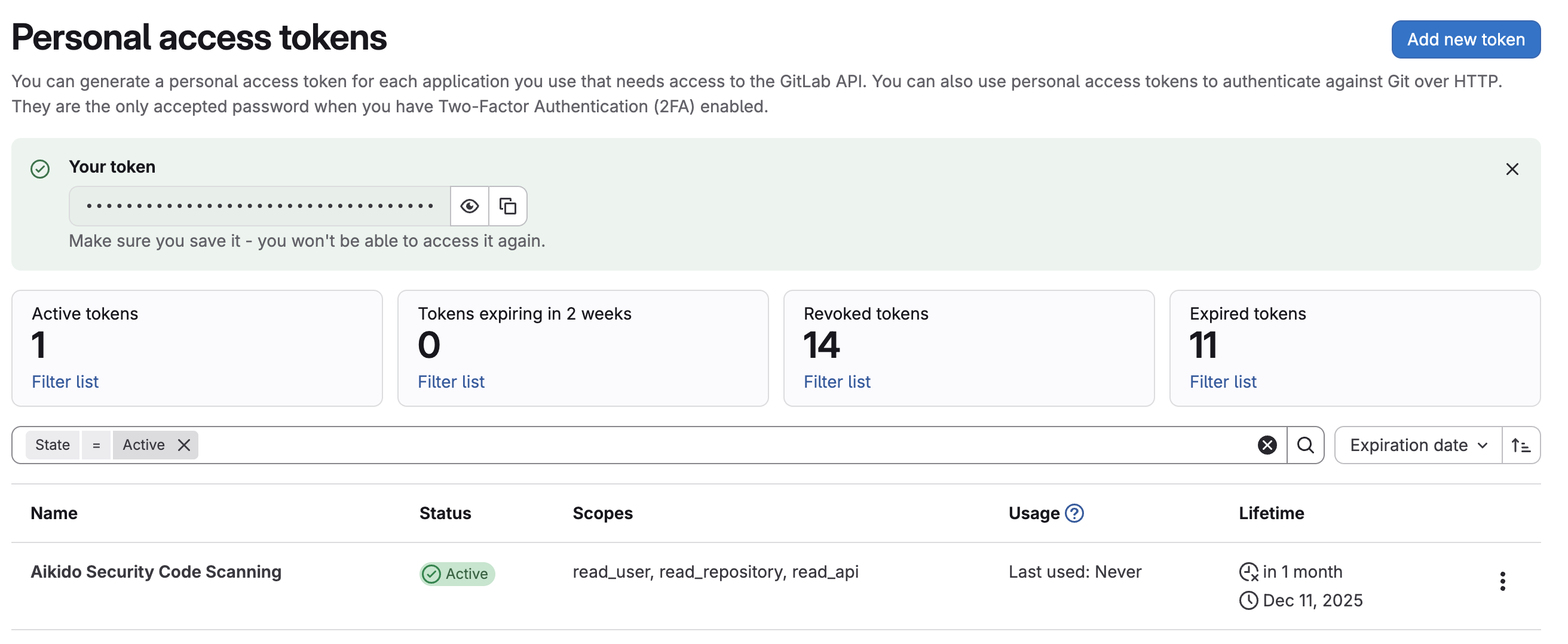
2. For a **personal access token**: Go to your profile page > User settings > Access Tokens
2. Click on "**Add new token**"
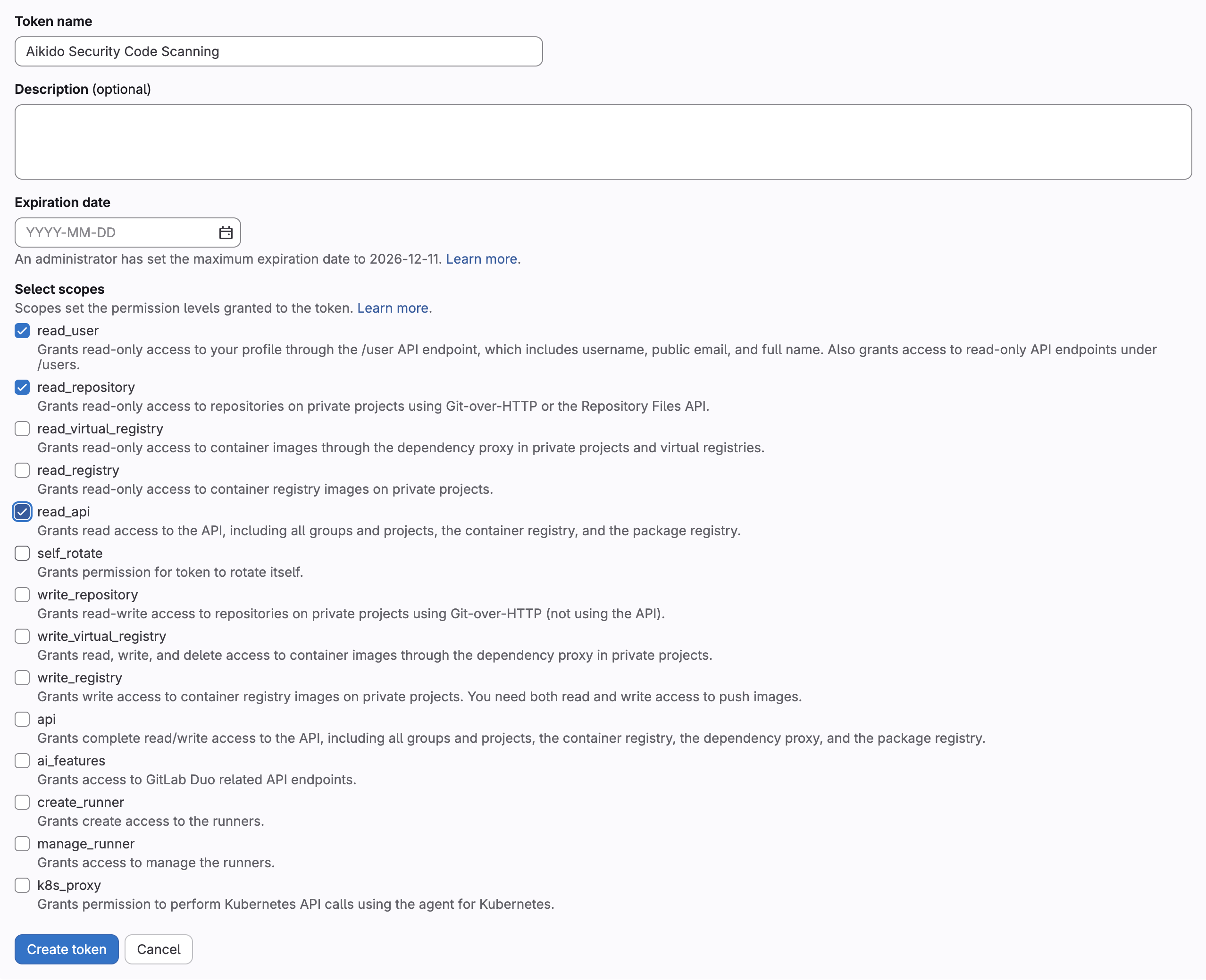
3. Enter a name for the token, remove the expiration date and select the **read\_api, read\_user and read\_repository** scope
4. Click on "**Create token**"
5. Copy the token and enter it into the input field on the update access token page of Aikido