# Code Scanning with a Service Account Access Token
### ⚠️ Disclaimer
This guide is only available for **Gitlab Premium &** **Gitlab Ultimate** users. Check out our the setup with [personal access tokens](https://help.aikidogov.us/code-scanning/connect-your-source-code/connect-gitlab-account-to-aikido/code-scanning-with-a-personal-access-token) for **Gitlab Free** users
### Introduction
You can use service account tokens which Aikido uses to perform the code scanning. You can update this token on the [update workspace access token](https://app.aikido.dev/onboarding/gitlab/update-workspace-access-token) page.
### Creating a Service Account and Access Token
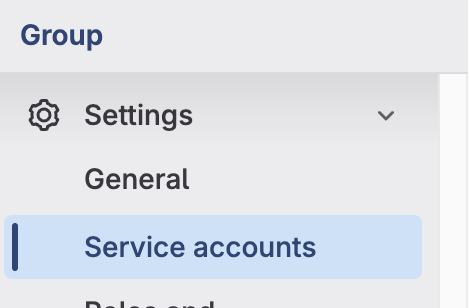
1. Navigate to the "Service Accounts" settings page. Group > Settings > Service accounts
2. Click on "**Add service account**"
3. Give a **Name** and **Username** to the Service Account and click **Create**
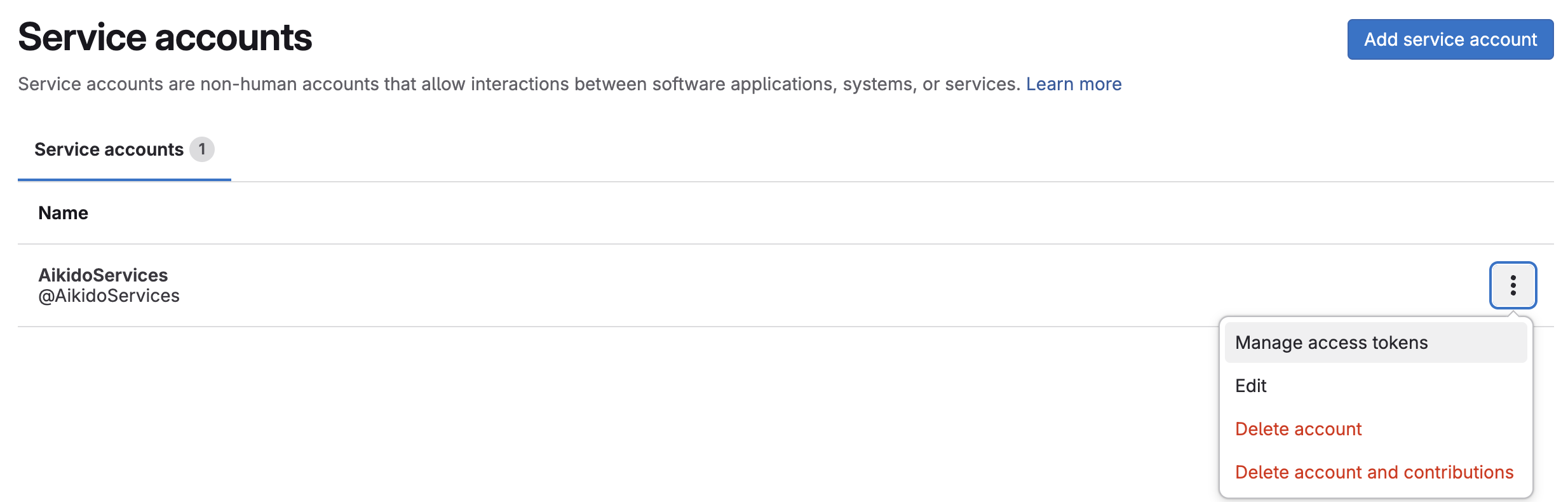
4. Click the options of the newly created service account and select **Manage access tokens**
5. Click on "**Add new token**"
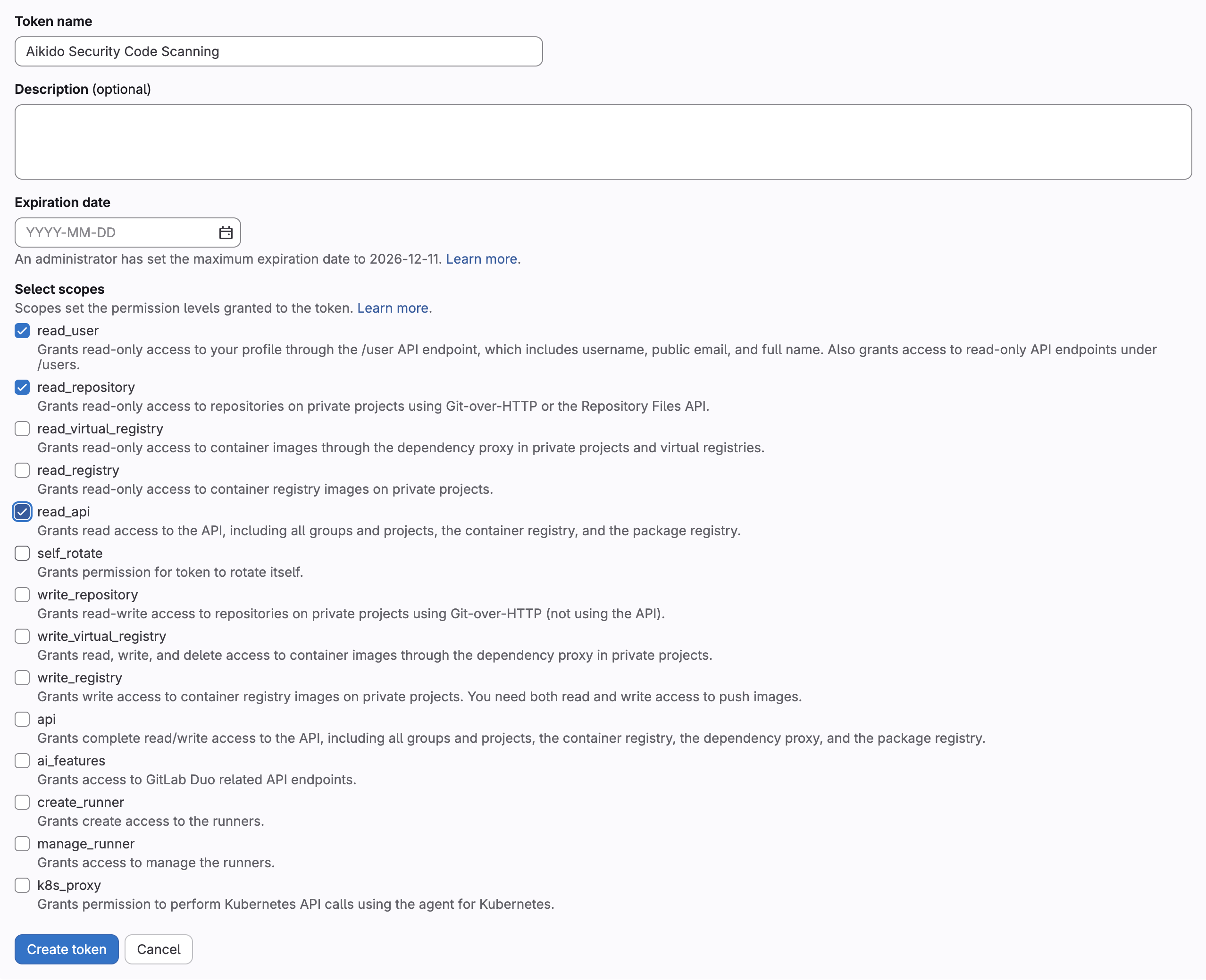
6. Enter a name for the token, remove the expiration date or set it to the max value and select the **api** scope
7. Click on "**Create token**"
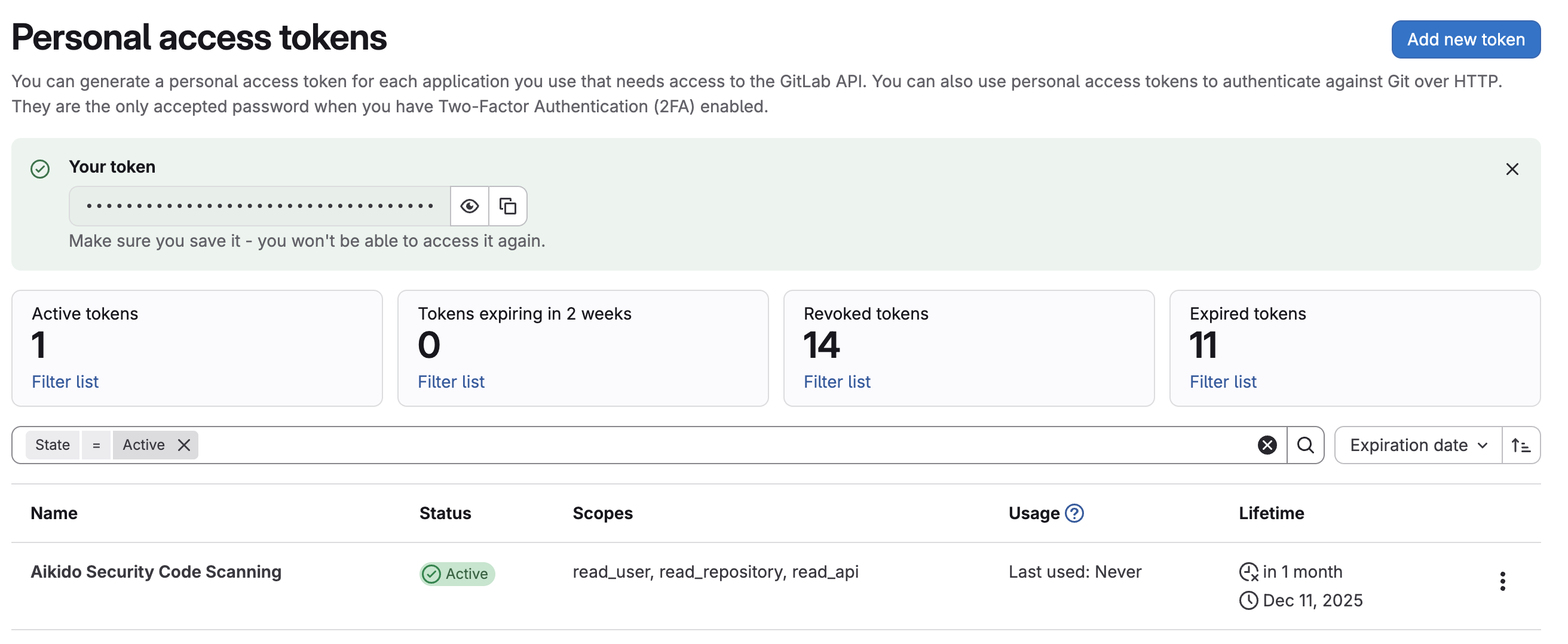
8. Copy the token and keep it for the "[update workspace access token](https://app.aikido.dev/onboarding/gitlab/update-workspace-access-token)" page
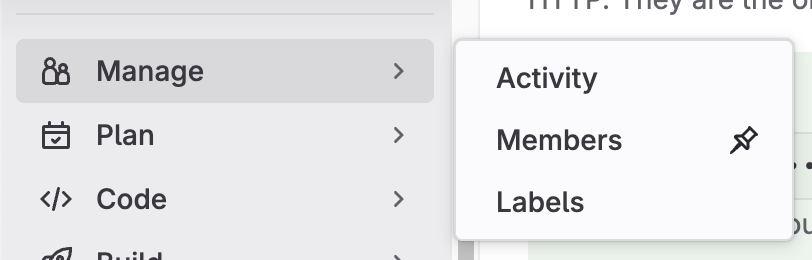
9. Go to the members page: **Group** > **Manage** > **Members**
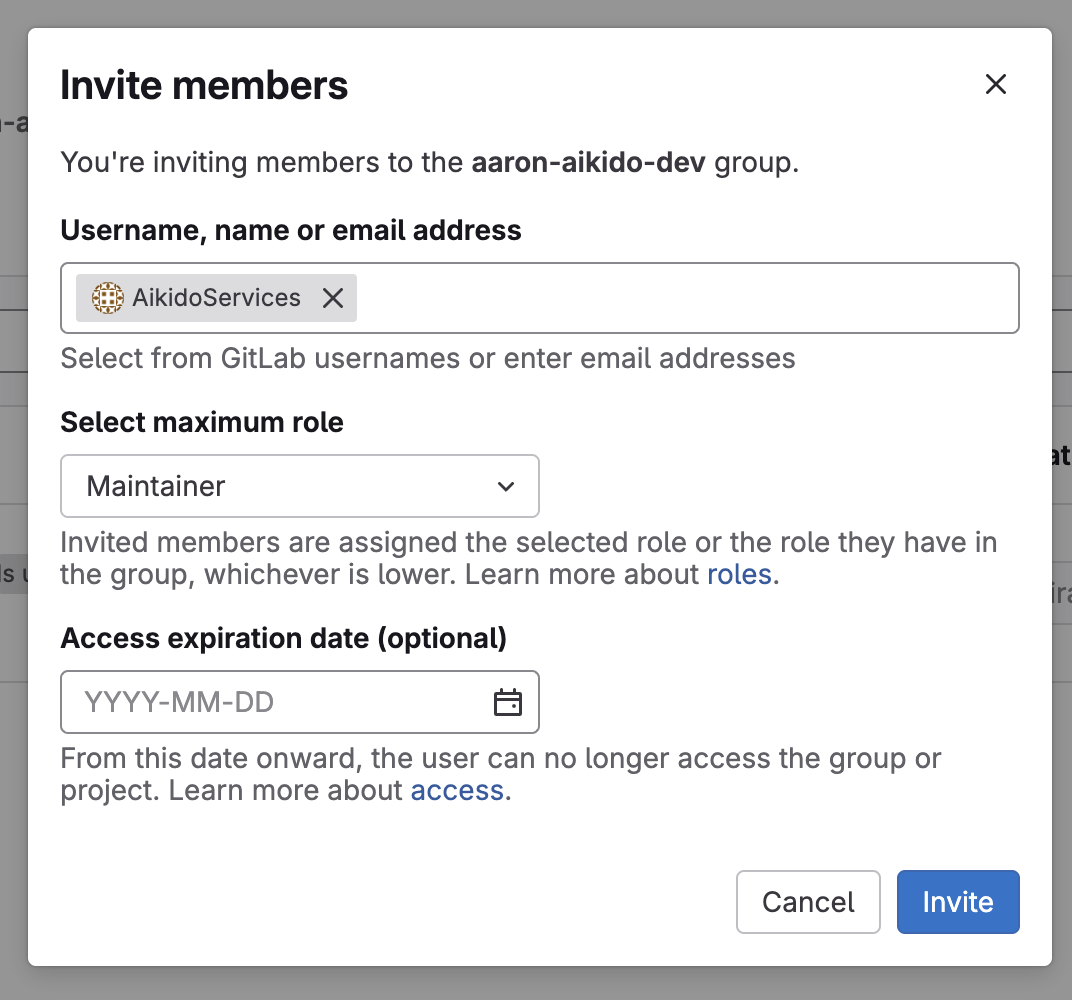
10. Click "**Invite Members**"
11. Search for your new Service account created earlier and set role to "**Maintainer**"