# Local Scanning in Existing SCM-Integrated Workspaces
{% hint style="info" %}
This functionality is not by default enabled. Contact the Aikido team for more info.
{% endhint %}
You can use the Local Scanning functionality directly within SCM-integrated workspaces, i.e. those connected to GitHub, GitLab (self-managed), Bitbucket, or Azure DevOps.
### Prerequisites
Before setting up local scanning, ensure the following:
* You are on an **Aikido Pro Plan**.
* **Local scanning functionality is activated** by contacting the Aikido team.
### Local scanning setup
**Step 1**: Open your existing Aikido workspace (GitHub, GitLab, etc)
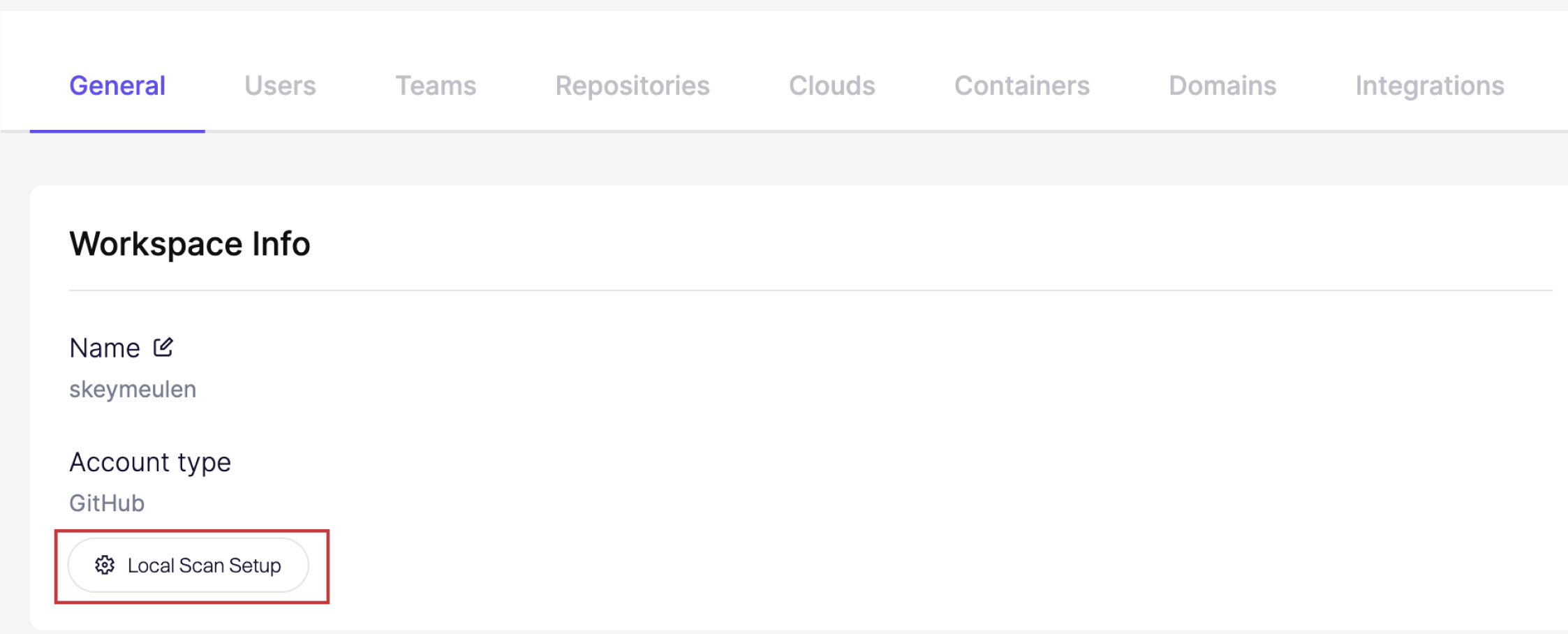
**Step 2**: Go to [General Settings](https://app.aikido.dev/settings/account) and click Local Scan Setup
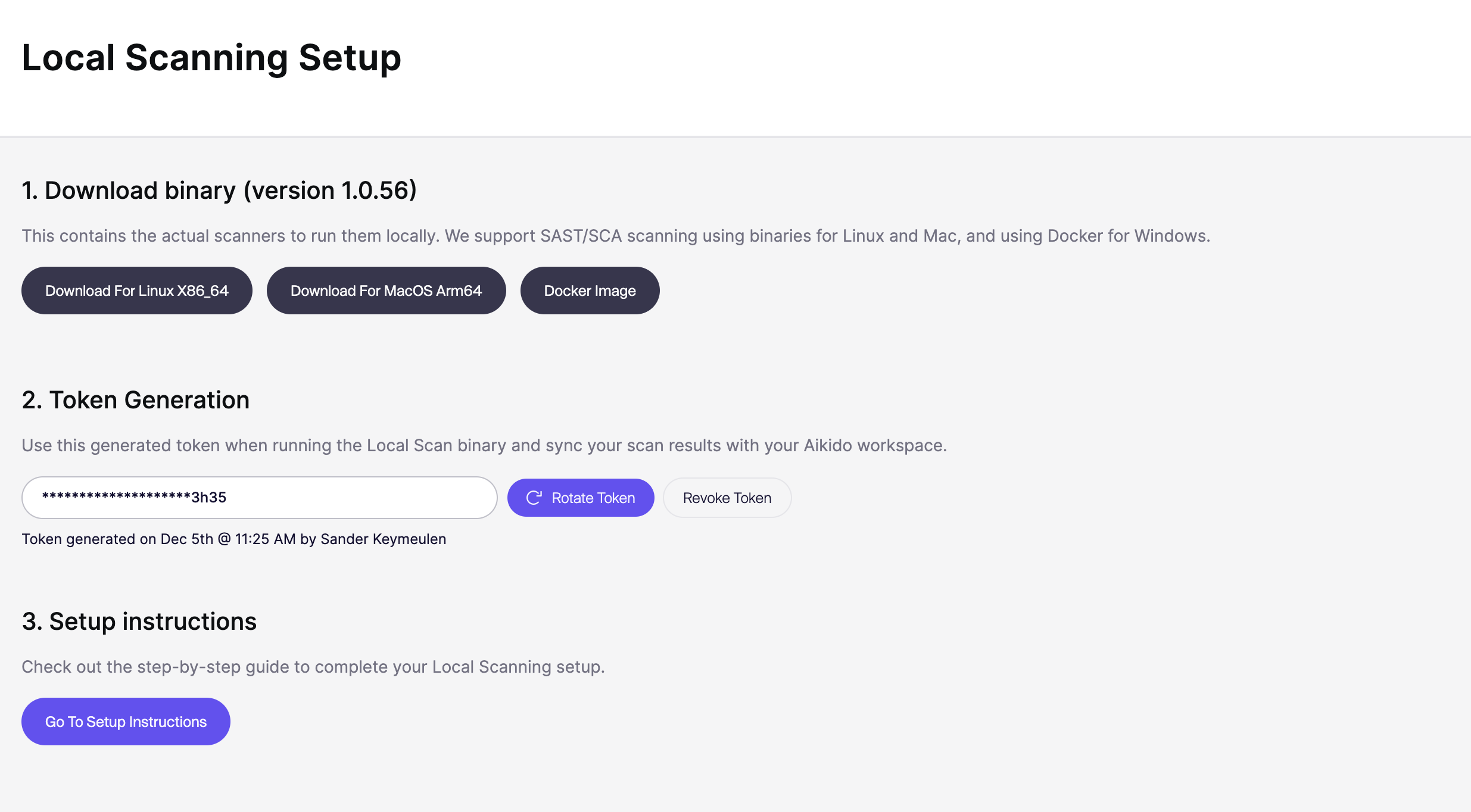
**Step 3**: Complete the Local Scanning Setup by downloading the binary and generating a token.