# Automatically Link Repository to Container via Smart Suggestions
This functionality helps you automatically connect your containers to the correct code repositories using intelligent matching.
#### Why link containers?
* View container vulnerabilities directly in the context of the right repository.
* Unlock Container Autofix, which can automatically fix issues in Dockerfiles.
### How Aikido's Smart Suggestions Work
* Aikido uses smart matching based on repository names and common path patterns.
* Aikido displays suggestions for you to **review and confirm**, so you stay in control of what gets linked.
***
### How to Use Smart Suggestions
{% stepper %}
{% step %}
**Open**[ **Container Settings**](https://app.aikido.dev/settings/container-image-registry)
If Smart Suggestions are available, a banner will appear at the top of the page.
{% endstep %}
{% step %}
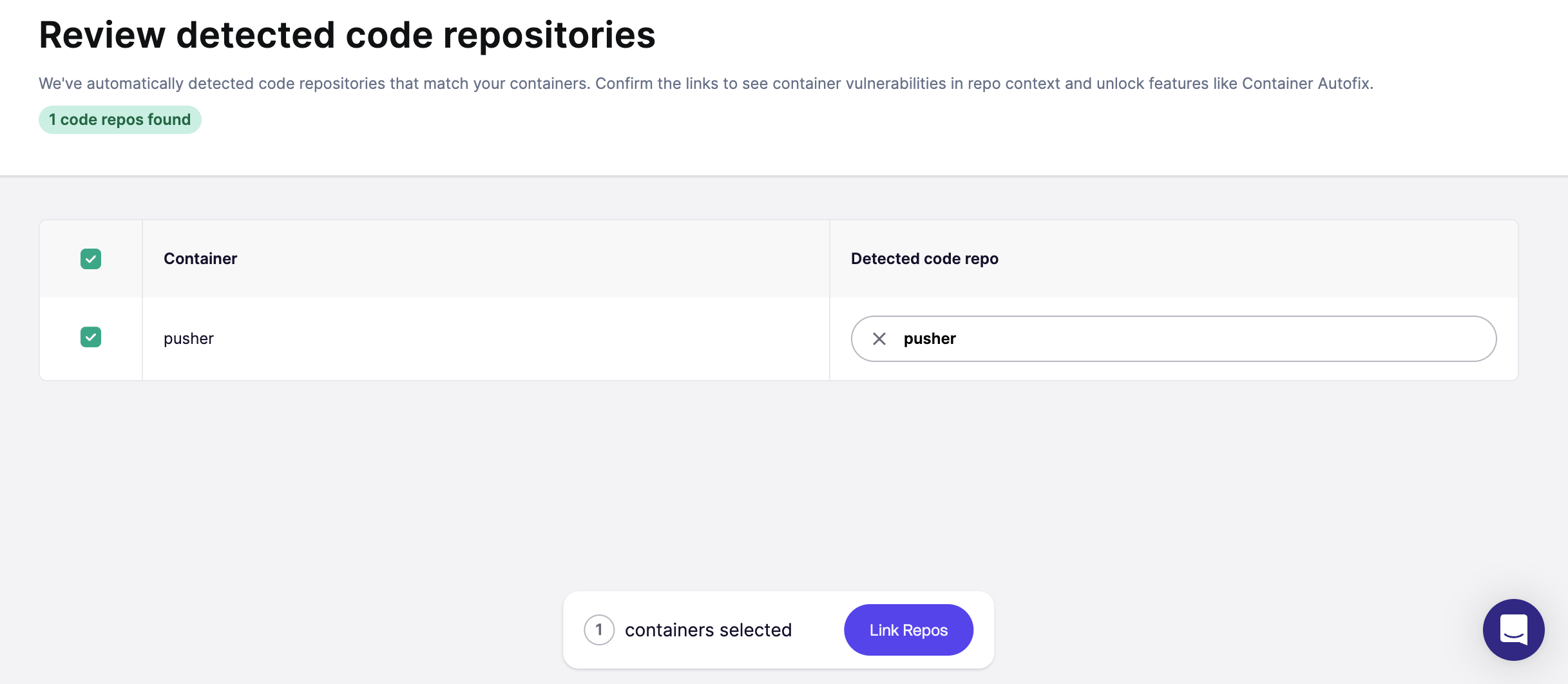
**Review and Confirm Suggestions**
You'll be taken to an overview page showing suggested repo links for your containers.
* Review all suggested matches.
* Select the ones you want to confirm.
* Optionally, adjust or manually link repositories if needed.
{% endstep %}
{% endstepper %}