# GraphQL API Scanning
{% hint style="warning" %}
**Agentic Scan is the recommended option for testing GraphQL APIs.** It covers fuzzing-style checks plus business-logic flaws, IDOR and cross-tenant data leaks that the GraphQL scanner cannot find. See [Aikido Pentest](https://help.aikidogov.us/pentests/aikido-pentest).
{% endhint %}
Aikido can scan your GraphQL API endpoints to uncover endpoint vulnerabilities specifically related to GraphQL. One of the methods we use is API fuzzing, which essentially includes spamming dangerous payloads to each field in your API.
{% hint style="danger" %}
NEVER run on a production environment, always on staging to avoid potential downtime
{% endhint %}
### Main Use Cases
You can see all checks in the [Aikido app here](https://app.aikido.dev/domains/checks?scanner=graphql).
### Setting up GraphQL API Scanning
**Step 1:** Click **Add Domain** in the [Domain Overview](https://app.aikido.dev/domains), expand **Advanced** in the scan-type chooser and select **GraphQL**
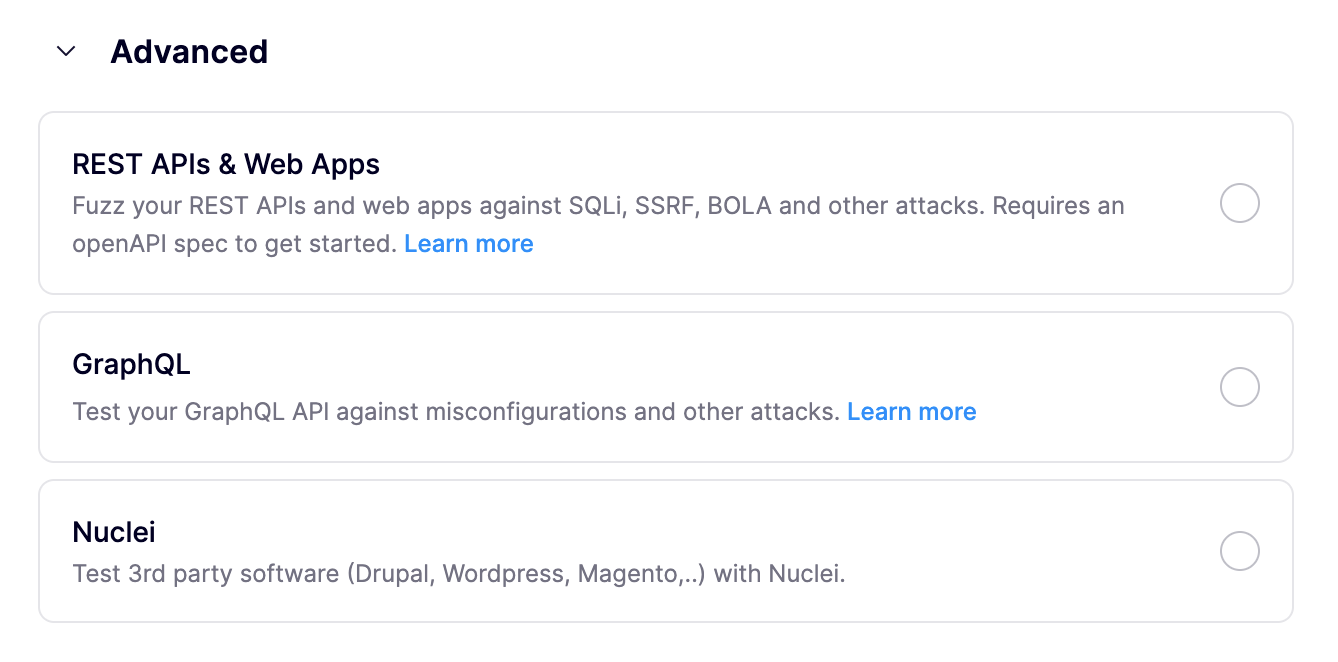
**Step 2.** Enter the domain name of your **staging environment**. Ensure this is the base URL for your GraphQL APIs (e.g., `https://example.io/graphql`)

**Step 3:** Click save, Aikido will now scan your GraphQL API.
**Step 4. Authorization:** Note that you can also add authorization information if this is required to talk to your API. You can do this by clicking the triple dots action menu on the domain, and then '**Authenticate Domain**'
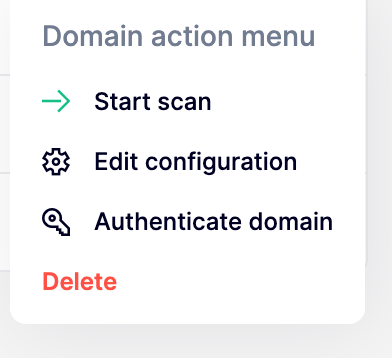
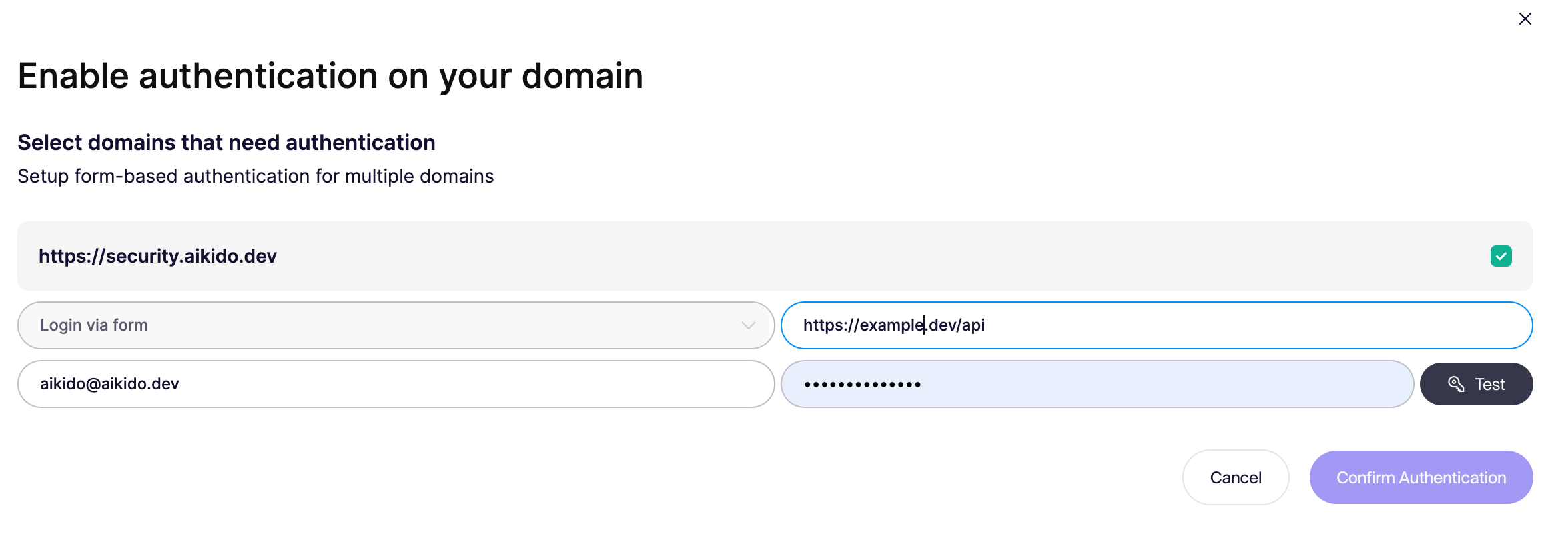
This will trigger the modal where you can fill in the authentication details. For the full list of supported authentication methods, see [Authenticated API Scanning for REST/GraphQL](https://help.aikidogov.us/dast-surface-monitoring/api-scanning/authenticated-api-scanning-for-rest-graphql).
### Identifying Aikido traffic
All requests coming from Aikido REST and GraphQL scans will have:
* the `User-Agent` set to `aikido-scan-agent/1.0`
* the following header `aikido-api-test` set to value `1` in the request
* [will come from the IP's documented here](https://help.aikidogov.us/dast-surface-monitoring/miscellaneous/allowing-ip-addresses-for-dast-surface-monitoring)