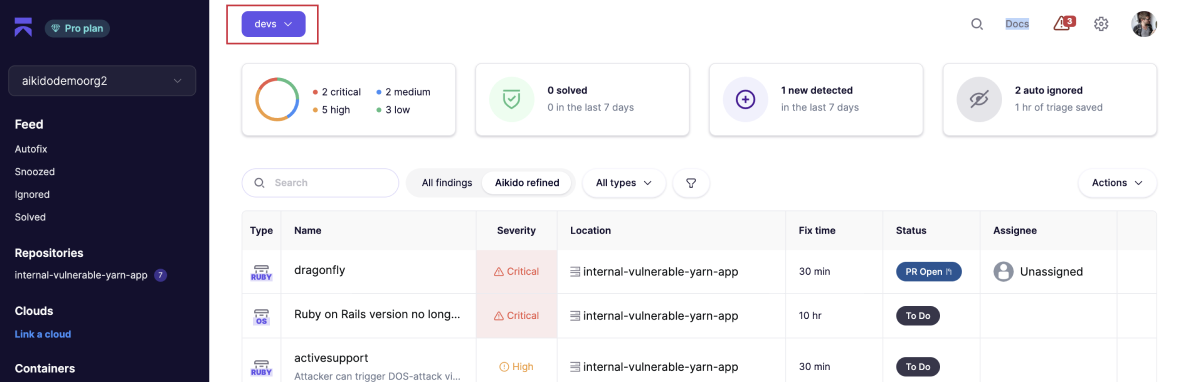
# Assign Team Responsibilities by Specific Path in Repo
Assigning **specific repo paths** to teams in Aikido can help to streamline issue management in **large monorepos** and enabling **more granular reporting**.
### Use Cases
* **Monorepo management:** Assign specific paths to teams instead of the full monorepo. This allows you to filter your feed in a more granular way.
* **Specific reporting:** Allows reports to be generated based on service-level/path-level rather than at the repo level.
### Assigning Specific Paths
**Step 1:** Create a Team and Link Repositories (see [article](https://help.aikidogov.us/getting-started/manage-teams-and-applications/managing-user-access-with-teams))
* Create a new team or select an existing one, then link the relevant repositories to this team.
**Step 2:** Click Limit Access By Path in the dropdown menu
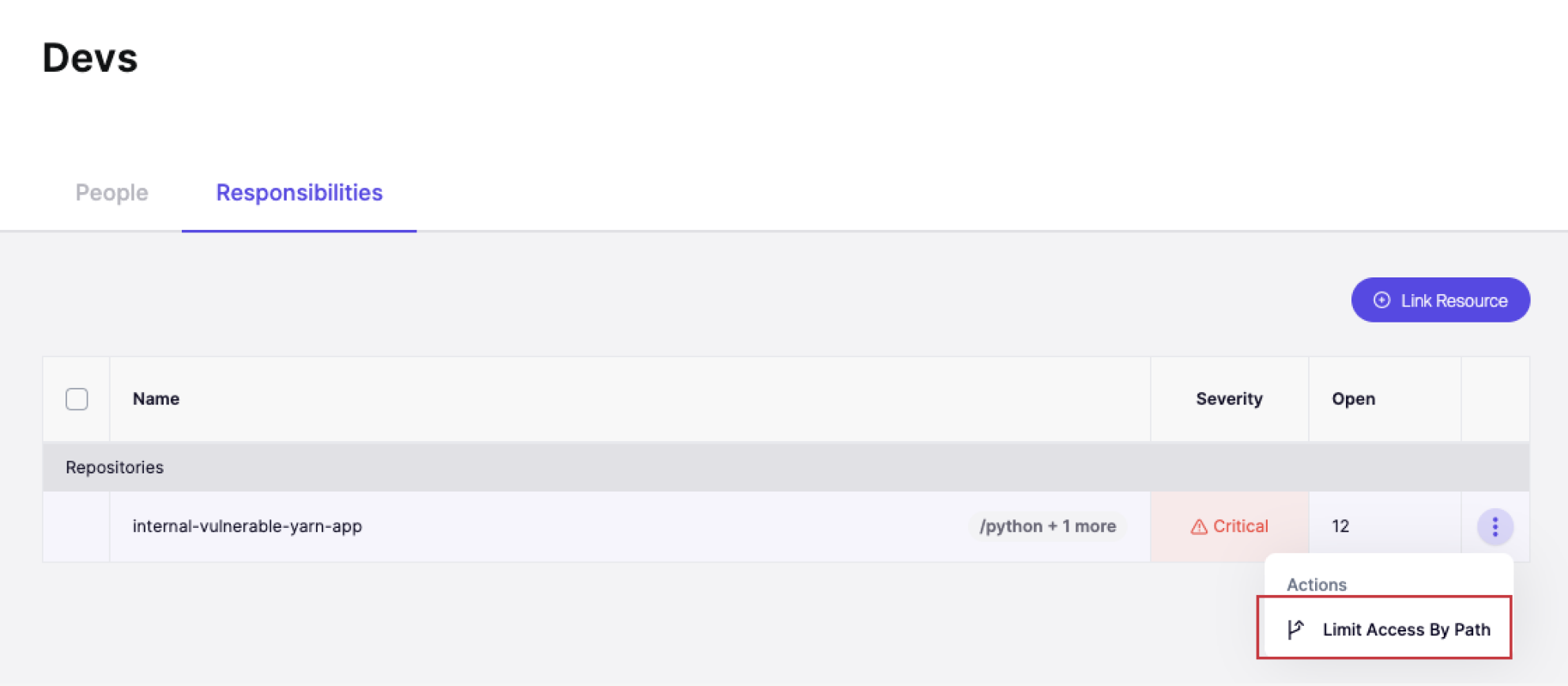
**Step 3:** Enter the paths within the repo that you want the team to have access to.
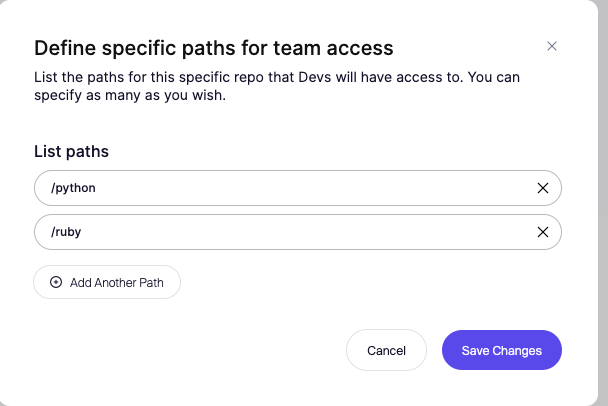
**Wildcard support**
`**` means anything in any subdirectory (including slashes)\
`*` means anything in the current directory (excluding slashes)\
`?` means any single character
**Step 4:** Filter Issues in Feed/Reports
Go to the **Feed** or **Reports** section. Apply a filter based on the team, and you will see only the issues related to the paths assigned to that team.