# Change Email for Notifications

## Introduction <a href="#introduction" id="introduction"></a>

You can change your email address for receiving notifications (e.g., new issues and weekly digest). This change does not impact your authentication method.

## How To Change Your Email <a href="#how-to-change-your-email" id="how-to-change-your-email"></a>

**Step 1:** Navigate to [**Your Profile**](https://app.aikido.dev/my-profile) via the top right corner of the Aikido interface.
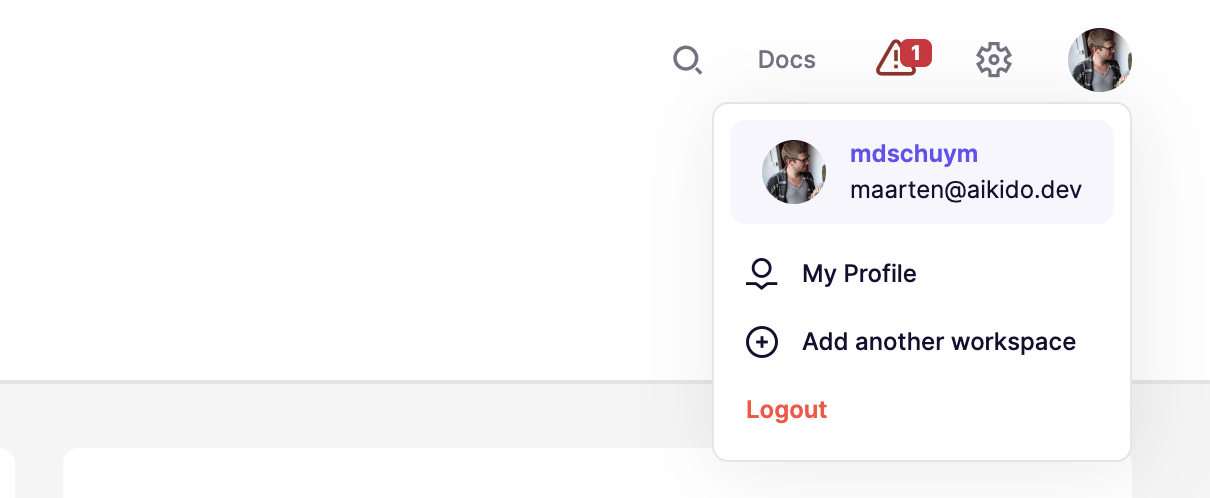
![User profile dropdown menu with options to view profile, add workspace, or log out.](https://help.aikidogov.us/_assets/17189021eb2c/ucarecdn-73882820-d86d-4804-9e9f-35837a813d6f.png)

**Step 2:** In the **email notification settings**, click the **edit icon** (next to the email).
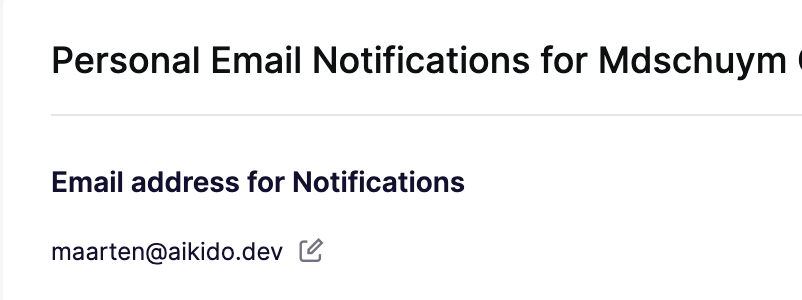
![Notification email settings displaying the registered email address for alerts.](https://help.aikidogov.us/_assets/361c09e942b2/ucarecdn-f2090201-6e48-4b48-b934-a283aa631686.png)

**Step 3:** **Enter your new email address** in the provided field within the modal.
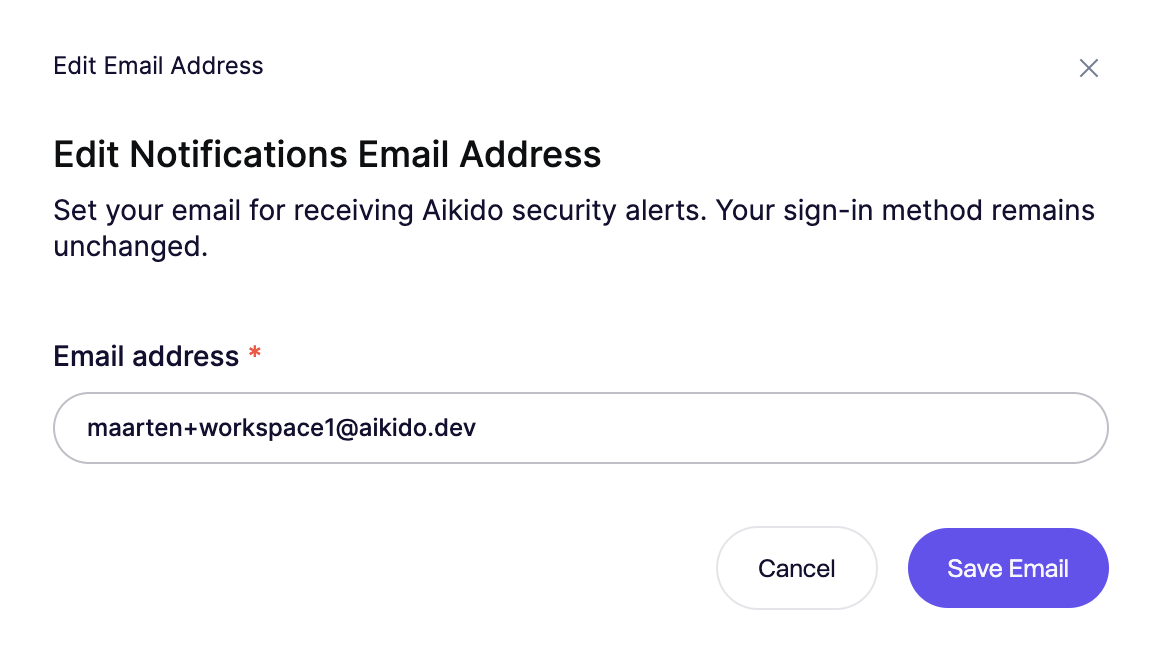
![Edit notification email address for receiving Aikido security alerts.](https://help.aikidogov.us/_assets/81570adcb459/ucarecdn-11a8c09d-81df-480d-829d-c070bc3af3e0.png)

**Step 4:** After entering your new email, **a verification email will be sent** to the new address. Follow the instructions within this email to confirm the change.
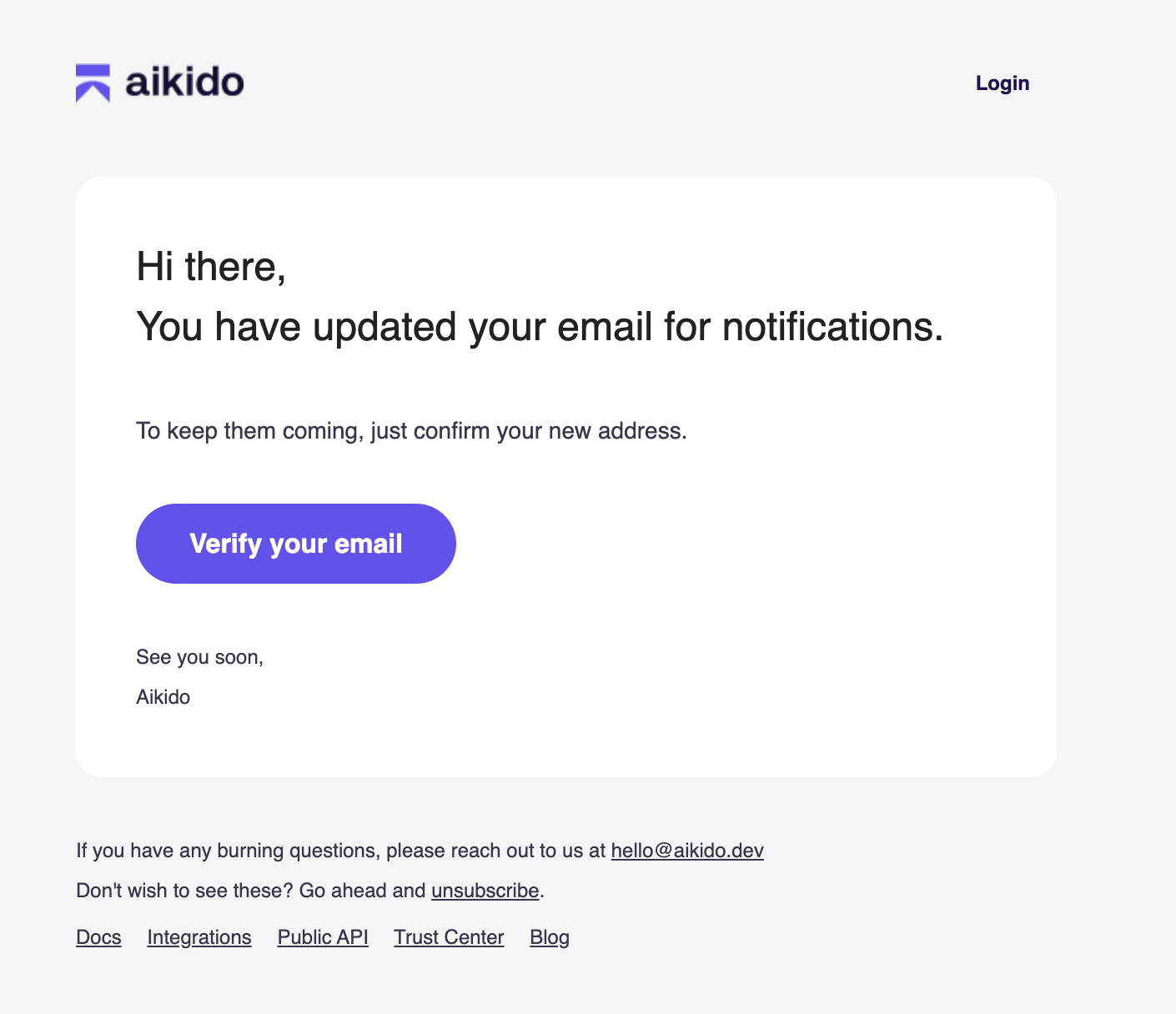
![Email verification prompt for notification updates on the Aikido platform.](https://help.aikidogov.us/_assets/ced2ff75f423/ucarecdn-59e0bb34-3943-4fe0-97e6-e9def128a581.png)
