# Merge Multiple Login Types
### Introduction
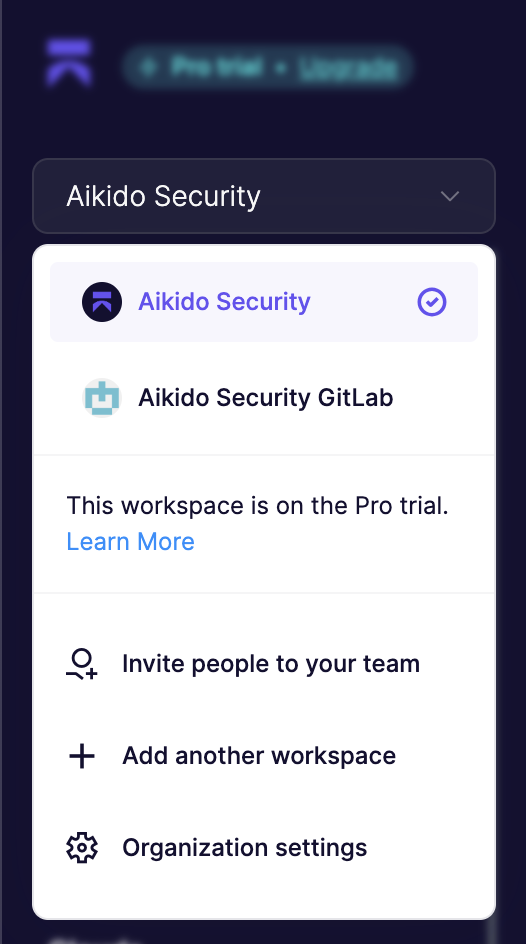
If you have multiple organizations across different source code managers (e.g. GitHub and GitLab), you can link these different login types which allows for easily swapping between organizations using the org-switcher at the **top left of the screen**. This allows you to not always having to go through the login hassle when you are changing login types.
{% hint style="info" %}
**Note.** this will not result in having all issues in 1 feed. All issues across workspaces is currently not supported
{% endhint %}
## How to Link Accounts
**Prerequisite:**
* Functionality needs to be enabled. **To enable, please contact our support over chat or via** [**support@aikido.dev**](mailto:support@aikido.dev)**.**
* Email needs to be the same across accounts
**Steps to link**
1. Open your [personal profile ](https://app.aikido.dev/my-profile)via the top right corner and select 'Link A Secondary User' in the Personal Profile Section.
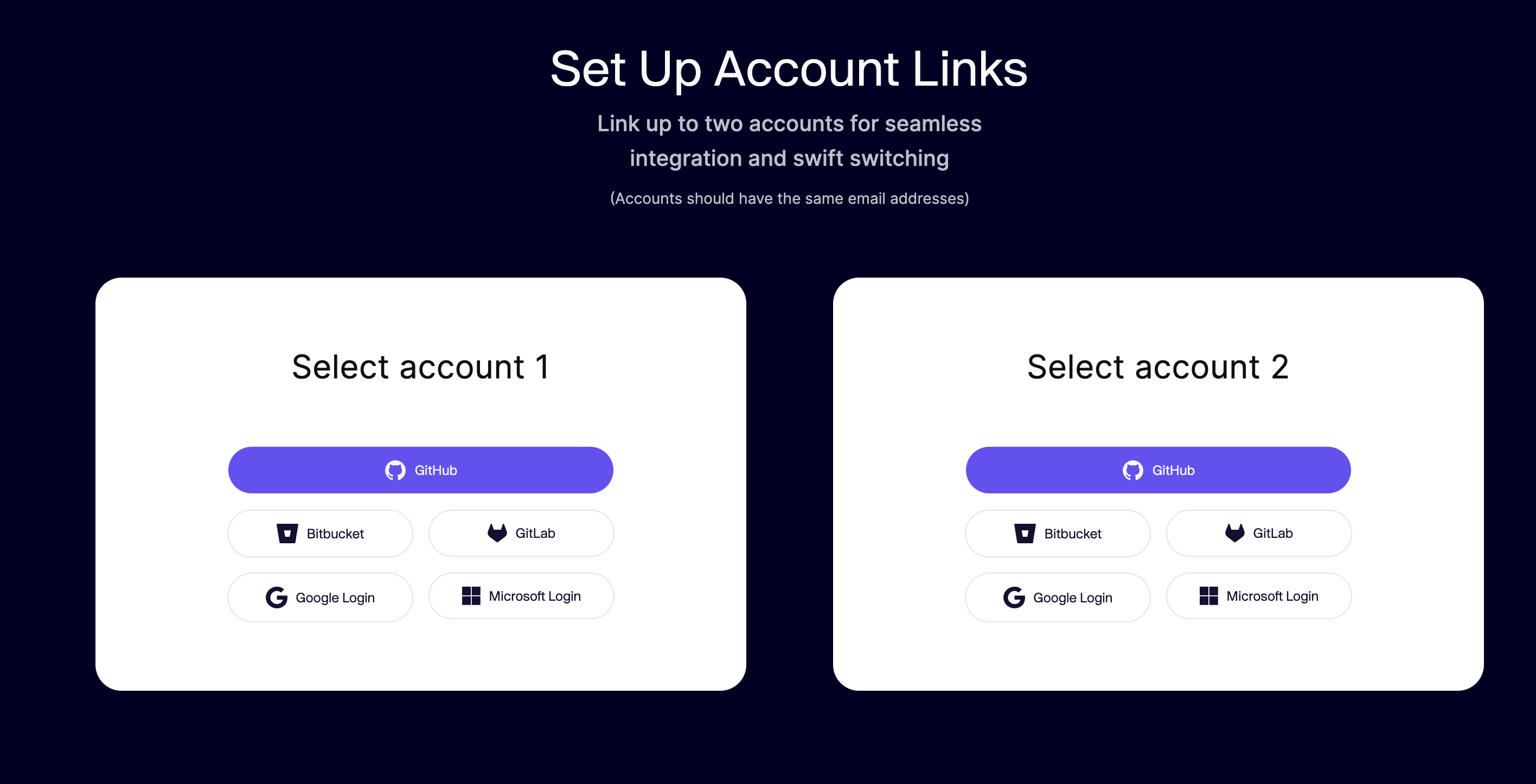
2. Select your accounts to link (add links for account 1 and account 2). Make sure these accounts use the same email address. If you are using Azure DevOps, select Microsoft or Google Login (depending on the account you have used).
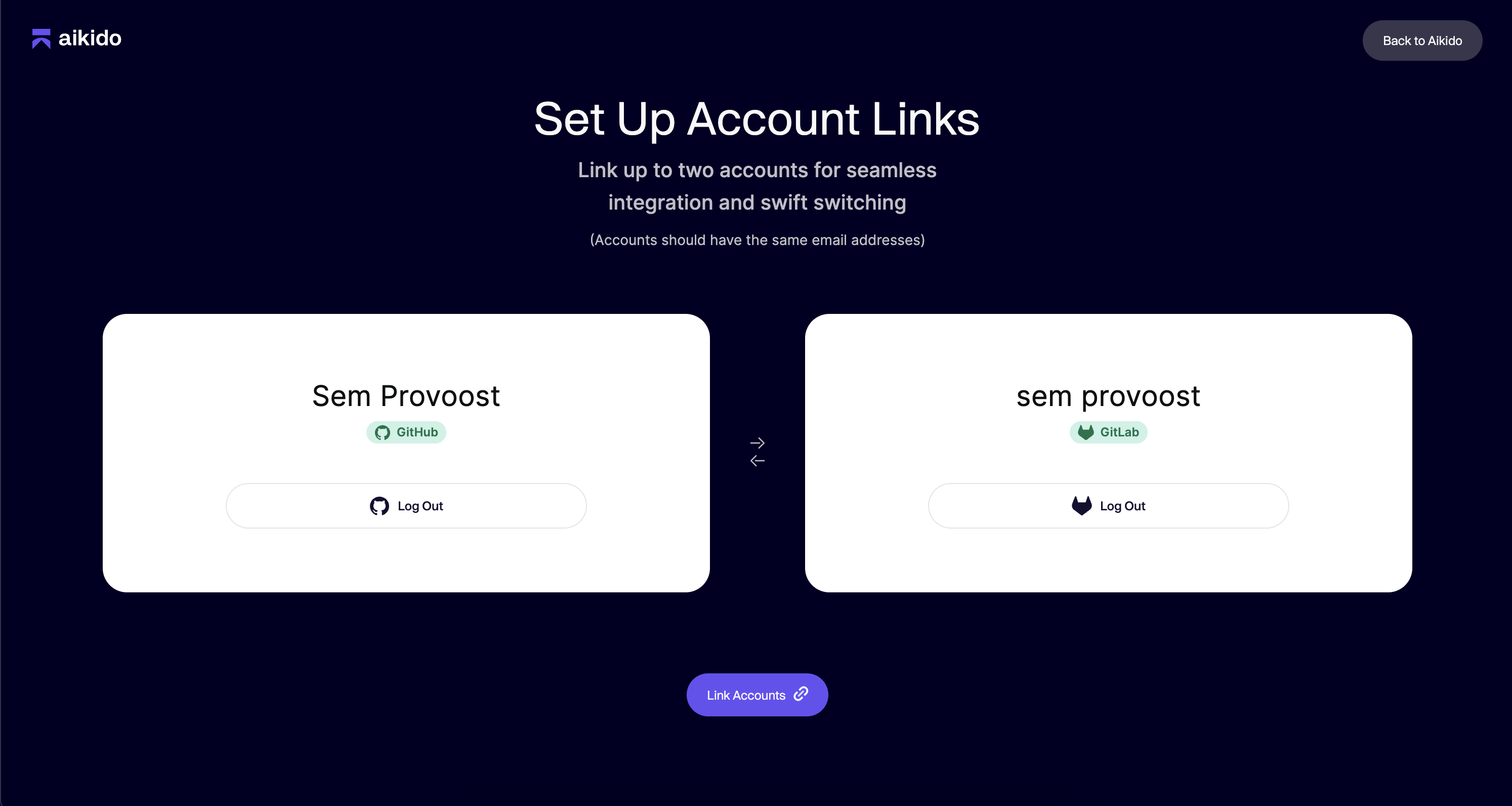
3. Click 'Link Accounts'.\
4. Log in with any of the linked accounts and you'll find the organizations of both users in the organization dropdown.\
### How to link 3 or more accounts
It is possible to link more than 2 accounts, which is a bit more complex to set up. All workspaces will need to be linked to each other, in order to have all workspaces in the sidebar visible at all times.
**Example.**
If you have already linked a GitLab and a Bitbucket workspace, and you want to add a third GitHub workspace you will need to
* Link the GitLab and GitHub workspaces
* Link the Bitbucket and GitHub workspaces
In order to link these, visit the merge logins screen directly via [this link](https://app.aikido.dev/merge-logins).