# Auto-Close Linear Tasks When Aikido Issues Are Resolved / Ignored
### Use Case
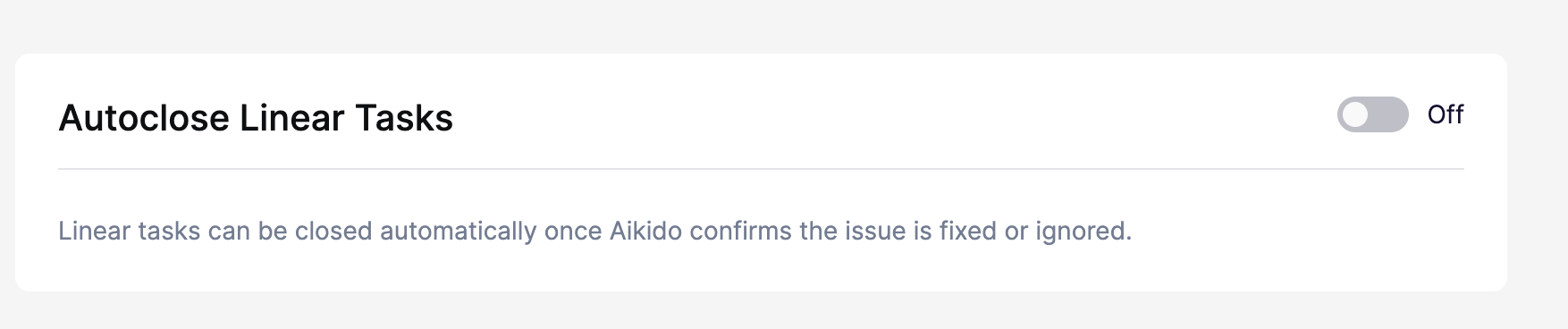
When Aikido marks issues as **resolved** or **ignored**, you can sync this status with Linear to keep tasks automatically updated.
{% hint style="info" %}
Aikido checks every **8 hours** to detect and update resolved issues. Updates are **not instantaneous**, so some delay is expected between resolution and task closure.
{% endhint %}
### **Setup**
**Step 1.** Go to your [**Task Tracker Integration Settings**](https://app.aikido.dev/settings/integrations/tasktracker) in the Aikido dashboard.
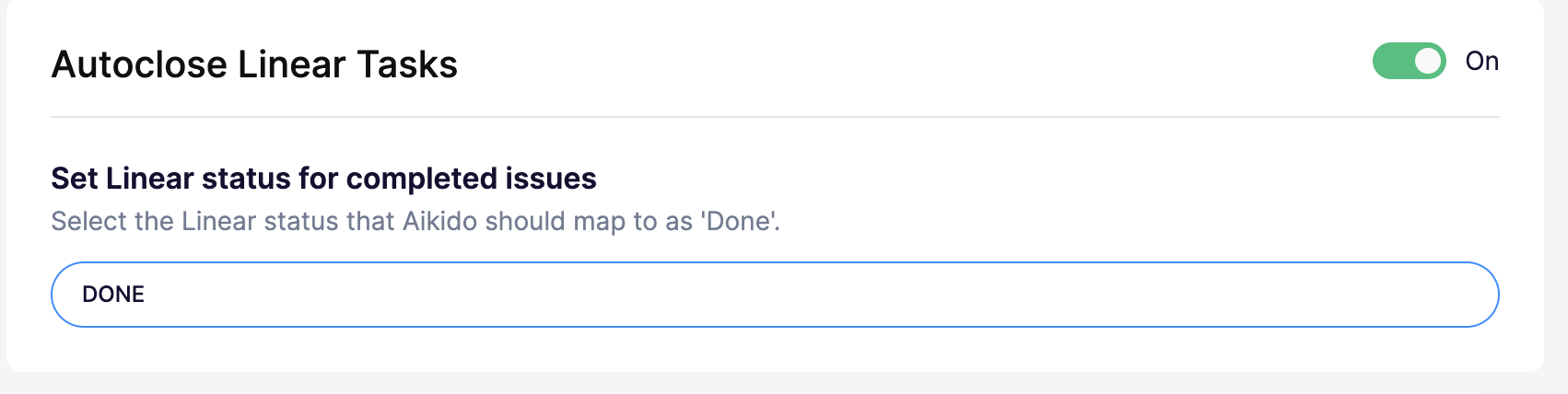
**Step 2.** In the **Advanced** section, enable **Autoclose Tasks**.
**Step 3.** Set the corresponding **completion status** that you are using in Linear (e.g., “Done”).
**Step 4**. Hit Save in the top right
### **Troubleshoot**
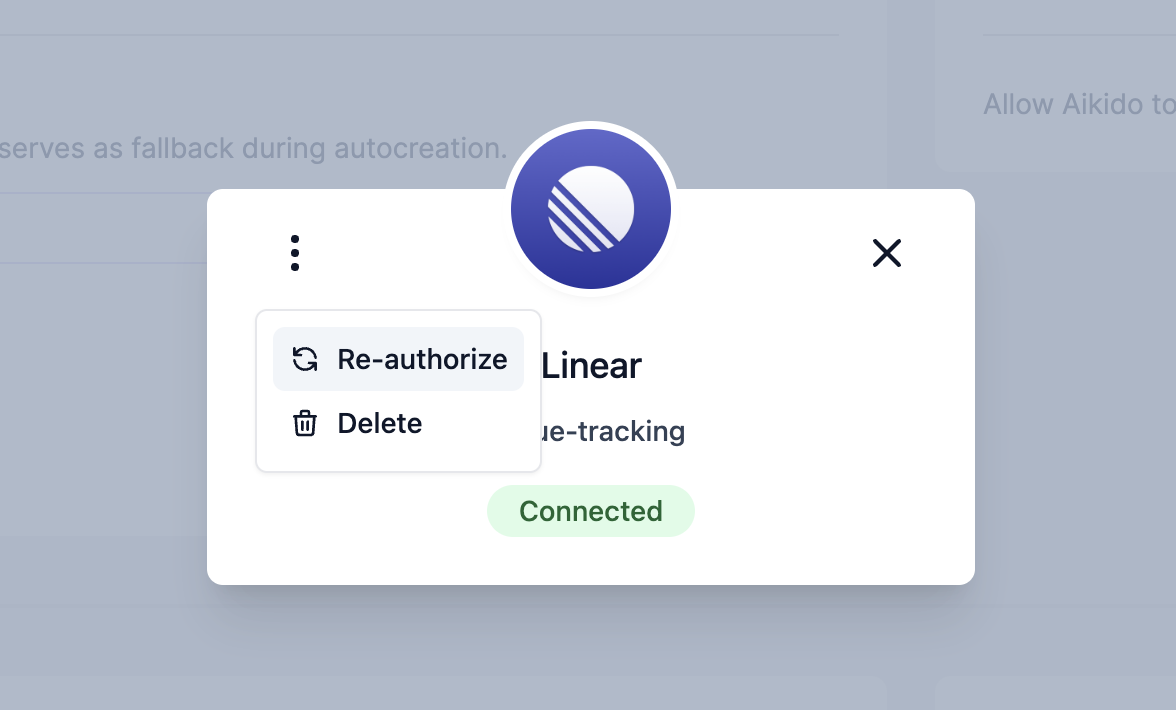
* For **Linear**: if tasks don't move to “Done”, you may need to reauthorise the integration.
* Go to **Manage Integration**
* Click the **three dots**
* Select **Re-authorize**