# Authenticate Via Scripts
This is the **Login via Script** flow. Use it when your authentication needs a file the agent can run, sign with, or read - for example a login script, a client certificate, or a reference document that drives the login.
**Use this feature if:**
* You have a **script** that performs login and emits session tokens, cookies, or headers.
* You authenticate via **client certificates or signed requests** (`.pem`, `.crt`, `.key`, `.p12`, `.pfx`, `.csr`, `.pub`).
* The agent needs **reference material** to authenticate (`.pdf`, `.md`, `.txt`, `.csv`, `.json`, `.yaml`, `.yml`) - e.g. KYC documents, GraphQL trusted documents, or account lists.
{% hint style="info" %}
Only `.py` files are **executed** (Python 3, in a sandboxed environment). All other supported file types are made available to the agent as reference inputs - the agent reads them and uses them to follow your instructions.
{% endhint %}
### Setup Guide
{% stepper %}
{% step %}
**Add a Test User**
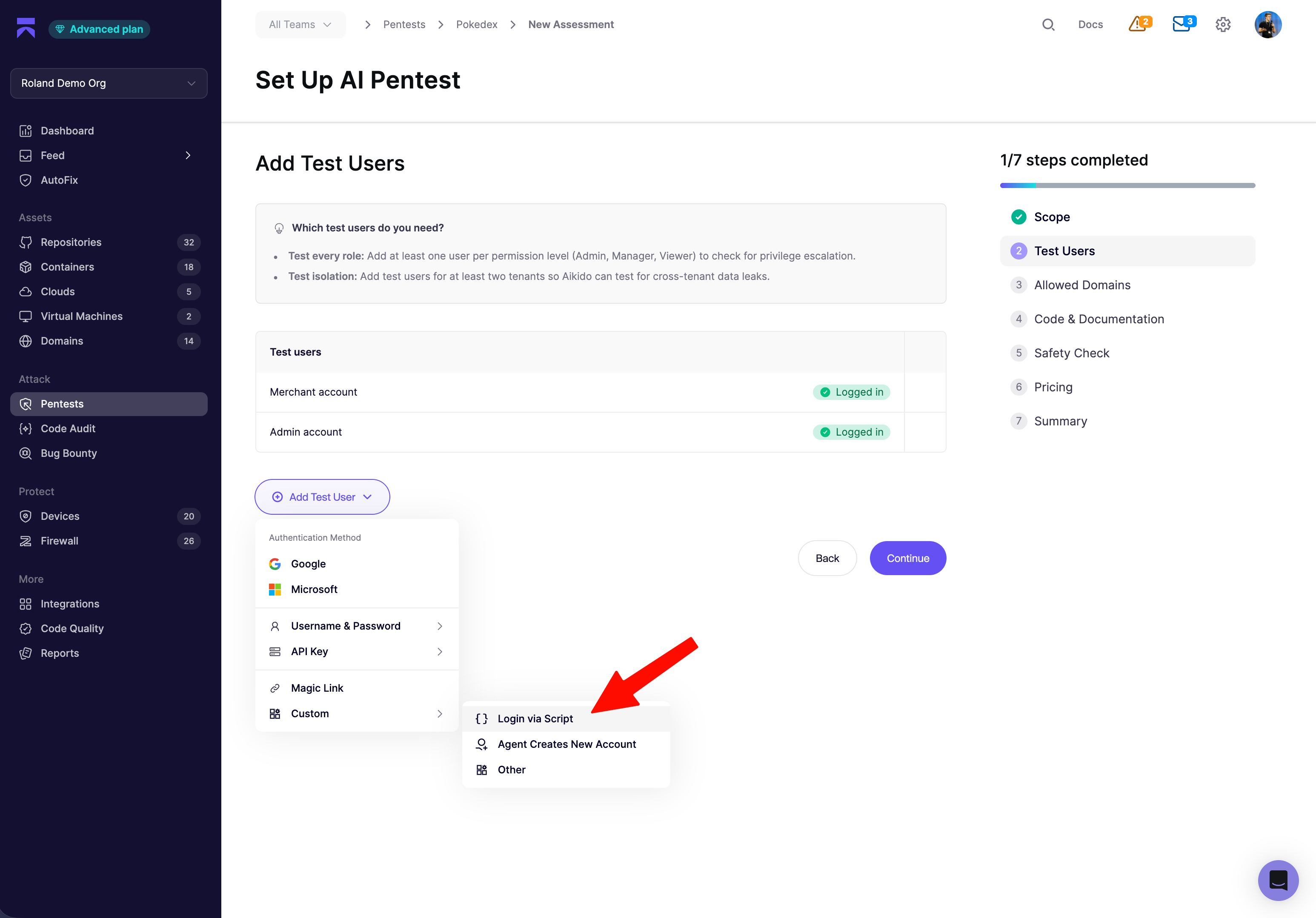
In the assessment wizard, click **Add Test User** → **Custom** → **Login via Script**.
{% endstep %}
{% step %}
**Write Authentication Instructions**
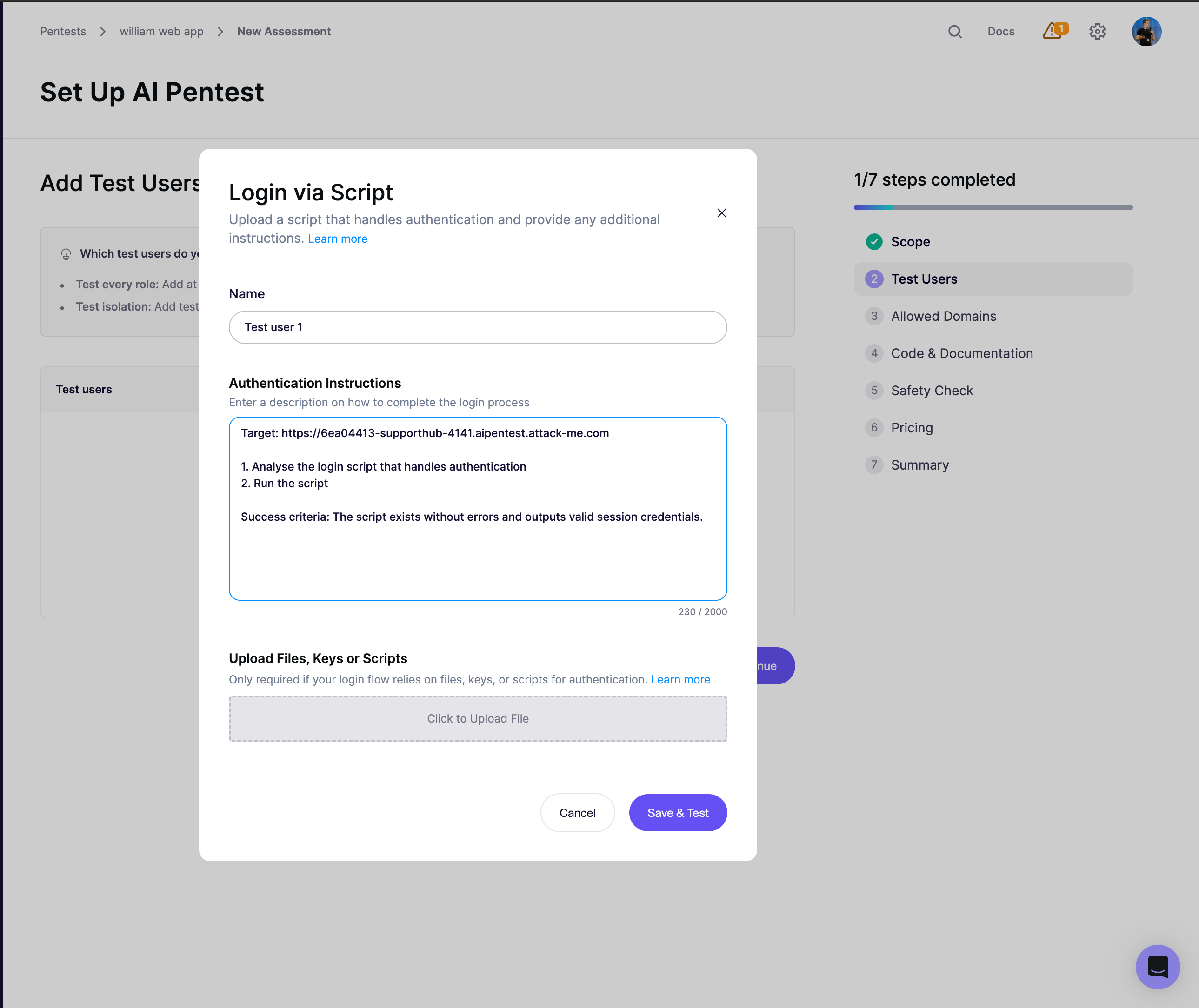
Aikido pre-fills the **Authentication Instructions** field with a starting template:
Edit it to describe exactly what the agent should do with your file. Keep the **Success criteria** line unambiguous - a visible string on the post-login page or a specific status code works well, so the agent can self-verify.
{% endstep %}
{% step %}
**Upload Files, Keys or Scripts**
Drop your file into the upload box. Only one file per test user; max **2 MB**; extensions limited to the list above.
If you're uploading a Python script, the agent adapts it as needed and runs it with `python3`.
{% endstep %}
{% step %}
**Save & Test**
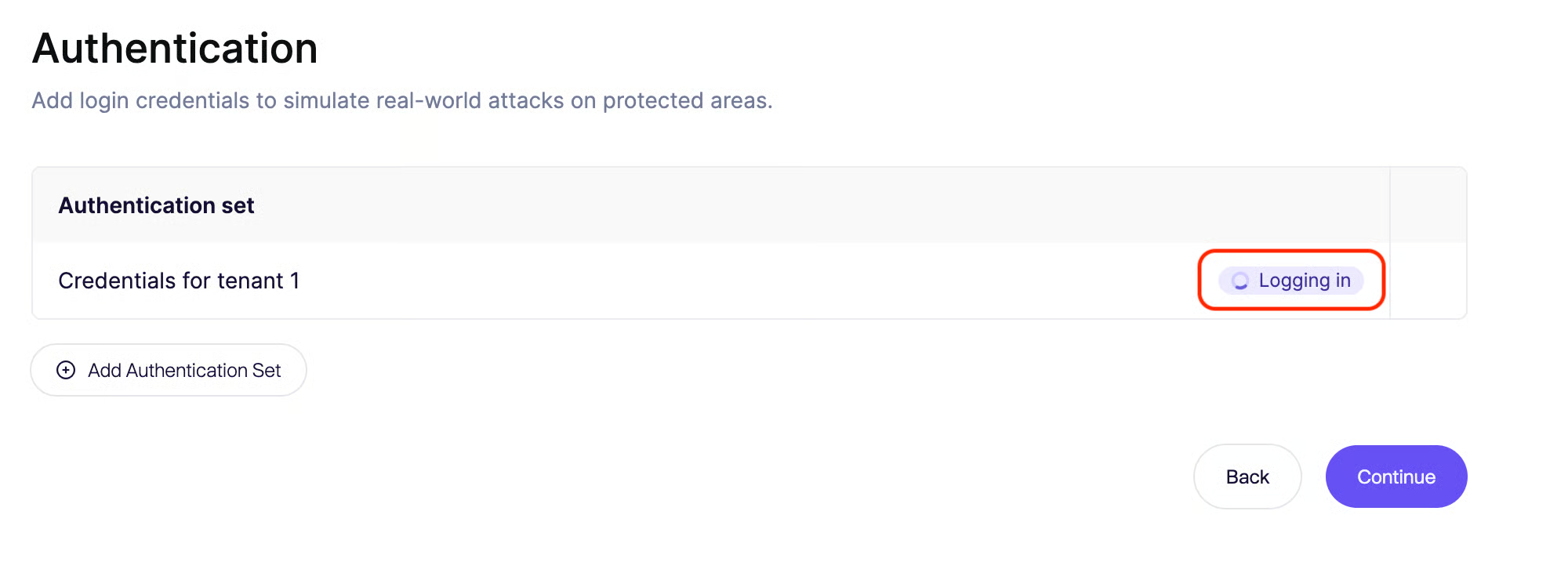
Click **Save & Test**. Preflight launches the agent, which follows your instructions (running the script or consulting the uploaded file) and confirms it reaches the post-login state. If preflight passes, the session is captured for the main pentest.
{% endstep %}
{% endstepper %}
### Tips & Best Practices
* **Keep scripts self-contained.** Use only the Python3 standard library where possible - there's no `pip install` step at runtime.
* **For certificates,** mention the filename and path conventions in your instructions - e.g. _"Use the uploaded `client.p12` with passphrase `` to sign requests to `/api`."_
* **Passkeys** are not yet supported. In case you need this capability, contact us so we are aware!