# Bitbucket Premium: PR Gating Setup
{% hint style="warning" %}
This setup is for **Bitbucket Premium**.
Use it when you want to authenticate via a **Workspace Access Token**. It also supports required checks before merge (PR gating).
If you’re on **Bitbucket Free or Standard**, use the [**user-based setup**](https://help.aikidogov.us/pr-and-release-gating/bitbucket-pr-gating/bitbucket-ci-pr-gating-via-aikido-dashboard) instead.
{% endhint %}
## Set up Bitbucket PR Scanning
{% stepper %}
{% step %}
**Create a Workspace Access Token**
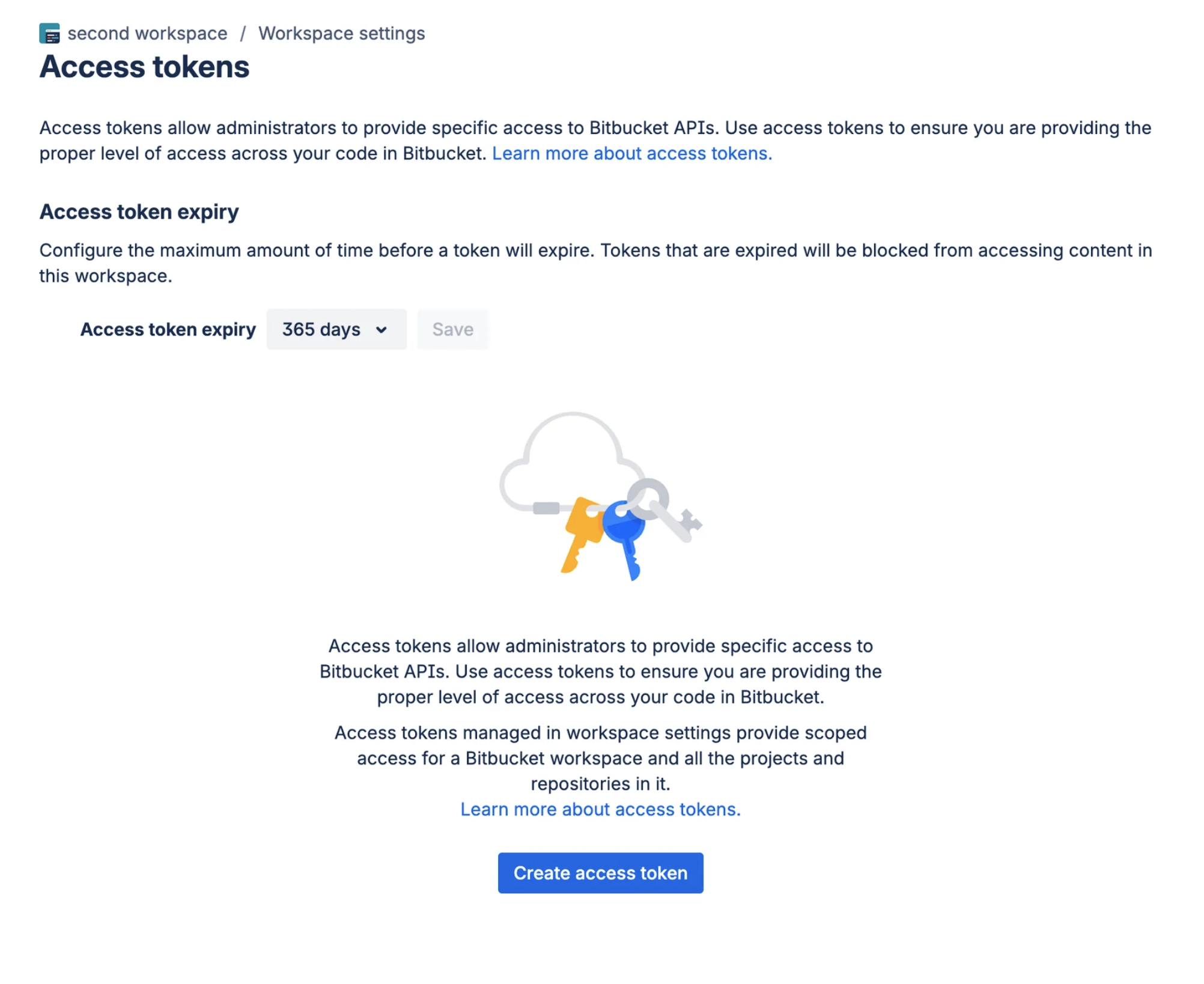
In Bitbucket, go to `Workspace settings > Access tokens`.
Select **Create access token**.
{% endstep %}
{% step %}
**Give it the right access**
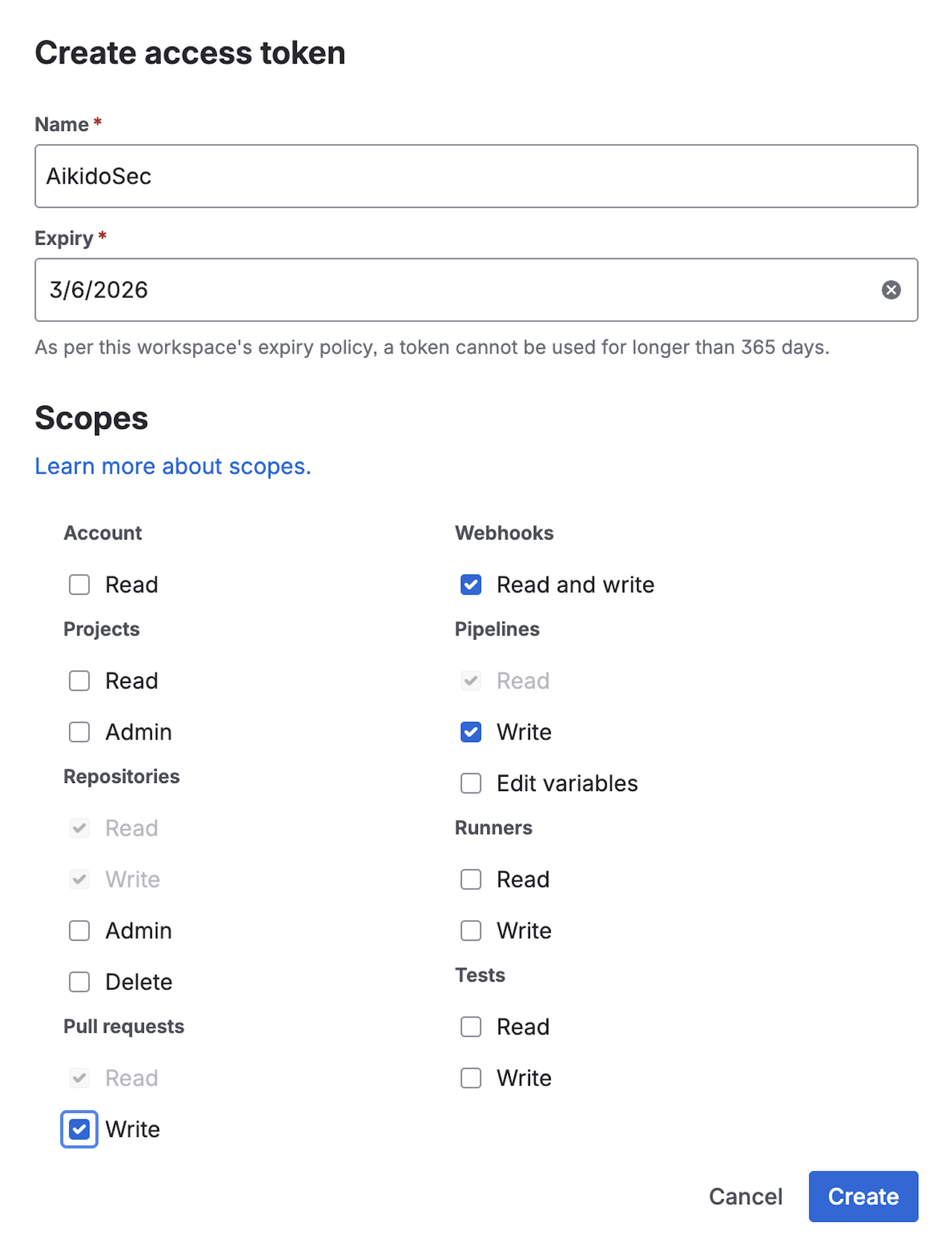
Name the token (for example, `AikidoSec`). Set an expiry date that matches your rotation policy.
Enable these scopes:
* **Repositories:** Read & Write
* **Pull Requests:** Read & Write
* **Webhooks:** Read & Write
* **Pipelines:** Read & Write
{% endstep %}
{% step %}
**Copy the access token**
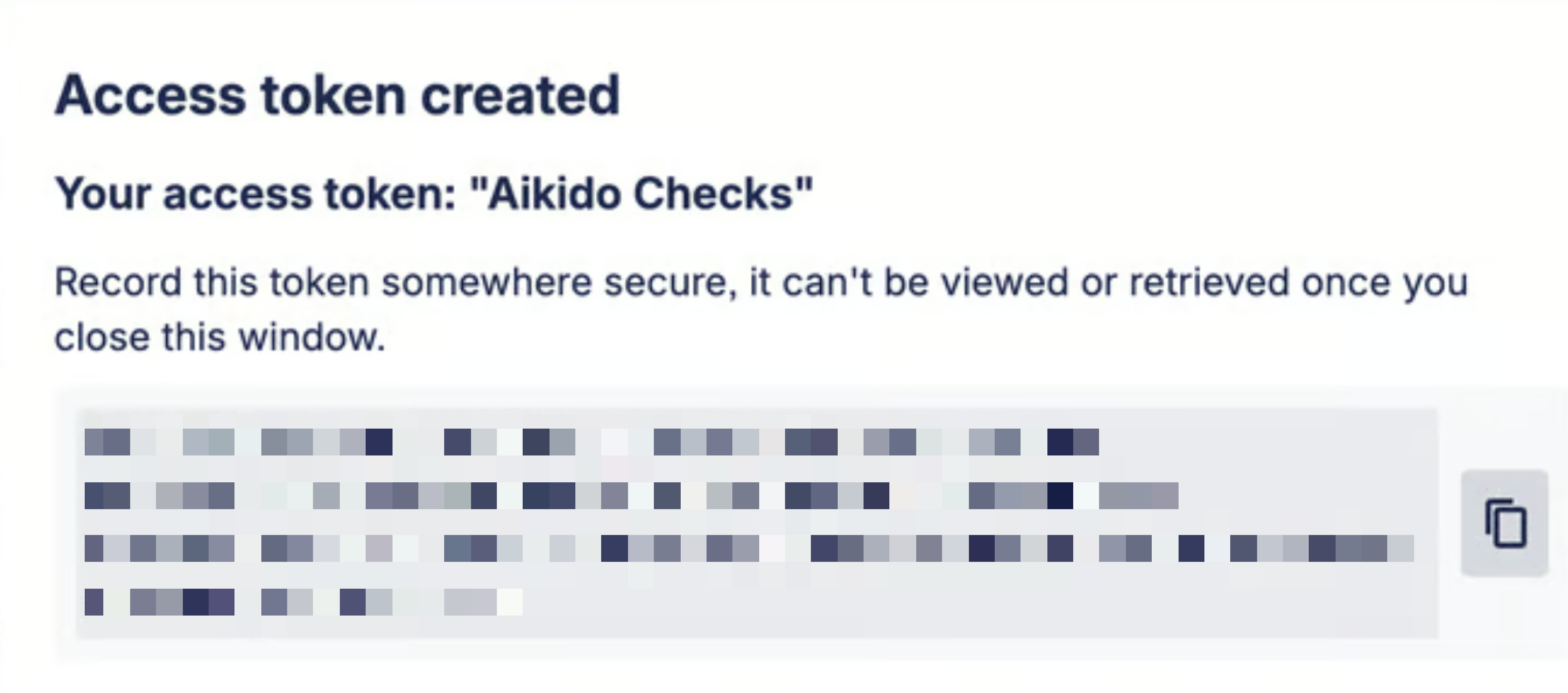
Copy the generated token. Paste it in step 5.
The token is only shown once. You can’t retrieve it later.
{% endstep %}
{% step %}
**Enable the integration**
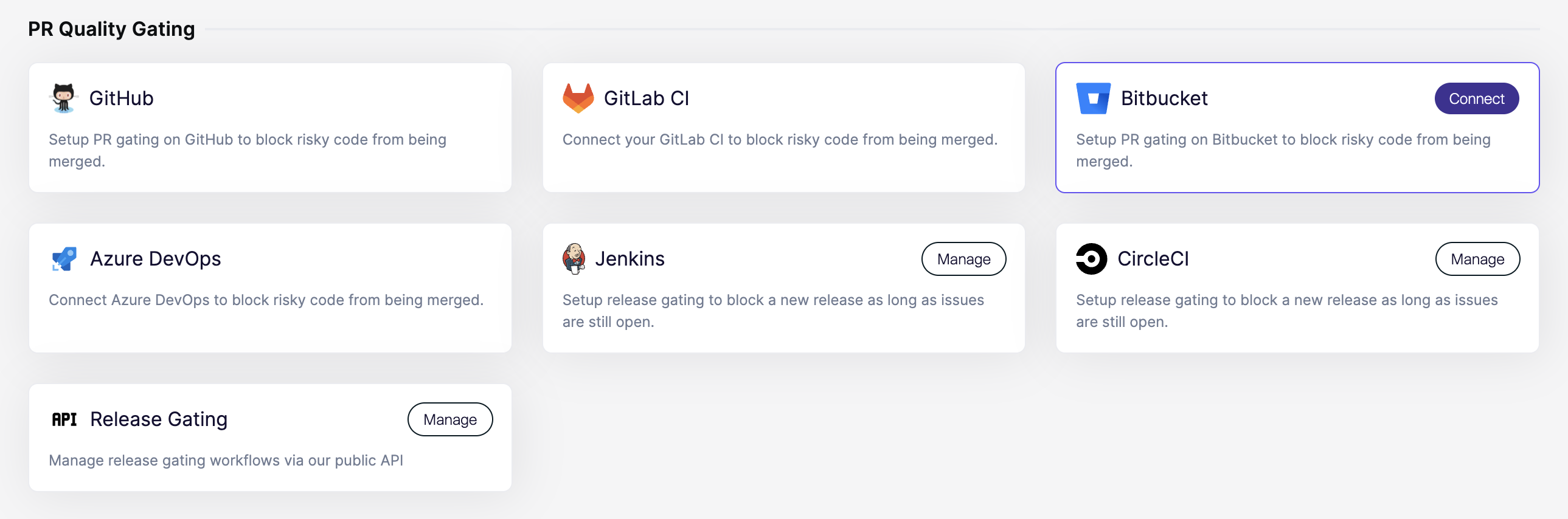
In Aikido, open the [Integrations](https://app.aikido.dev/settings/integrations?section=ci) page. Then select **Bitbucket** under **PR Quality Gating**.
{% endstep %}
{% step %}
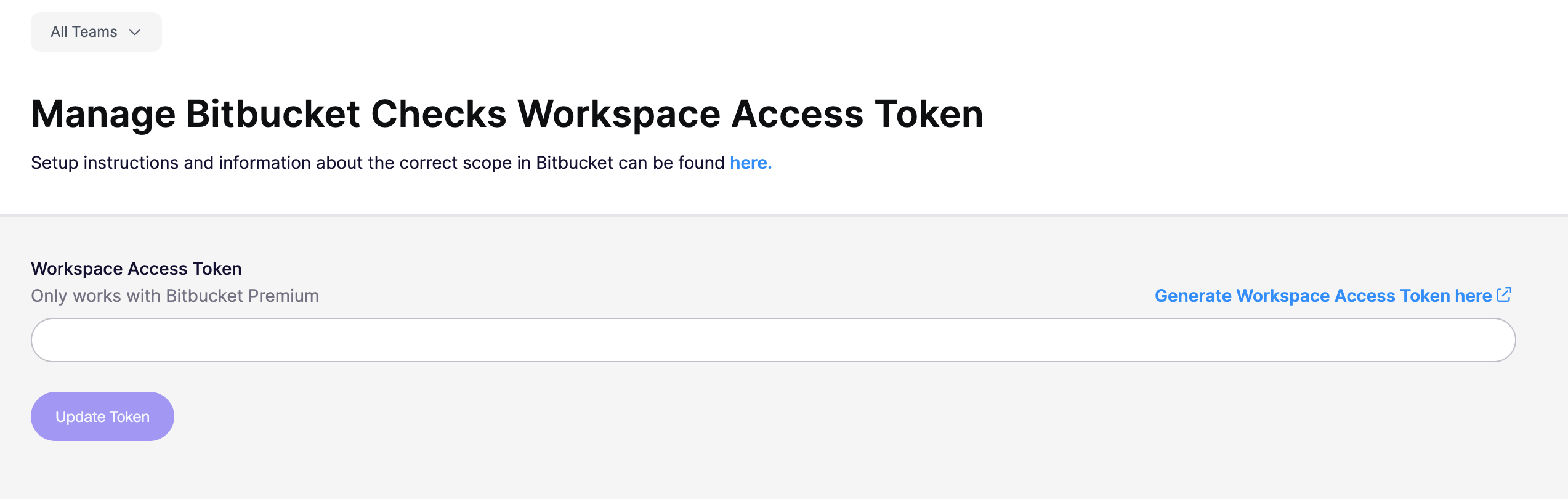
**Add the token to Aikido**
Paste the Workspace Access Token in Aikido. Aikido will validate the token and its permissions.
{% endstep %}
{% step %}
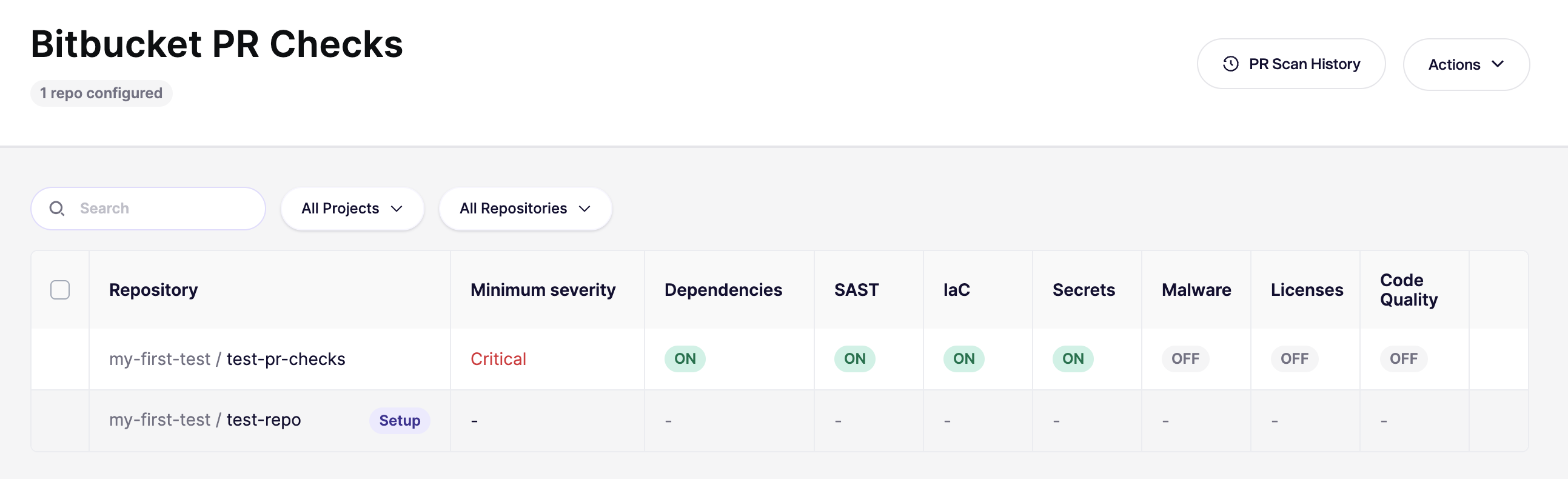
**Configure your first repository**
After authorization, Aikido opens the [Bitbucket PR Checks](https://app.aikido.dev/settings/integrations/bitbucket/checks) page.
Start with **one repository** first. Confirm everything works before rolling out broadly.
{% endstep %}
{% step %}
**Verify with a new PR**
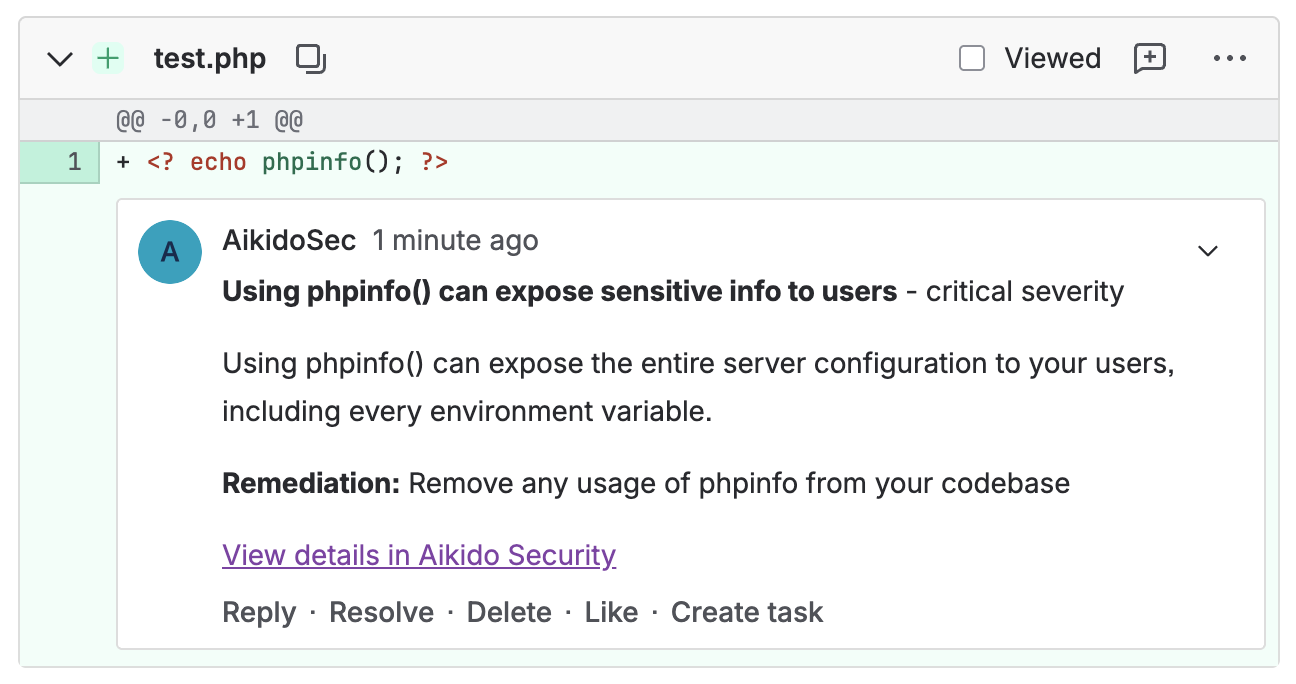
Open a new PR in the repo you configured. Then confirm the checks run.
Comments and check updates should appear as the Workspace Access Token identity (for example, `AikidoSec`).
{% endstep %}
{% step %}
**Require the scan as a Merge Check**
If you want to block merging until the scan succeeds, configure **required checks** in Bitbucket.
In Bitbucket, go to `Repository settings > Workflow > Branch restrictions`. Add or update a restriction for your target branch (for example, `main`).
Atlassian reference: [Suggest or require checks before a merge](https://support.atlassian.com/bitbucket-cloud/docs/suggest-or-require-checks-before-a-merge/).
{% endstep %}
{% step %}
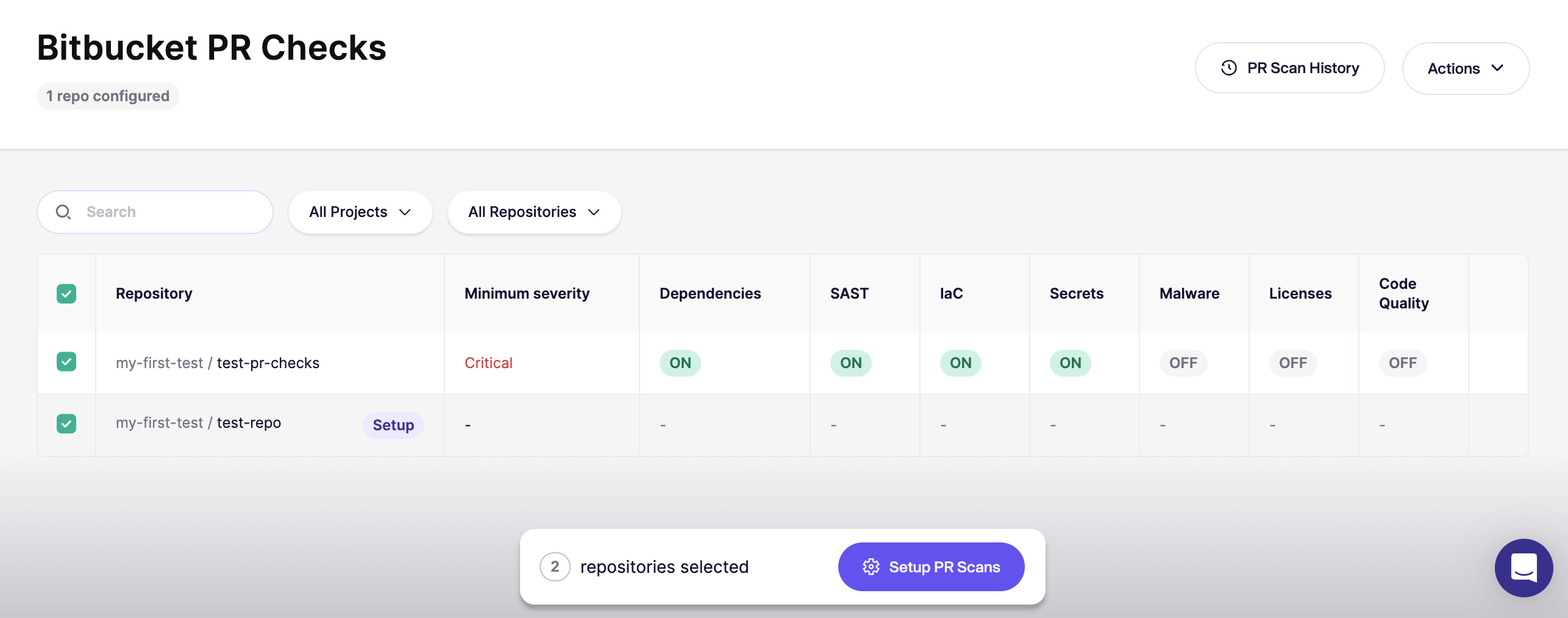
**Enable for all repositories**
Once you’re happy with the results, go back to the [Bitbucket PR Checks](https://app.aikido.dev/settings/integrations/bitbucket/checks) page and enable checks for the rest of your repositories.
{% endstep %}
{% step %}
**Set the default for new repositories**
In the top-right, open `Actions` and select `Set Default for New Repos`.
See [Default PR/MR gating configuration for new repositories](https://help.aikidogov.us/pr-and-release-gating/aikido-ci-gating-functionality/default-pr-mr-gating-configuration-for-new-repositories) for UI guidance.
{% endstep %}
{% endstepper %}