# Bitbucket Free & Standard: PR Scans Setup
{% hint style="warning" %}
This setup is meant for **Bitbucket Free and Standard** plans, where Workspace Access Tokens aren’t available and a dedicated user is used instead.
If you’re on **Bitbucket Premium**, use a [**Workspace Access Token**](https://help.aikidogov.us/pr-and-release-gating/bitbucket-pr-gating/bitbucket-ci-pr-gating-via-aikido-dashboard-with-a-workspace-access-token) instead of a user-based setup.
{% endhint %}
## Set up Bitbucket PR Scanning
{% stepper %}
{% step %}
**Create a dedicated Bitbucket user**
Create a dedicated user like `AikidoSec`. Use it only for Aikido.
Give this user admin access on the repositories you want to gate. Aikido needs it to create and manage repository webhooks.
{% endstep %}
{% step %}
**Enable the integration**
Log in to Bitbucket as the new user.
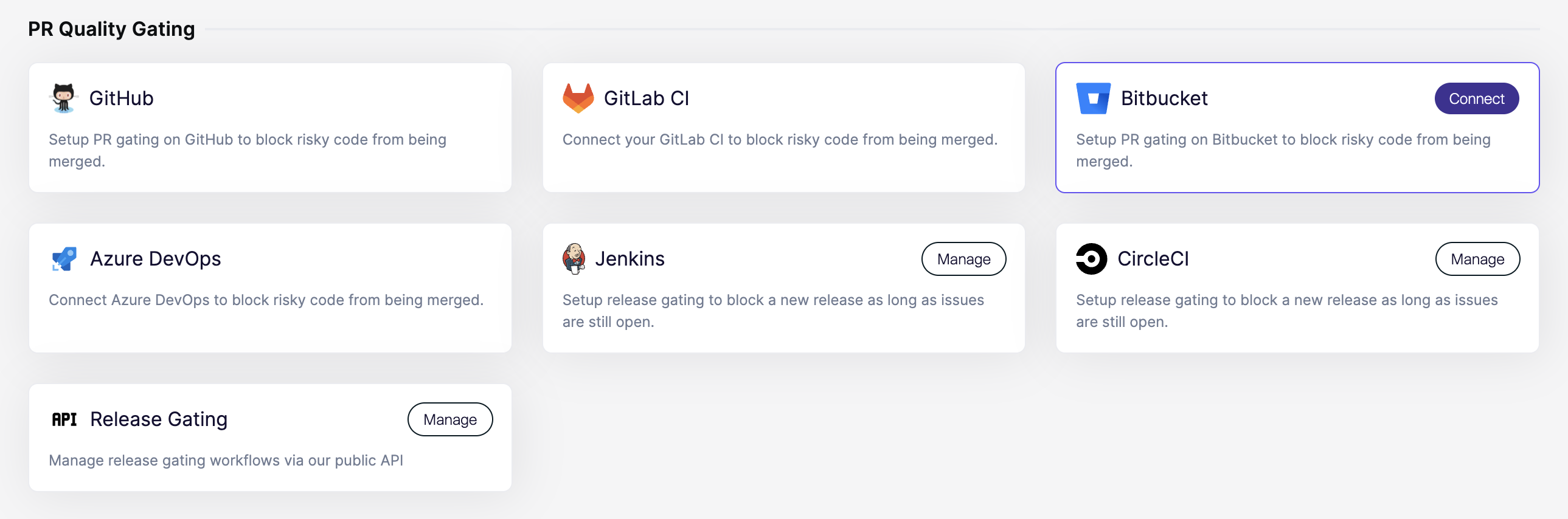
In Aikido, open the [Integrations](https://app.aikido.dev/settings/integrations?section=ci) page. Then select **Bitbucket** under **PR Quality Gating**.
{% endstep %}
{% step %}
**Grant access**
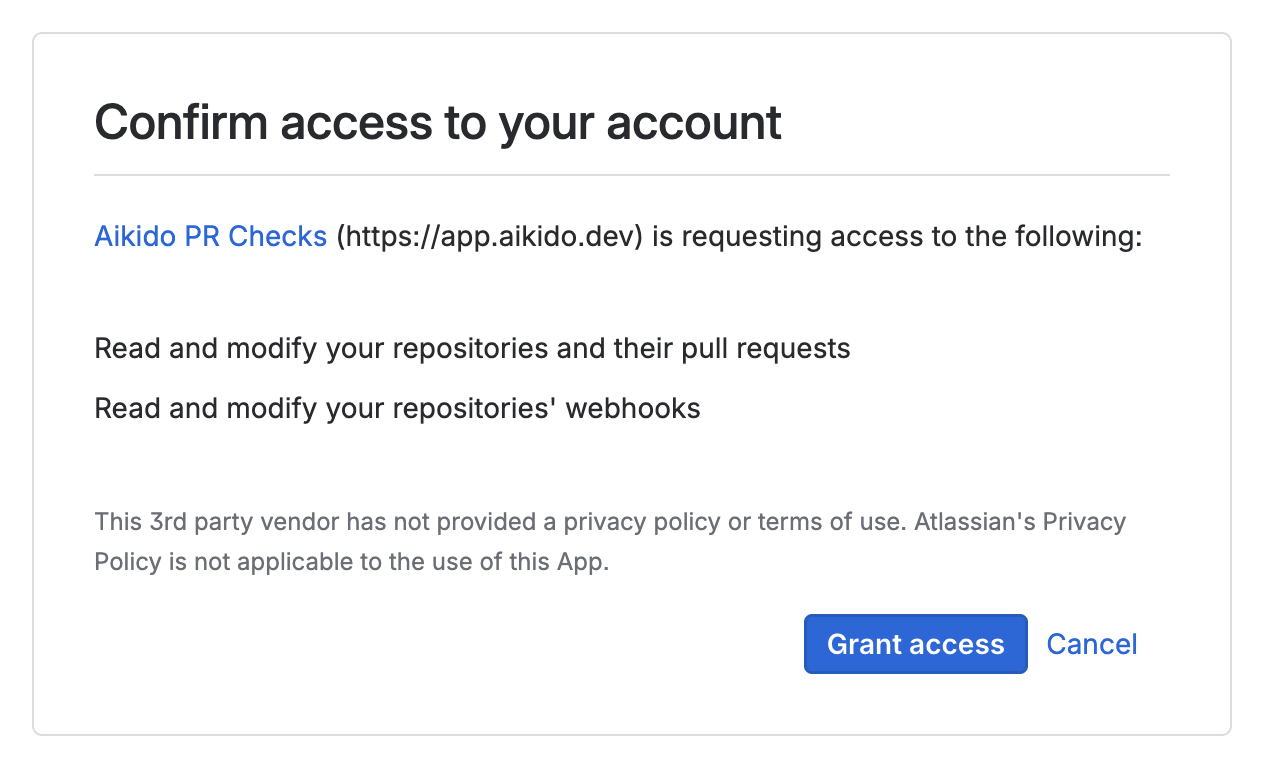
You’ll be redirected to Bitbucket. Approve the requested access.
{% endstep %}
{% step %}
**Configure your first repository**
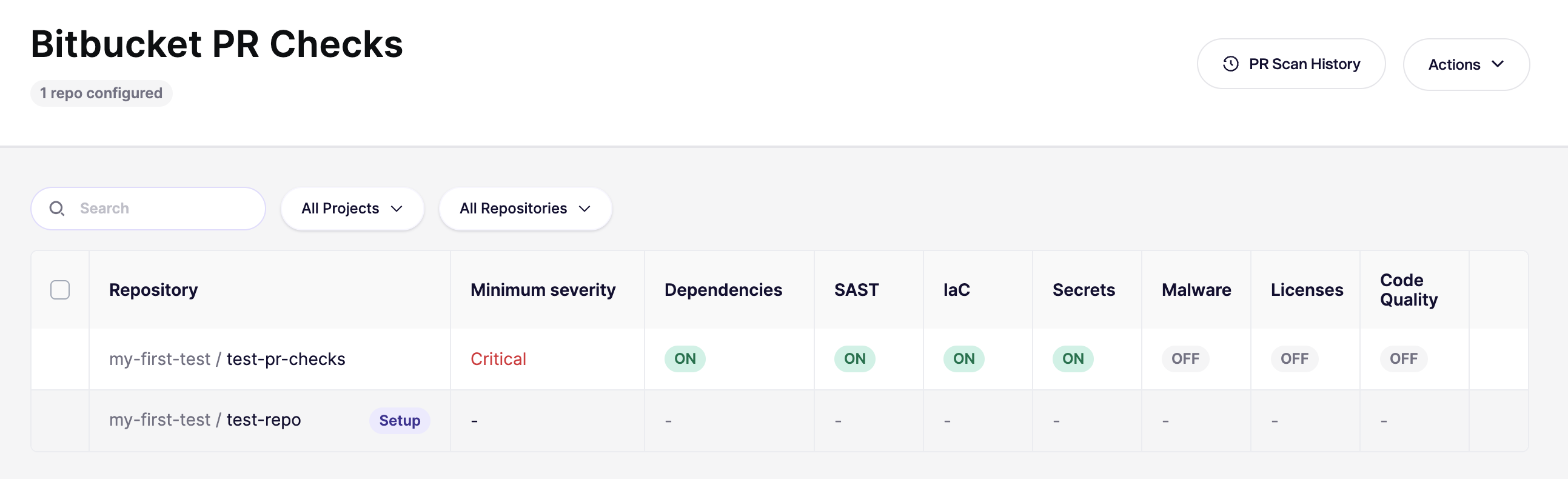
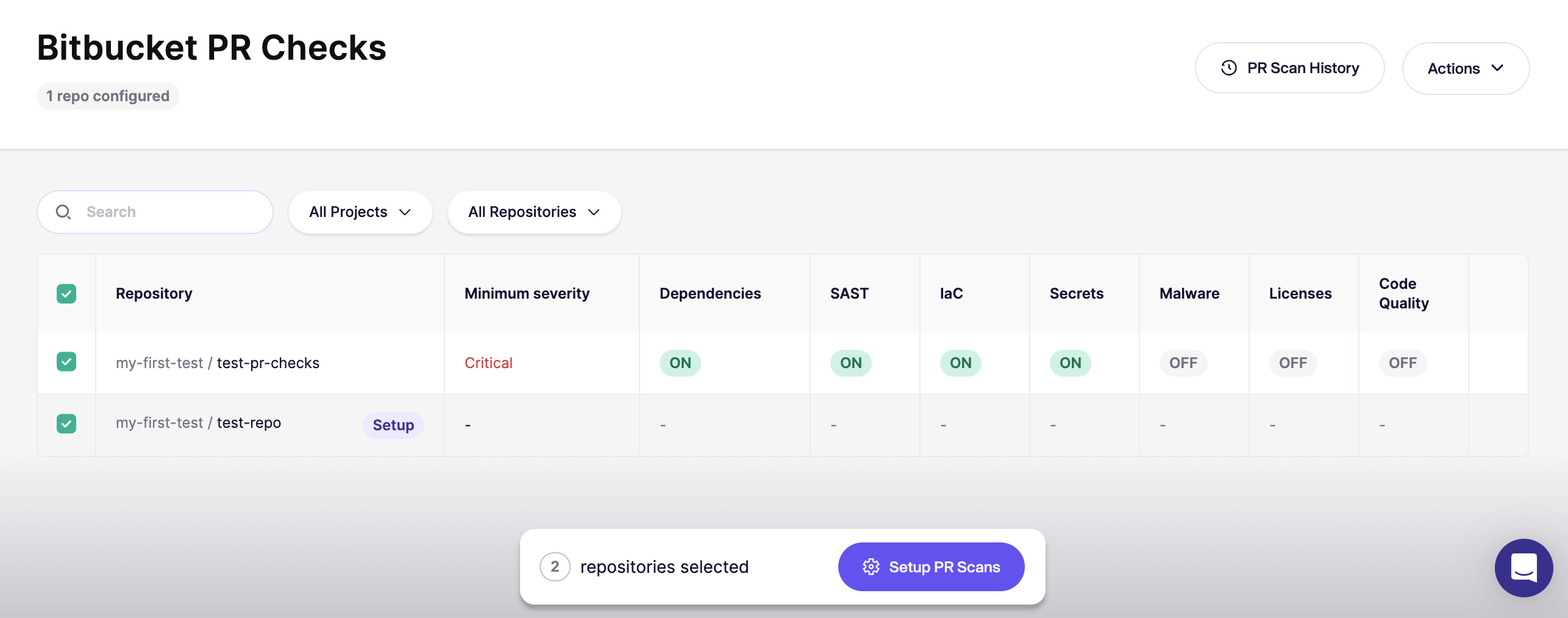
After authorization, Aikido opens the [Bitbucket PR Checks](https://app.aikido.dev/settings/integrations/bitbucket/checks) page.
Start with **one repository** first. Confirm everything works before rolling out broadly.
{% endstep %}
{% step %}
**Verify with a new PR**
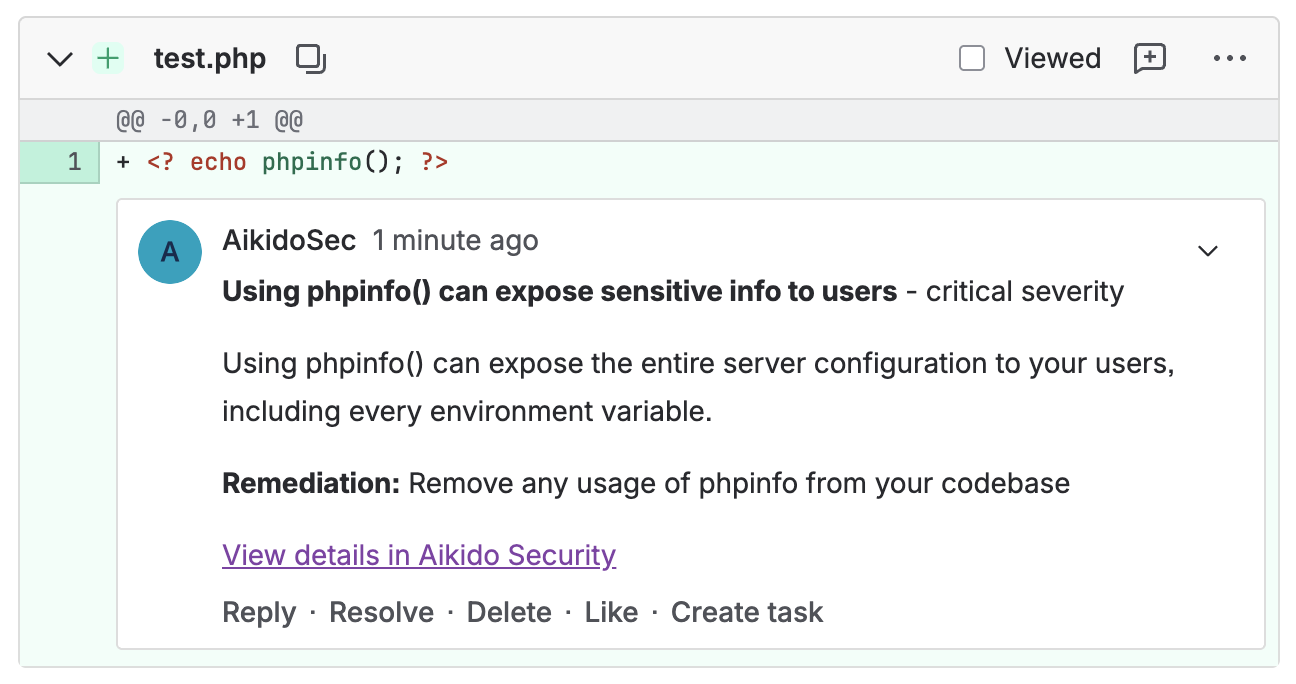
Open a new PR in the repo you configured. Then confirm the checks run.
Comments should appear as the user you created in step 1 (for example, `AikidoSec`).
{% endstep %}
{% step %}
**Enable for all repositories**
Once you’re happy with the results, go back to the [Bitbucket PR Checks](https://app.aikido.dev/settings/integrations/bitbucket/checks) page and enable checks for the rest of your repositories.
{% endstep %}
{% step %}
**Set the default for new repositories**
In the top-right, open `Actions` and select `Set Default for New Repos` and enable automatic configuration for newly added repositories in the future.
Need the UI walkthrough? See [Default PR/MR gating configuration for new repositories](https://help.aikidogov.us/pr-and-release-gating/aikido-ci-gating-functionality/default-pr-mr-gating-configuration-for-new-repositories).
{% endstep %}
{% endstepper %}
{% hint style="info" %}
On **Bitbucket Free and Standard**, you **can’t require** the Aikido scan to be successful to prevent merges. This requires **Bitbucket Premium**.
See Atlassian: [Suggest or require checks before a merge](https://support.atlassian.com/bitbucket-cloud/docs/suggest-or-require-checks-before-a-merge/).
{% endhint %}