# GitLab Premium, Ultimate & Server: MR Scans Setup
{% hint style="warning" %}
This setup is meant for **GitLab Premium, GitLab Ultimate, or GitLab Server**.
Service Accounts are available on these plans. They’re the recommended way to run MR scans.
If you’re on **GitLab Free**, use the [**user-based setup**](https://help.aikidogov.us/pr-and-release-gating/gitlab-mr-gating/gitlab-free-mr-scans-setup) instead.
{% endhint %}
## Set up GitLab MR scanning
{% stepper %}
{% step %}
**Create a dedicated Service Account**
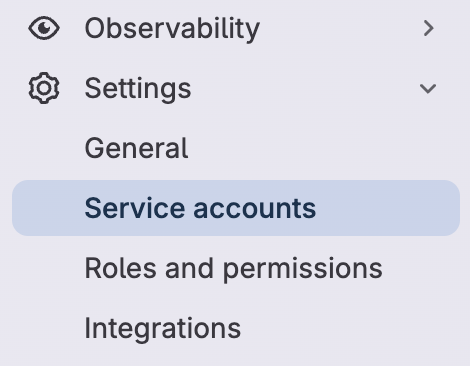
In GitLab, go to **Group** → **Settings** → **Service accounts**.
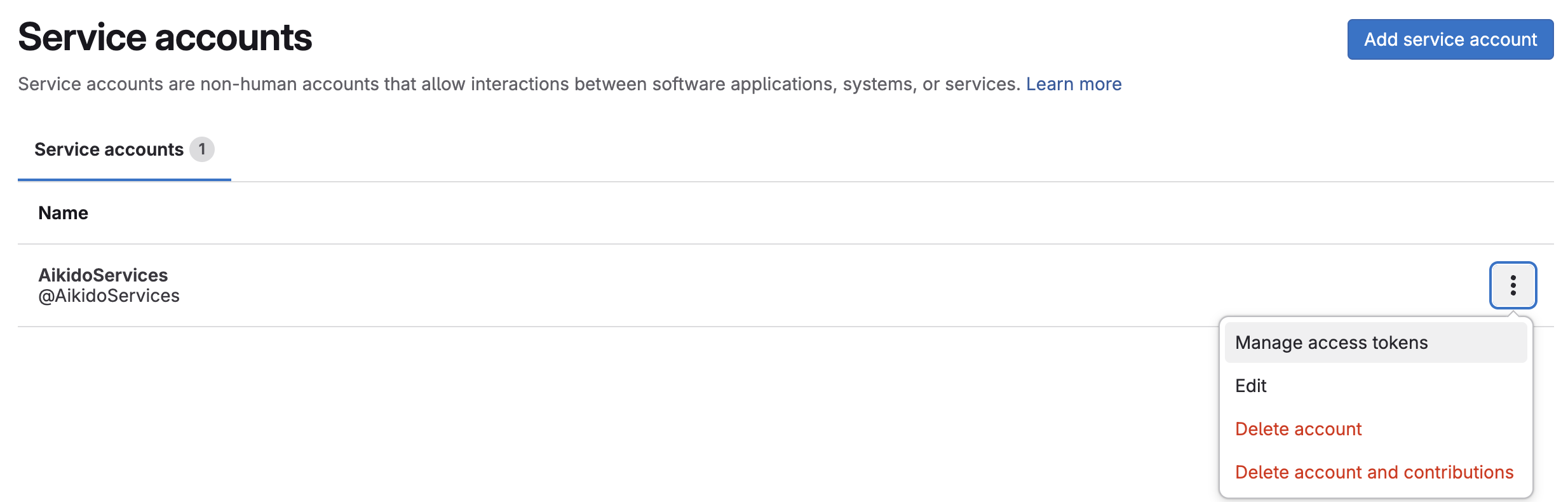
Select **Add service account**.
Set a **Name** and **Username**:
* Name: `Aikido Security`
* Username: `AikidoSec`
* Select **Create**.
Use this account only for Aikido.
{% endstep %}
{% step %}
**Create an Access Token**
On the service account select the vertical ellipsis → **Manage access tokens**.
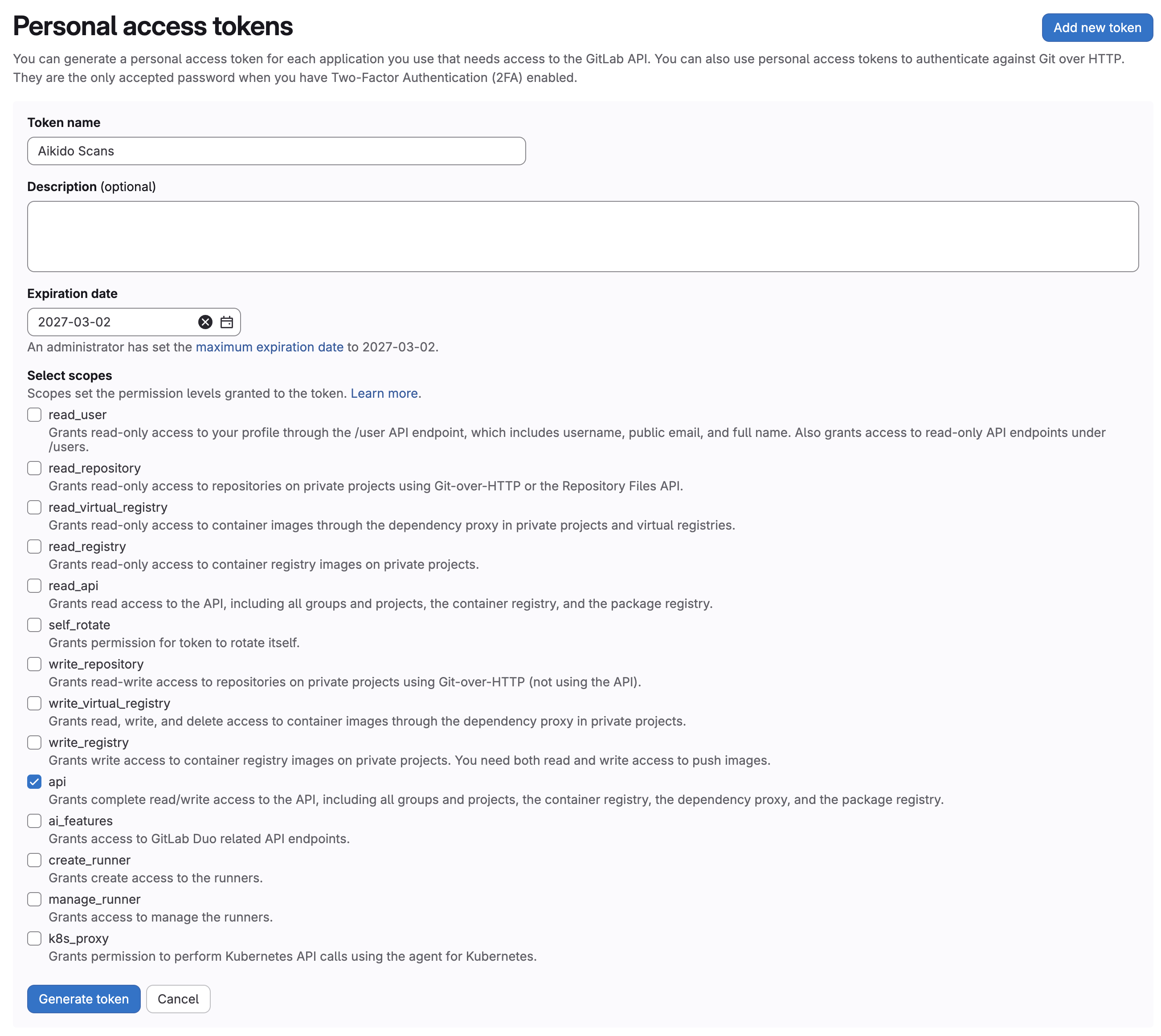
Add a new token:
* Name: for example `Aikido Scans`
* Expiration date: Set an expiry date that matches your rotation policy
* Scopes: `api`
{% endstep %}
{% step %}
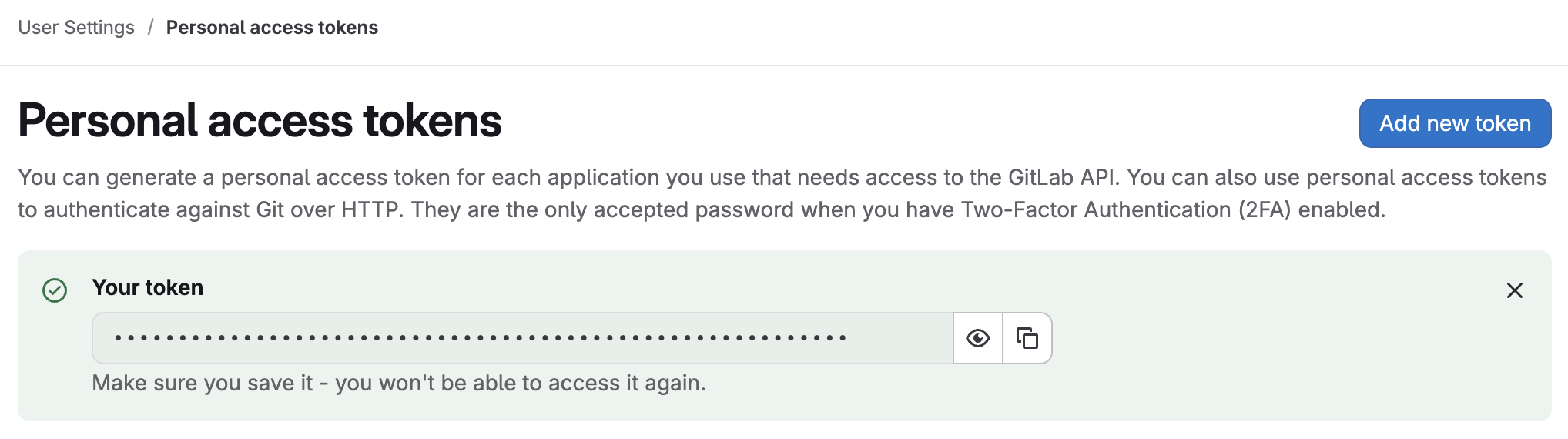
**Save the token**
Copy the token now. GitLab won’t show it again.
You’ll paste it into Aikido in step 6.
{% endstep %}
{% step %}
**Invite the account to your group(s)**
Go to **Groups** in GitLab.
For each group you want to enable, open the group.
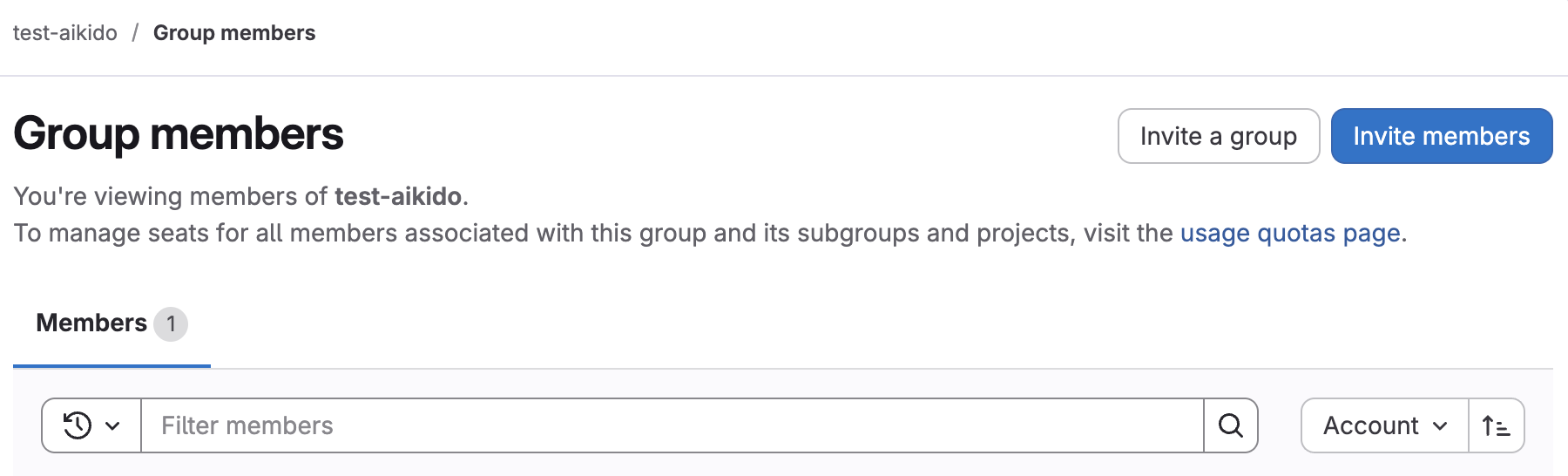
Go to **Manage** → **Members** → **Invite members**.
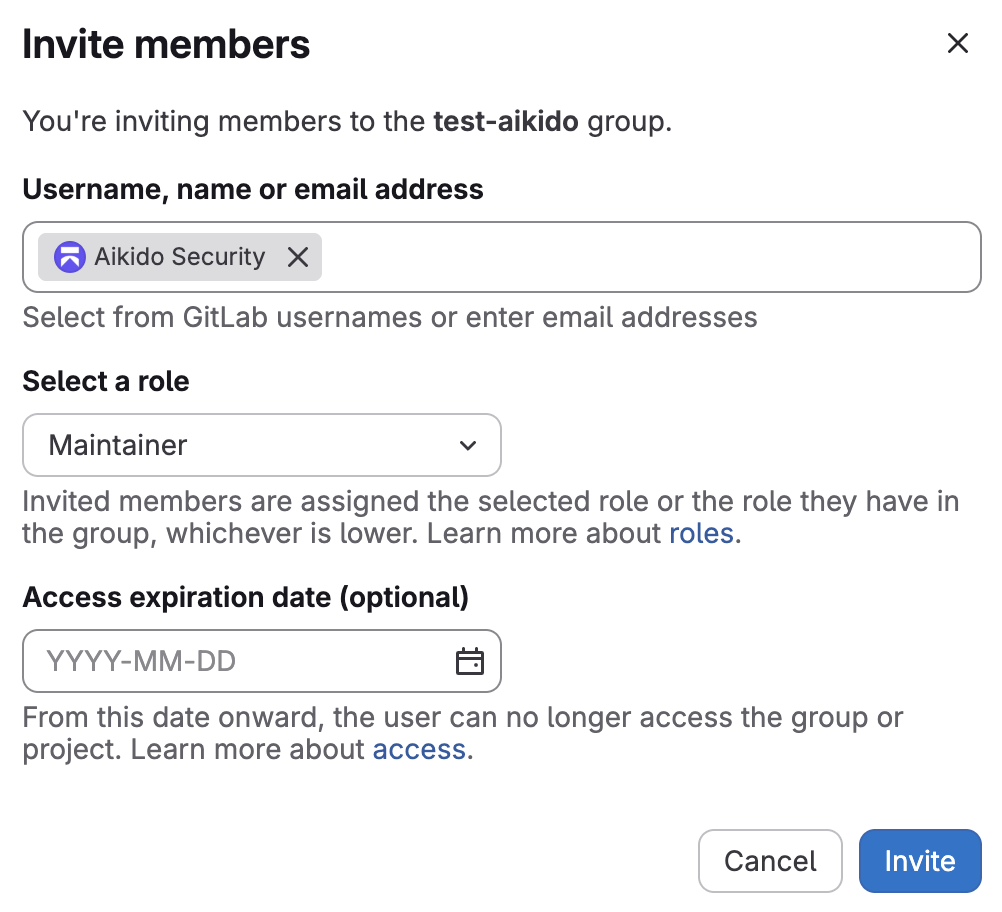
Invite the service account.
Give it at least **Maintainer** access.
{% endstep %}
{% step %}
**Enable the integration**
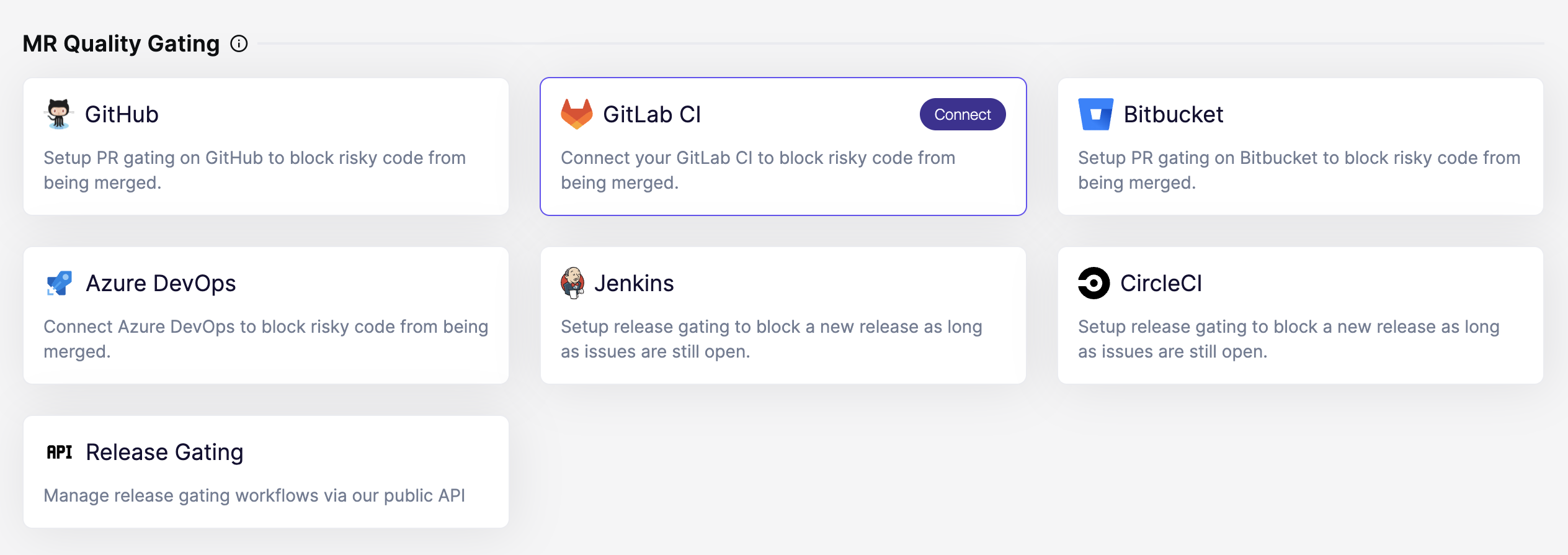
In Aikido, open the [Integrations](https://app.aikido.dev/settings/integrations?section=ci) page. Then select **GitLab CI** under **MR Quality Gating**.
{% endstep %}
{% step %}
**Paste the access token**
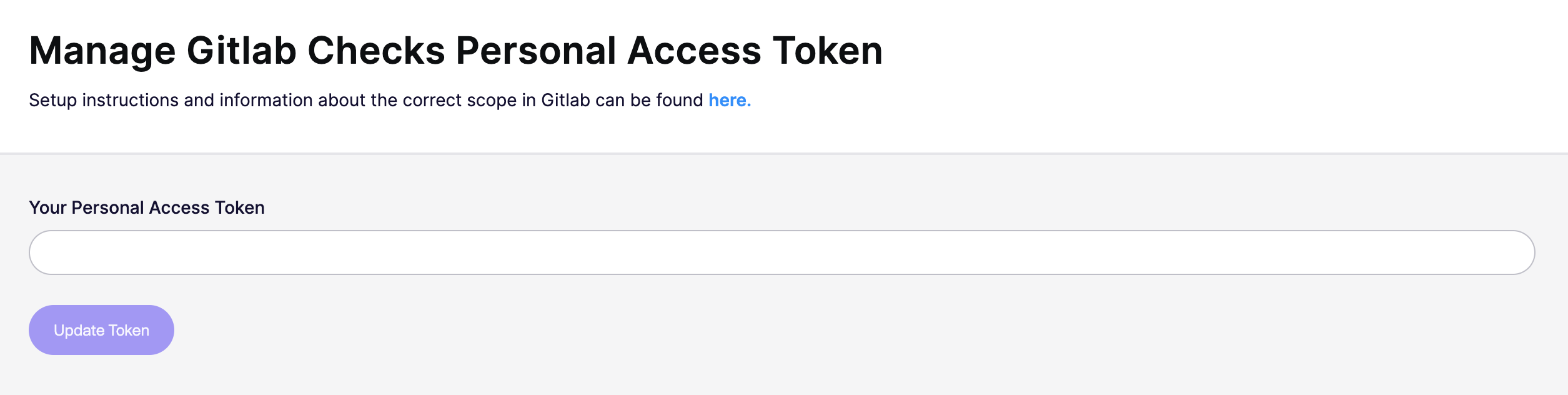
Paste the token you created in step 3.
Click **Update token**.
Aikido validates group access and required permissions.
{% endstep %}
{% step %}
**Configure your first repository**
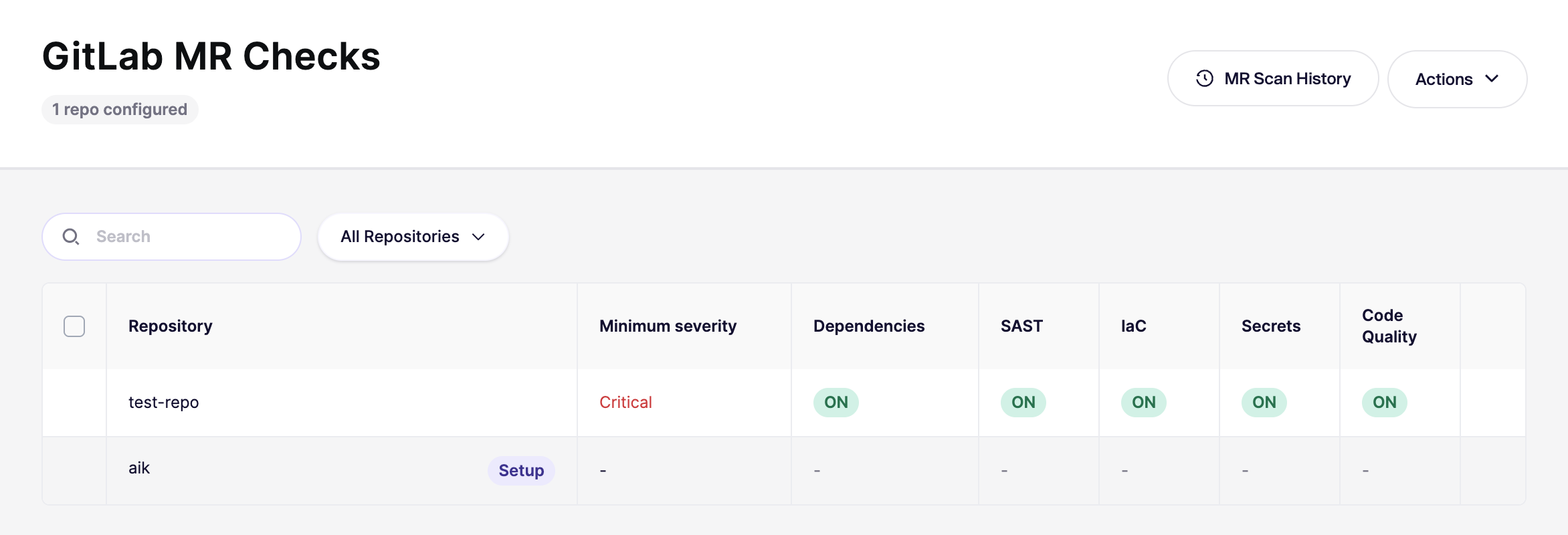
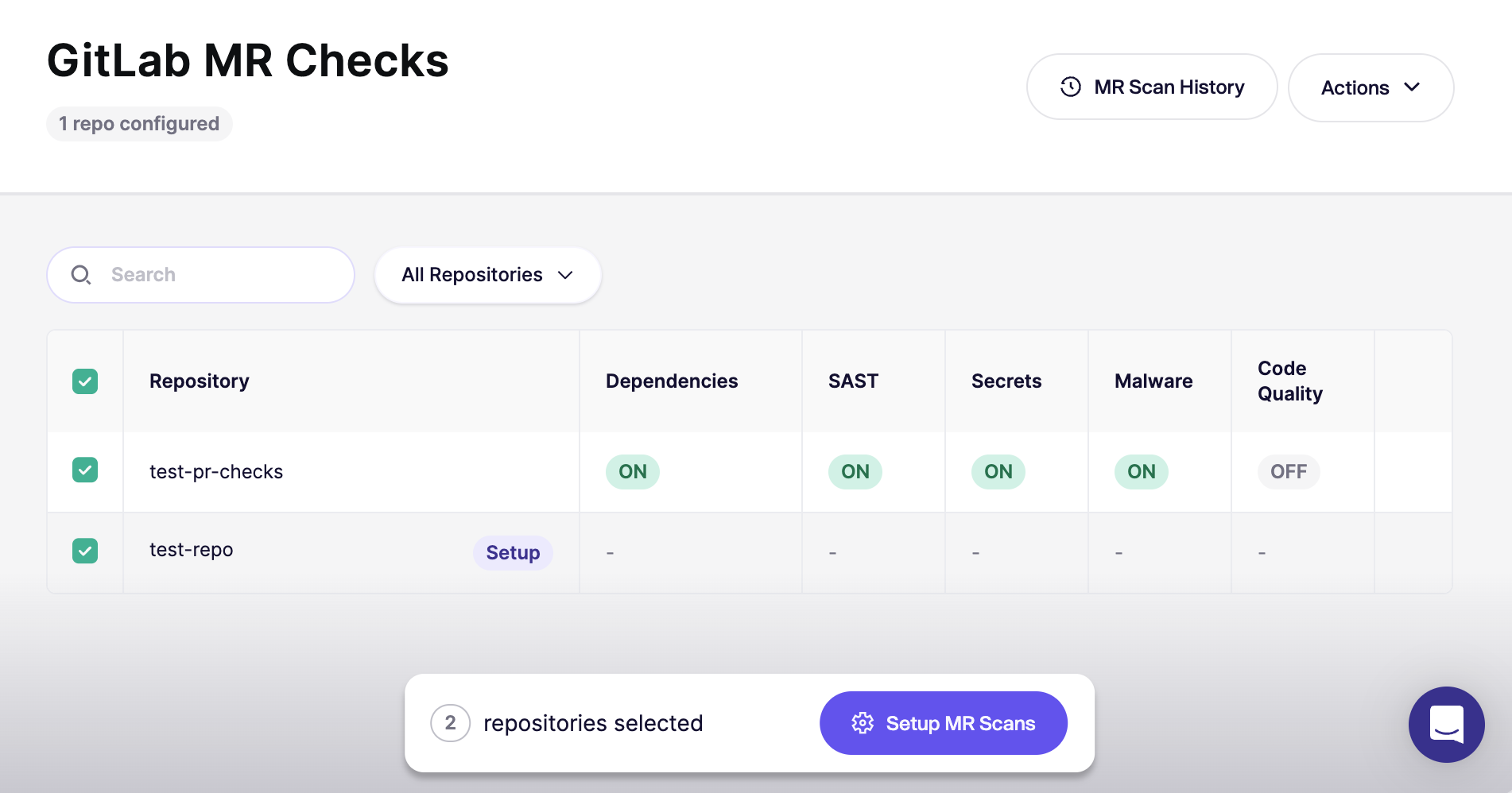
After authorization, Aikido opens the [GitLab MR Checks](https://app.aikido.dev/settings/integrations/gitlab/checks) page.
Start with **one repository** first. Confirm everything works before rolling out broadly.
{% endstep %}
{% step %}
**Verify with a new MR**
Open a new merge request (MR) in the repo you configured.
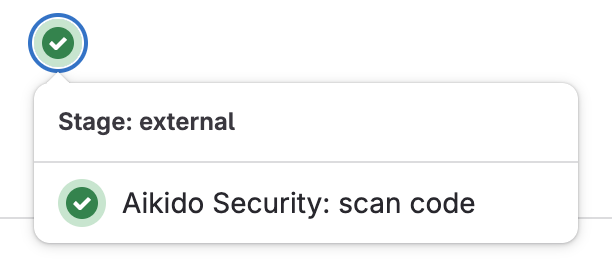
Then confirm the checks run in the **Pipelines** tab.
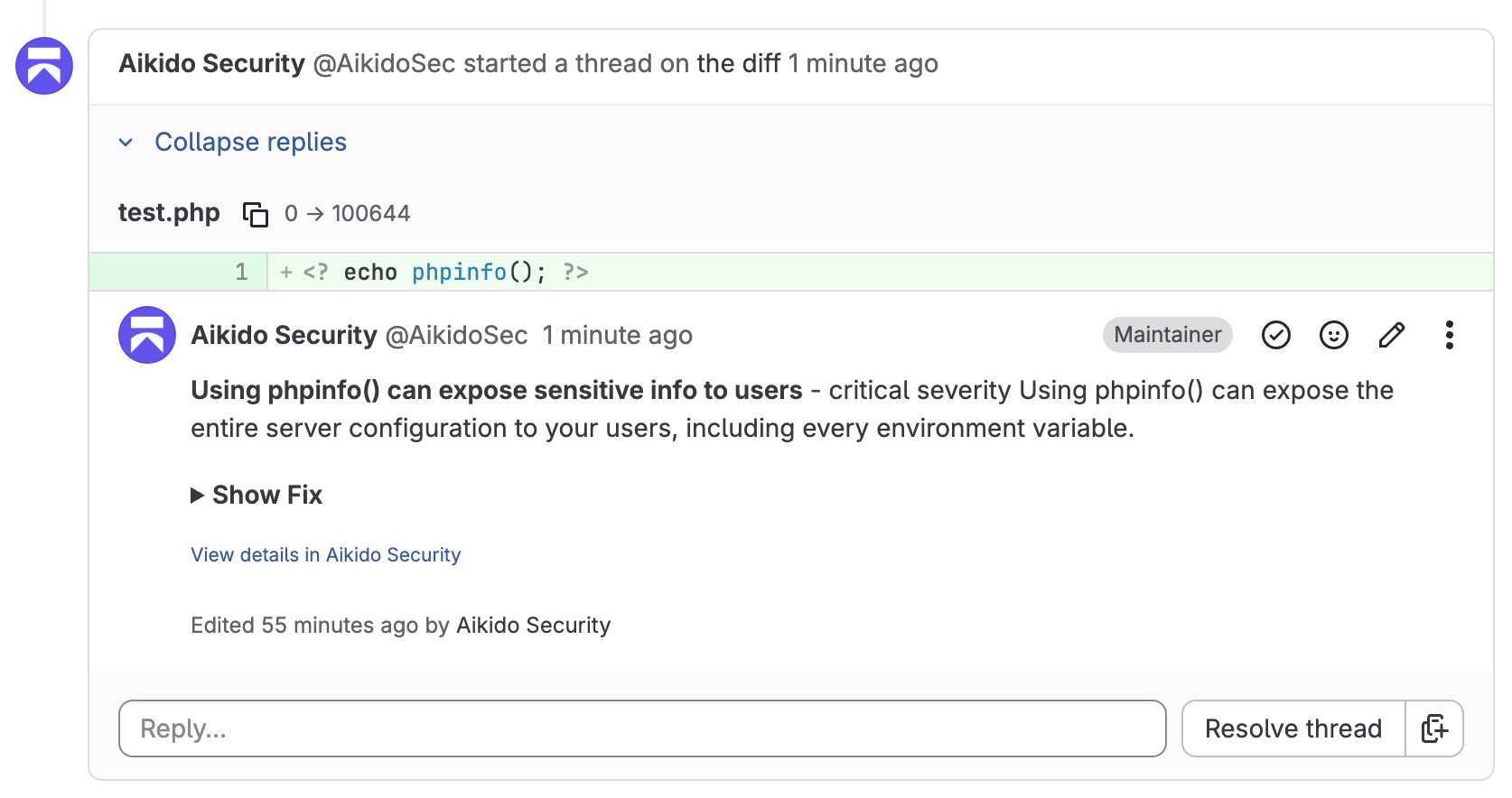
Comments should appear as the service account. For example, `@AikidoSec`.
{% endstep %}
{% step %}
**Require the scan to succeed**
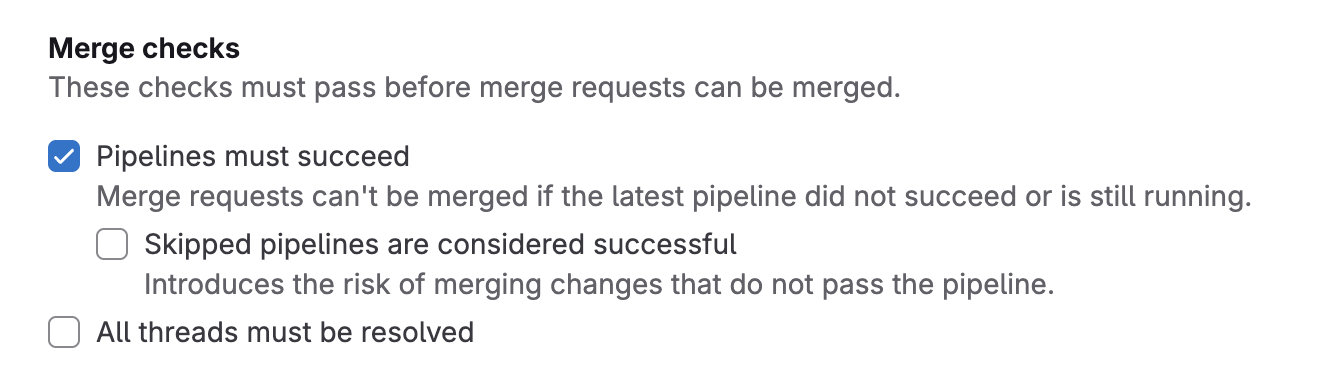
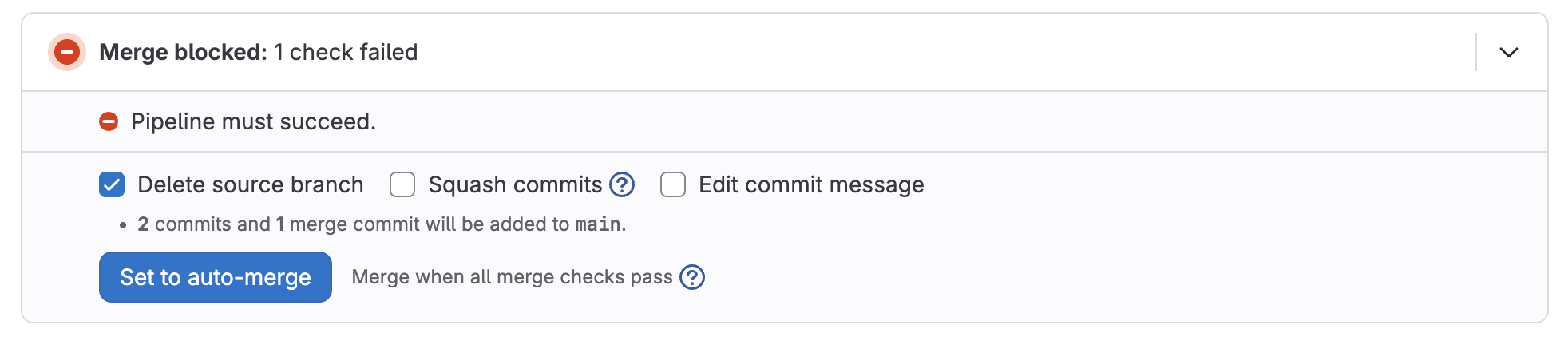
If you want to block merging until the scan succeeds, configure **merge checks** in GitLab.
In GitLab, go to **\[Repository]** → **Settings** → **Merge Requests**. Enable the check `Pipelines must succeed`.
{% endstep %}
{% step %}
**Enable for all repositories**
Once you’re happy with the results, go back to the [GitLab MR Checks](https://app.aikido.dev/settings/integrations/gitlab/checks) page and enable checks for the rest of your repositories.
{% endstep %}
{% step %}
**Set the default for new repositories**
In the top-right, open `Actions` and select `Set Default for New Repos` and enable automatic configuration for newly added repositories in the future.
Need the UI walkthrough? See [Default PR/MR gating configuration for new repositories](https://help.aikidogov.us/pr-and-release-gating/aikido-ci-gating-functionality/default-pr-mr-gating-configuration-for-new-repositories).
{% endstep %}
{% endstepper %}
## Ignore issues directly from MR comments
When Aikido posts an inline MR comment for a finding, you can ignore that issue directly from GitLab by replying to the comment with:
`@AikidoSec ignore: [your reason to ignore]`
Example:
`@AikidoSec ignore: This secret is used for tests only.`
Replace `@AikidoSec` with the username of the service account you created in step 1 if it differs.
This performs the same action as manually ignoring the issue in the Aikido platform:
* The issue is marked as ignored in Aikido.
* The ignore reason is stored.
* MR gating can turn green once all blocking issues are resolved or ignored.
{% hint style="info" %}
This reply ignores the finding only when you have the **Can ignore issues** permission. Without that permission, Aikido replies that the ignore is not allowed, and the finding stays open.
{% endhint %}