# Tracking Users with Zen Firewall
Zen Firewall by Aikido provides a way to identify and block users who are unwanted or trigger attacks, enhancing your app's security by preventing malicious activity.
### Use Cases
* 🔍 **Monitoring active users:** Track user activity to identify and respond to potential threats.
* 🛡️ **Block Malicious Users**: Prevent access from users who have triggered security events
### How to Identify Users
**Step 1:** Configure the Aikido middleware using the provided installation instructions.
{% content-ref url="../zen-installation-instructions/" %}
[zen-installation-instructions](https://help.aikidogov.us/zen-firewall/zen-installation-instructions)
{% endcontent-ref %}
**Step 2:** Use the `setUser` function to specify the current user in your application's context.
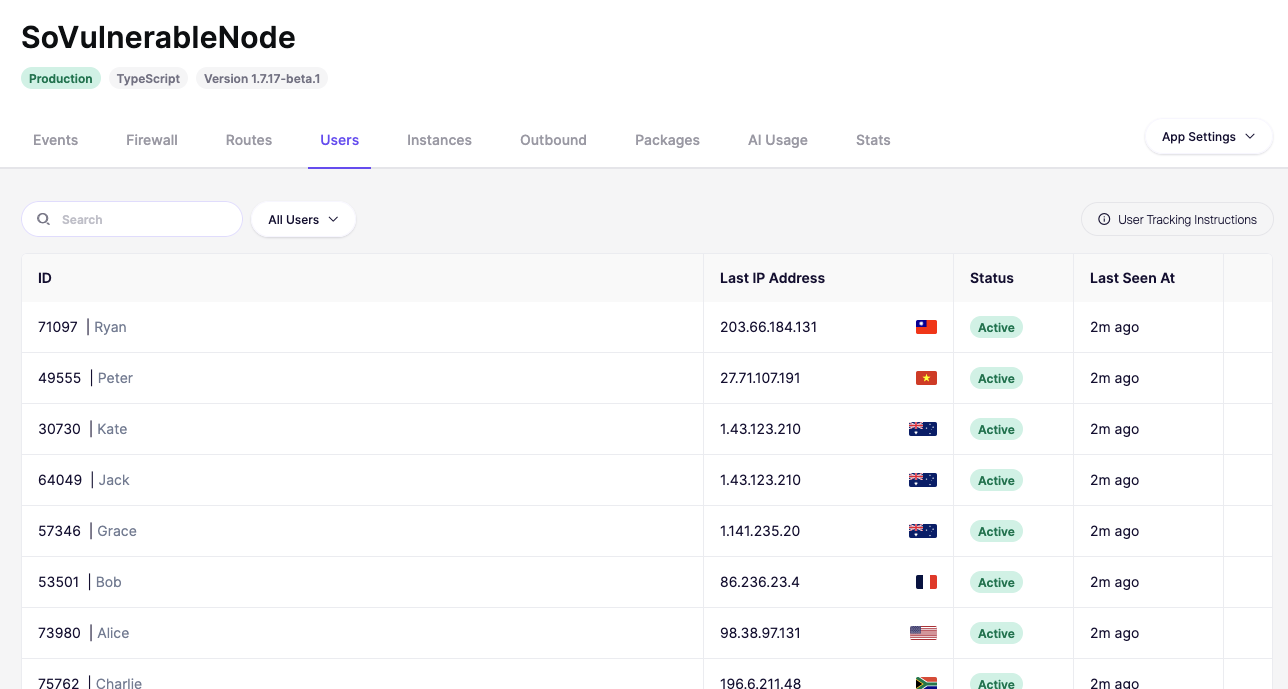
Once set, Aikido will display all active users in the dashboard.
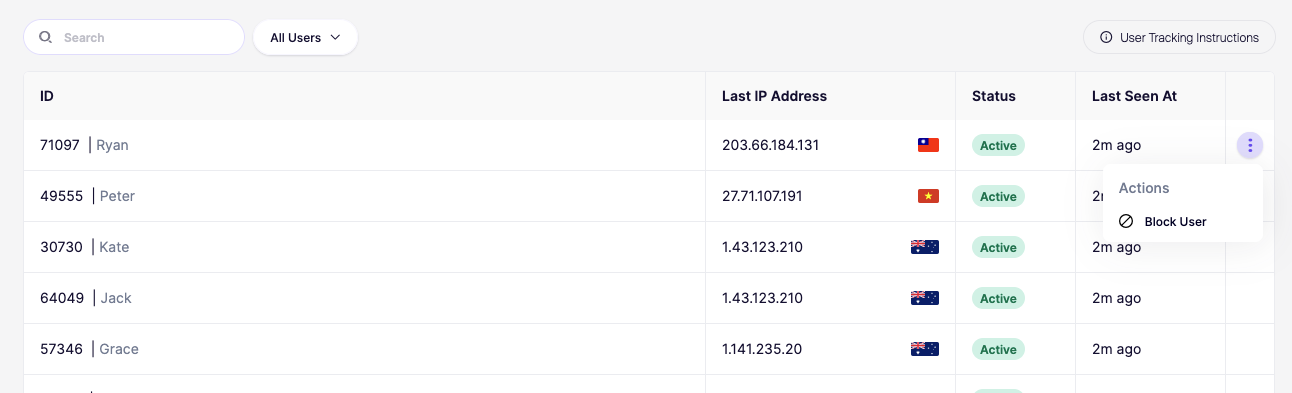
**Step 2:** Identify which user to block and open the Action menu by clicking the triple dots.
{% hint style="info" %}
Note that user blocking is not immediate; it takes up to a minute for the block to take effect.
{% endhint %}
## Features
### Block a User
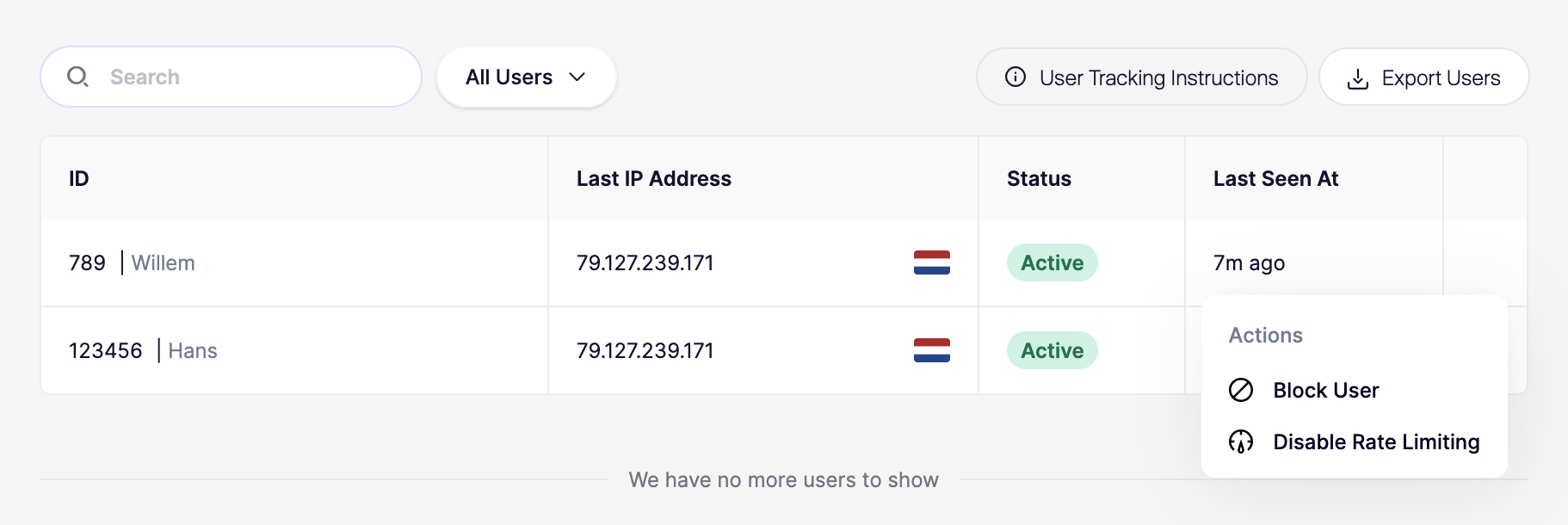
You can permanently block a user from accessing your application by clicking on the actions menu of a User and using the "Block User" action.
### Remove Rate Limiting
Disable Rate limiting for a specific user by clicking on the actions menu of a User and using the "Disable Rate Limiting" action. This will disable **ALL** rate limits for this specific user.
## Privacy & GDPR
Passing the user's name is optional, but it can help you identify the user in the dashboard. You will be required to list Aikido Security as a processor if you choose to share personal identifiable information (PII).