User Groups for Device Protection
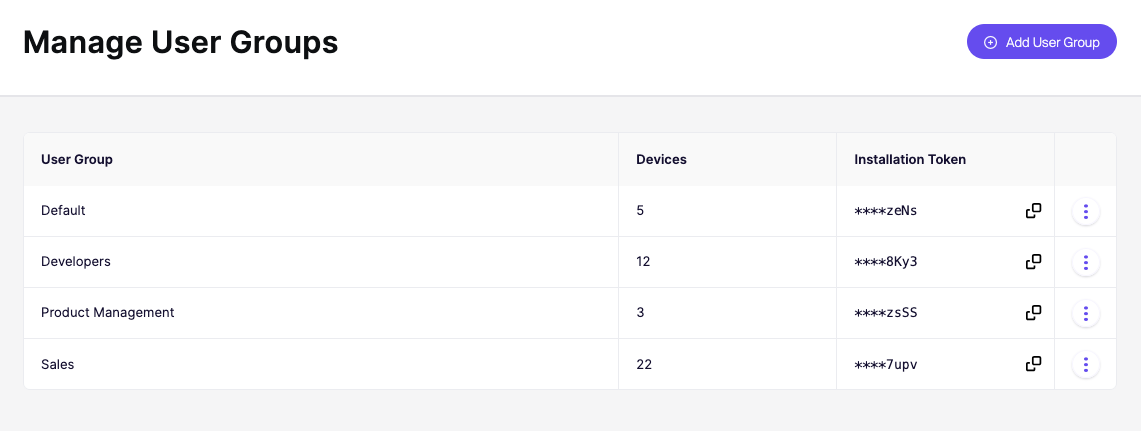
User groups let you organize devices into teams. This is useful when you want to apply different installation policies to different parts of your organization. For example, you might allow your Product team to install developer tools that you block for other teams.
To manage your groups, go to Devices > Settings and click the Manage User Groups button in the top right corner
If you want to move an already-enrolled device between groups directly, copy the install token of the new group, and reinstall the agent on that machine using that token. It will then show up under the new group.