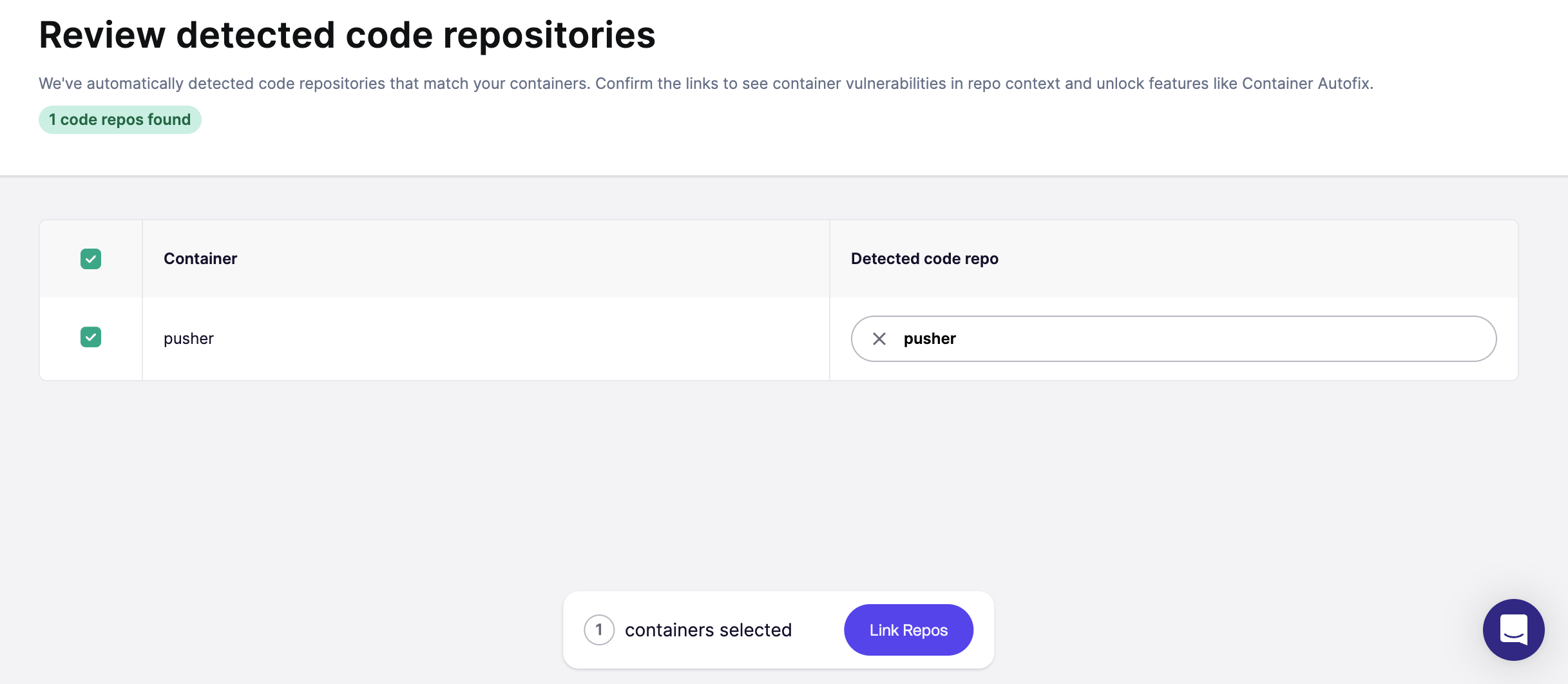
Automatically Link Repository to Container via Smart Suggestions
This functionality helps you automatically connect your containers to the correct code repositories using intelligent matching.
Why link containers?
- View container vulnerabilities directly in the context of the right repository.
- Unlock Container Autofix, which can automatically fix issues in Dockerfiles.
How Aikido's Smart Suggestions Work
- Aikido uses smart matching based on repository names and common path patterns.
- Aikido displays suggestions for you to review and confirm, so you stay in control of what gets linked.
How to Use Smart Suggestions
Open Container Settings
If Smart Suggestions are available, a banner will appear at the top of the page.

Review and Confirm Suggestions
You'll be taken to an overview page showing suggested repo links for your containers.
- Review all suggested matches.
- Select the ones you want to confirm.
- Optionally, adjust or manually link repositories if needed.