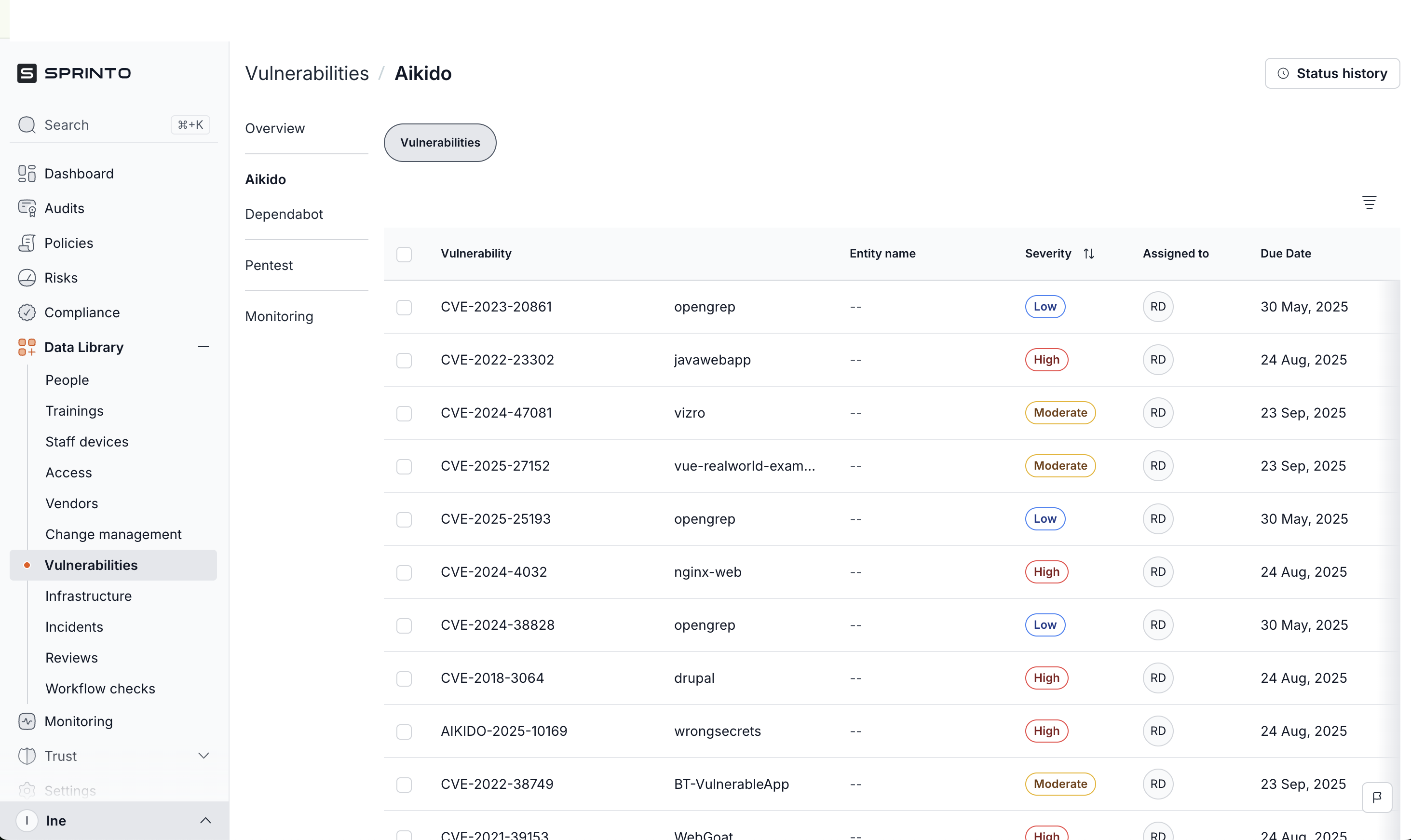
Sprinto Integration
The Sprinto integration automatically pushes vulnerabilities to Sprinto for SOC2 and ISO27001:2022.
Aikido syncs repositories and vulnerabilities to Sprinto every 24 hours.
Set up the Sprinto integration
Add the integration
To activate the Sprinto integration, in Aikido: Go to Settings > Integrations > Sprinto and click 'Add Sprinto integration'.
Create an API key
You'll need to create a Sprinto API Key. You can generate such key in Sprinto via Settings > Developer API > Generate API Key
Save the API key
Next, copy your generated API Key.
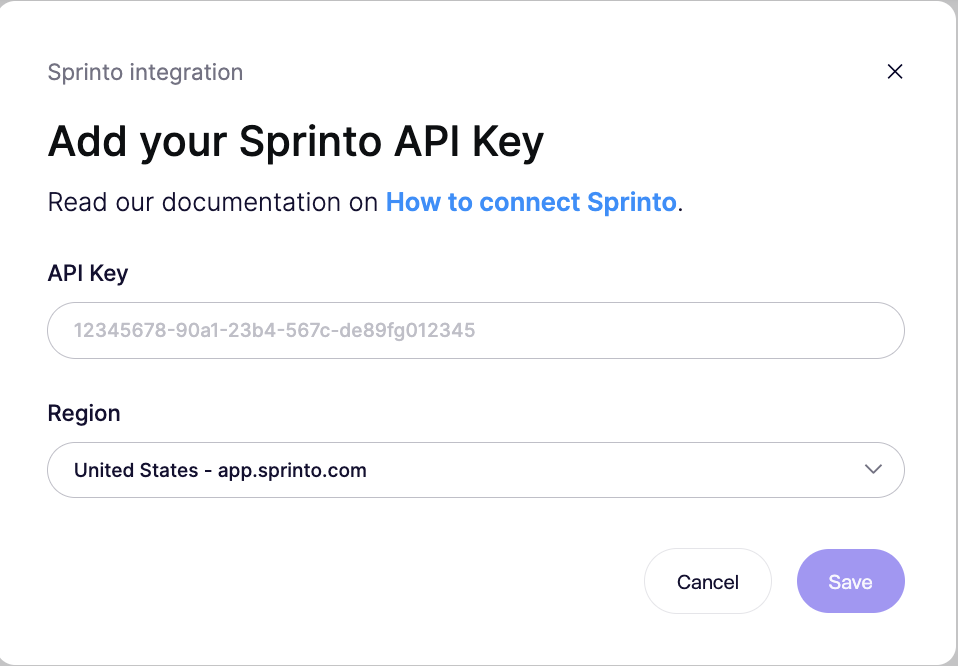
Back in Aikido, paste the API Key, select your region and click 'Save'.
Done
Aikido will now sync repositories and vulnerabilities to Sprinto every 24 hours.