Code Scanning with a Service Account Access Token
⚠️ Disclaimer
This guide is only available for Gitlab Premium & Gitlab Ultimate users. Check out our the setup with personal access tokens for Gitlab Free users
Introduction
You can use service account tokens which Aikido uses to perform the code scanning. You can update this token on the update workspace access token page.
Creating a Service Account and Access Token
-
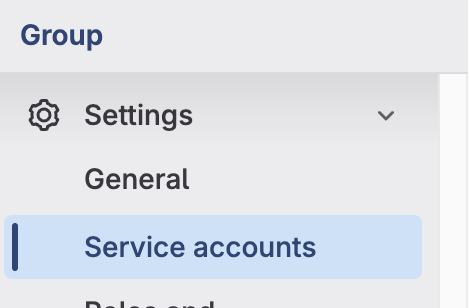
Navigate to the "Service Accounts" settings page. Group > Settings > Service accounts
-
Click on "Add service account"
-
Give a Name and Username to the Service Account and click Create
-
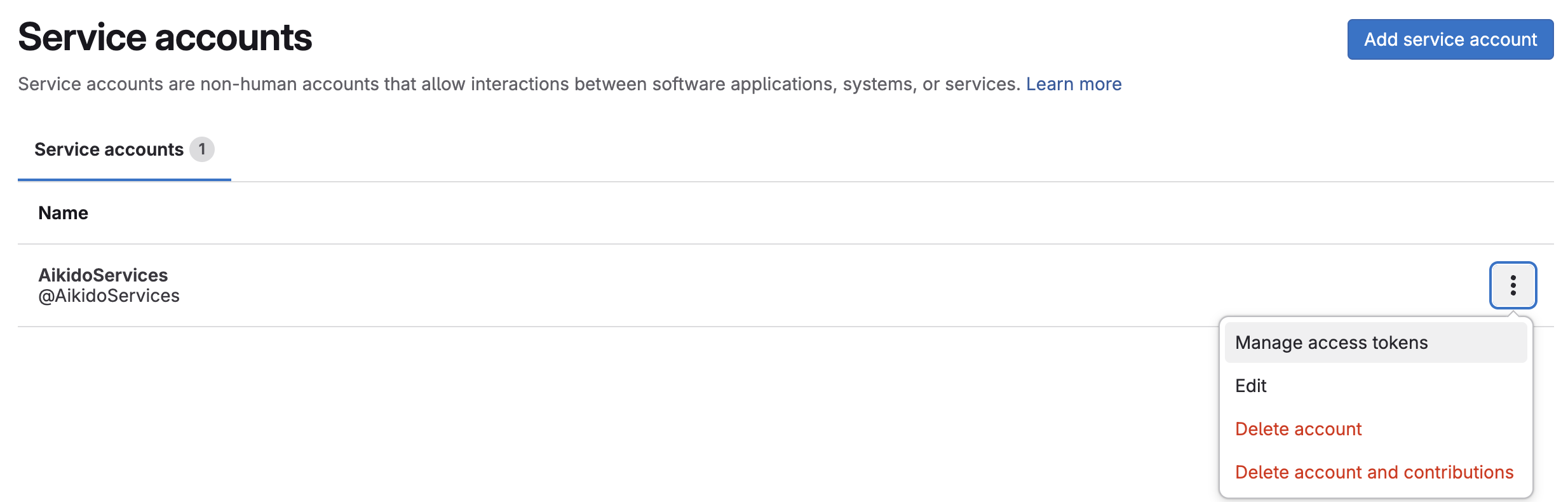
Click the options of the newly created service account and select Manage access tokens
-
Click on "Add new token"
-
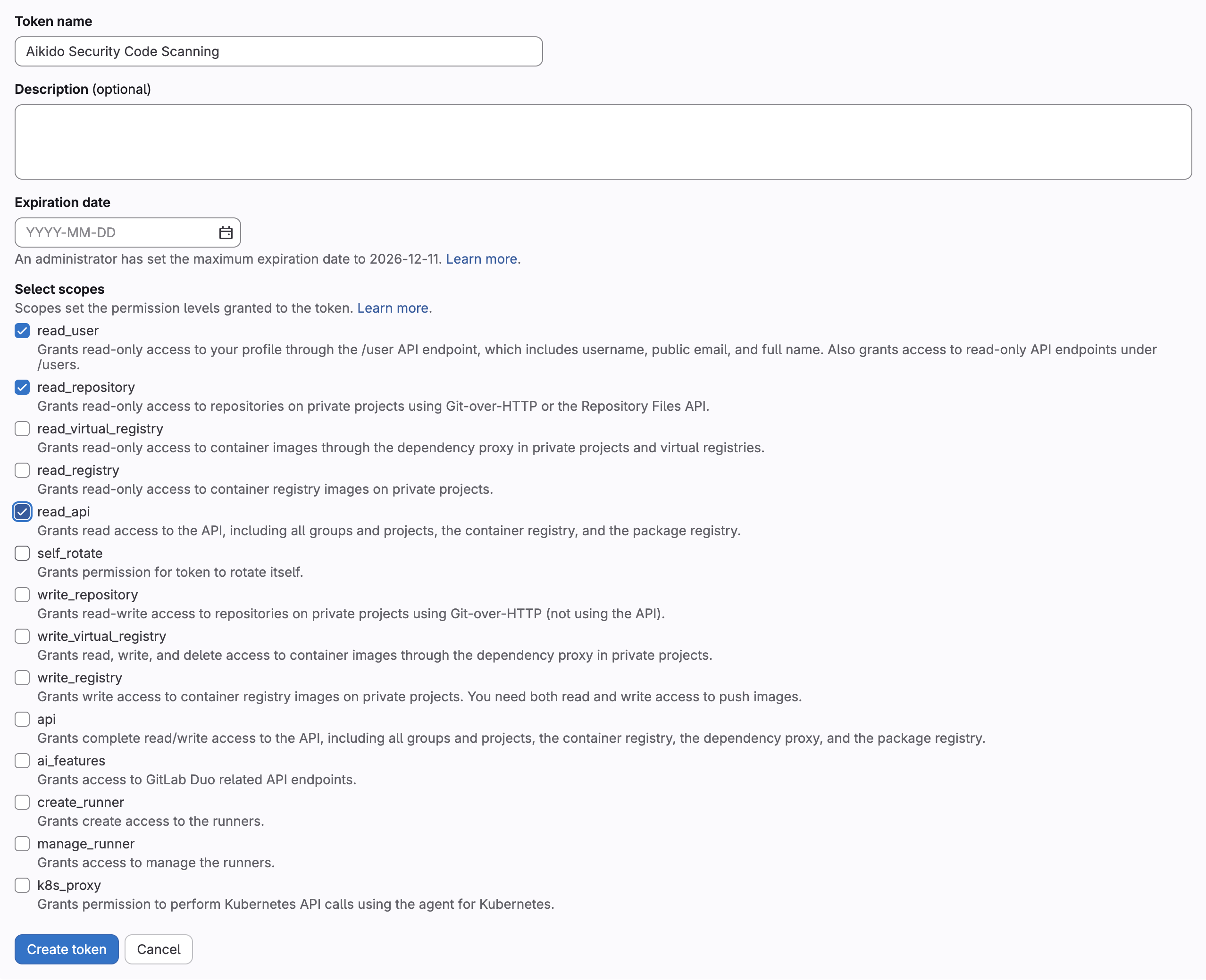
Enter a name for the token, remove the expiration date or set it to the max value and select the api scope
-
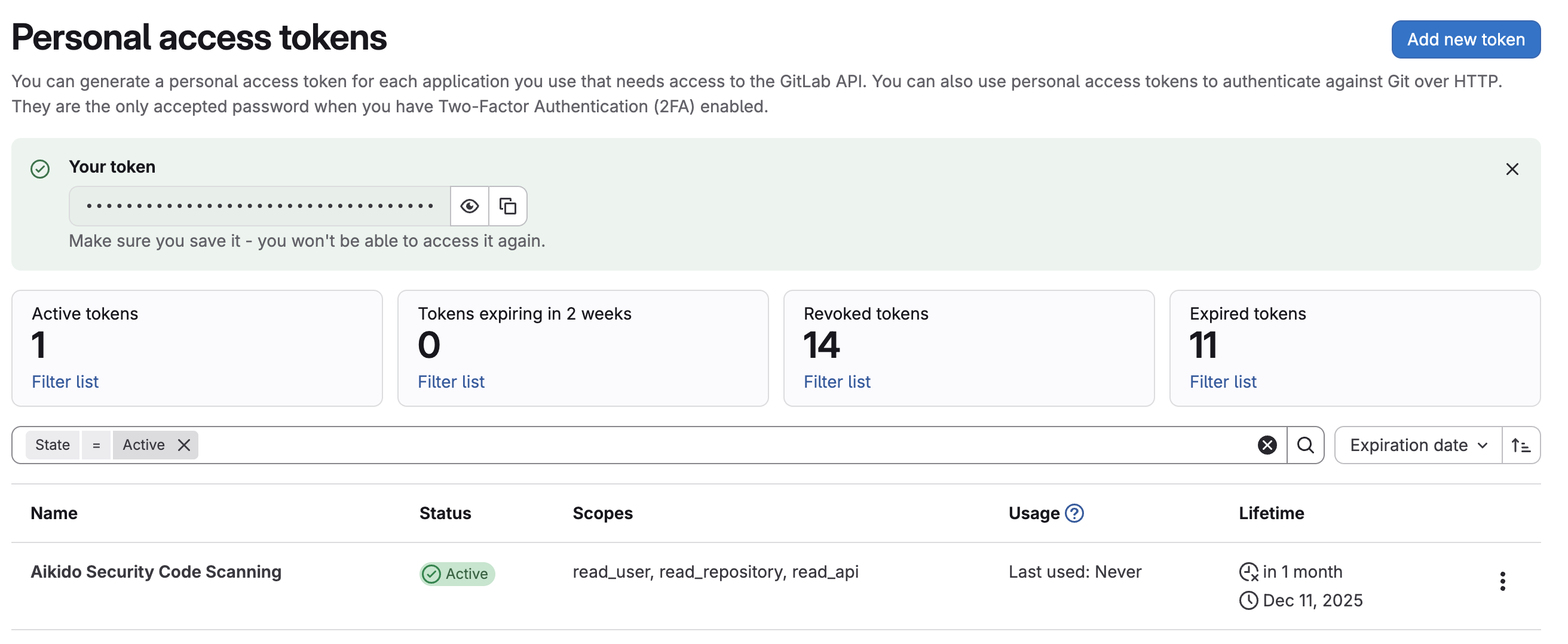
Click on "Create token"
-
Copy the token and keep it for the "update workspace access token" page
-
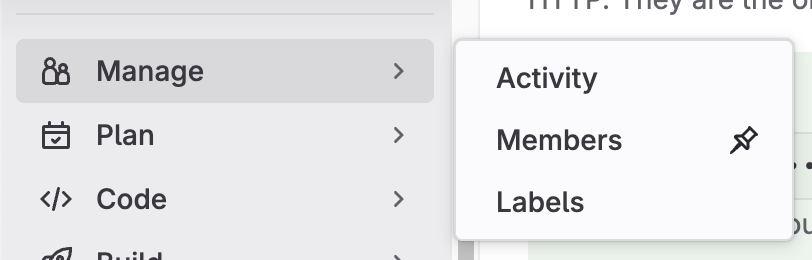
Go to the members page: Group > Manage > Members
-
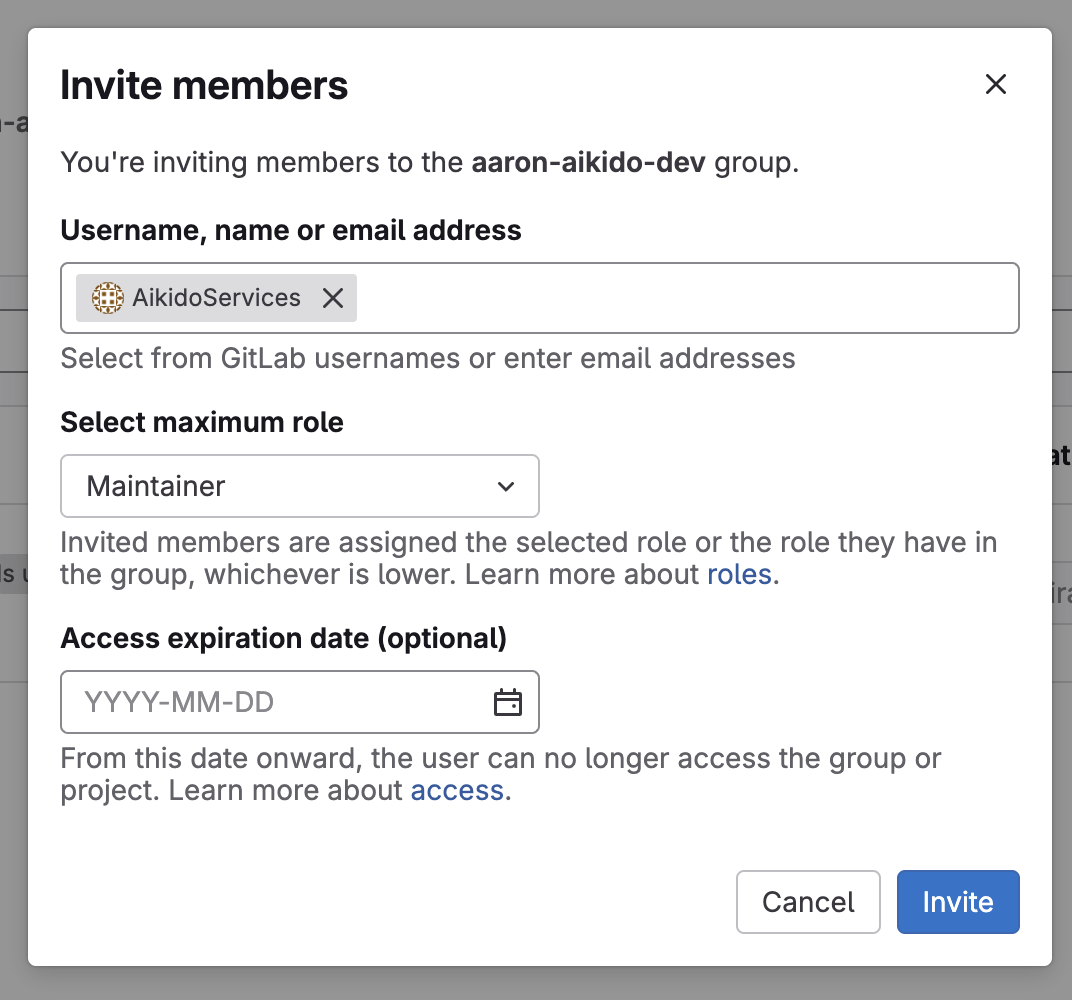
Click "Invite Members"
-
Search for your new Service account created earlier and set role to "Maintainer"