Azure DevOps Artifact Feed - Private Packages
For node project, the connection with an Azure DevOps Artifact Feed can be configured by providing an .npmrc file in the Aikido Autofix configuration
- Go to your account's settings page for the autofixer in Aikido, here.
- Click on "Connect Registry", an select "NPM"
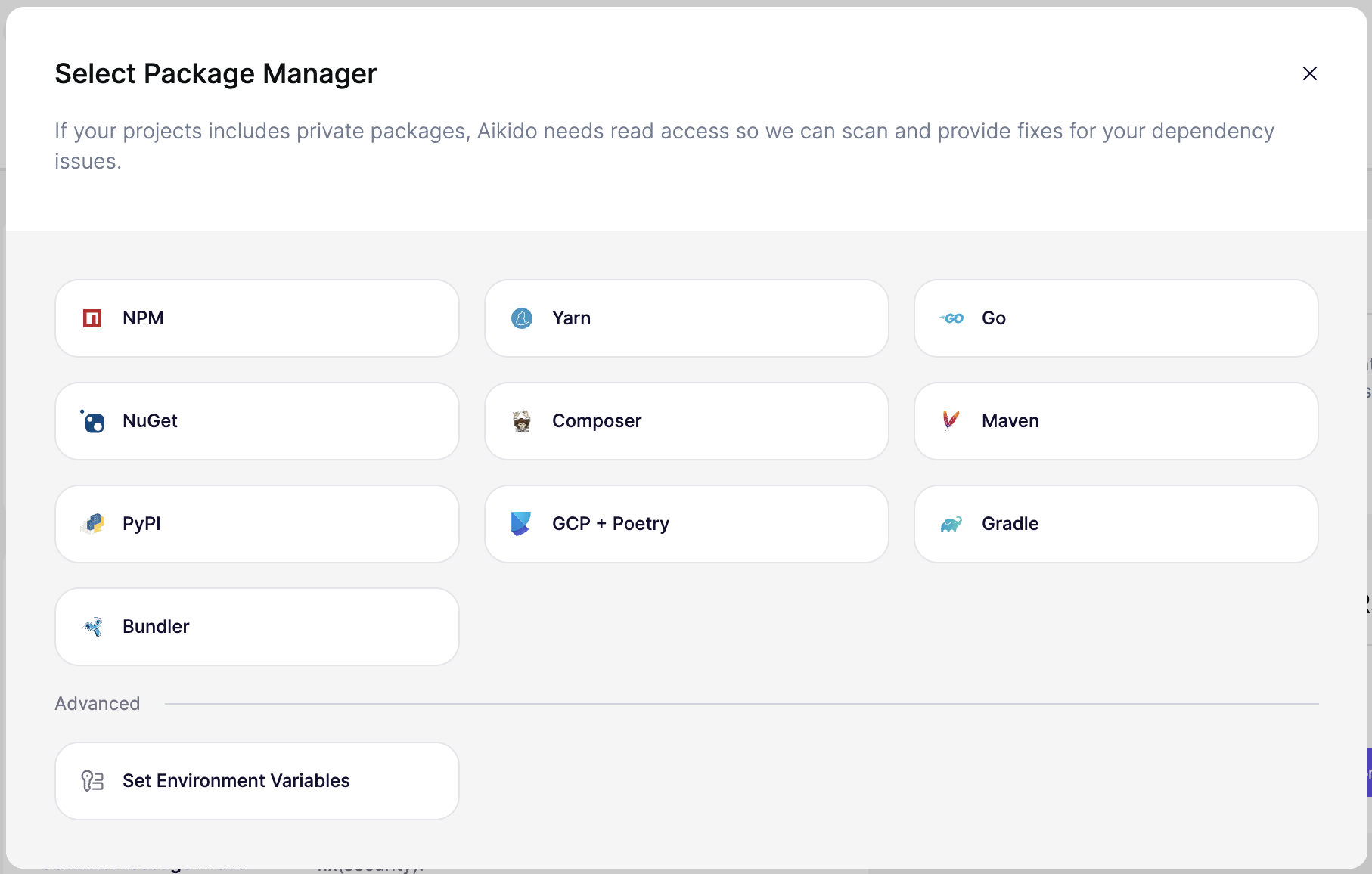
- Fill in the
.nmprcfile like described below
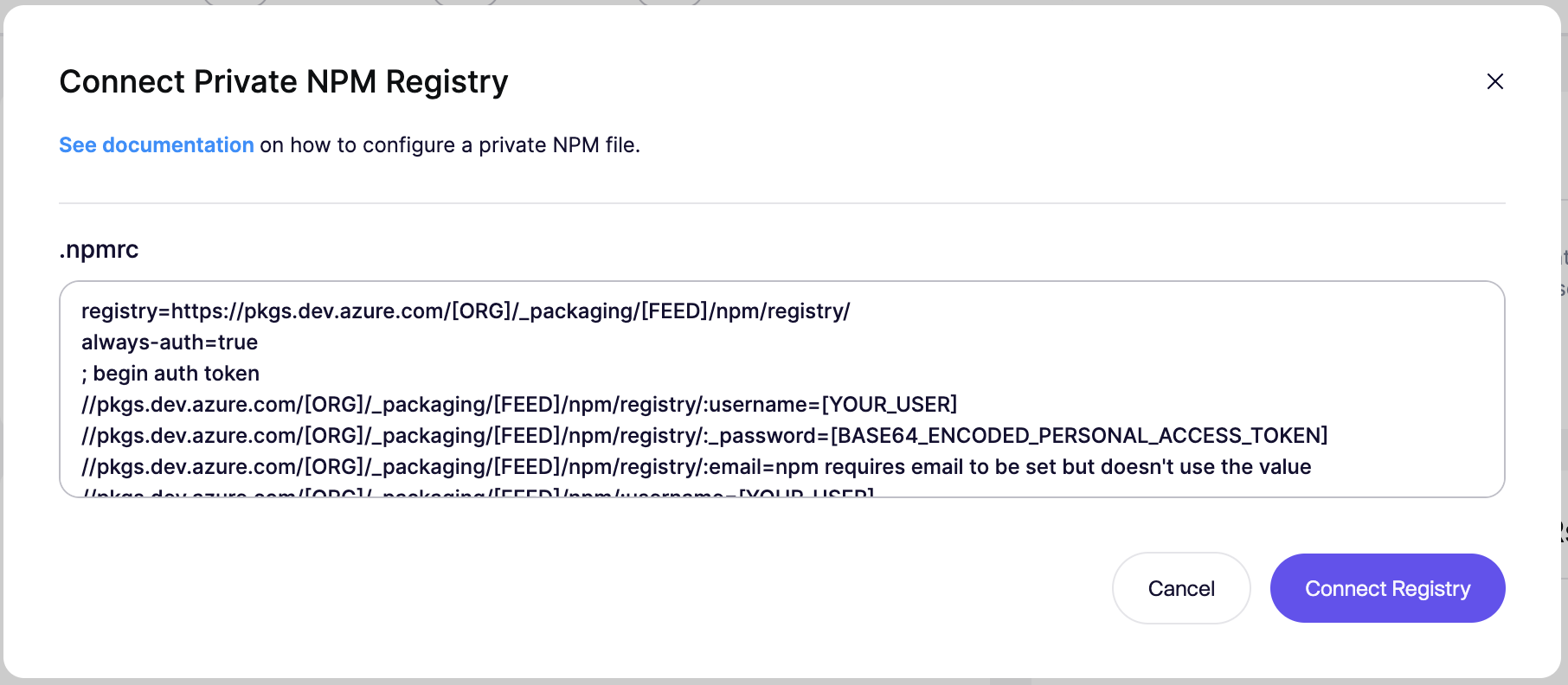
- Click "Connect Registry" to save the configuration.
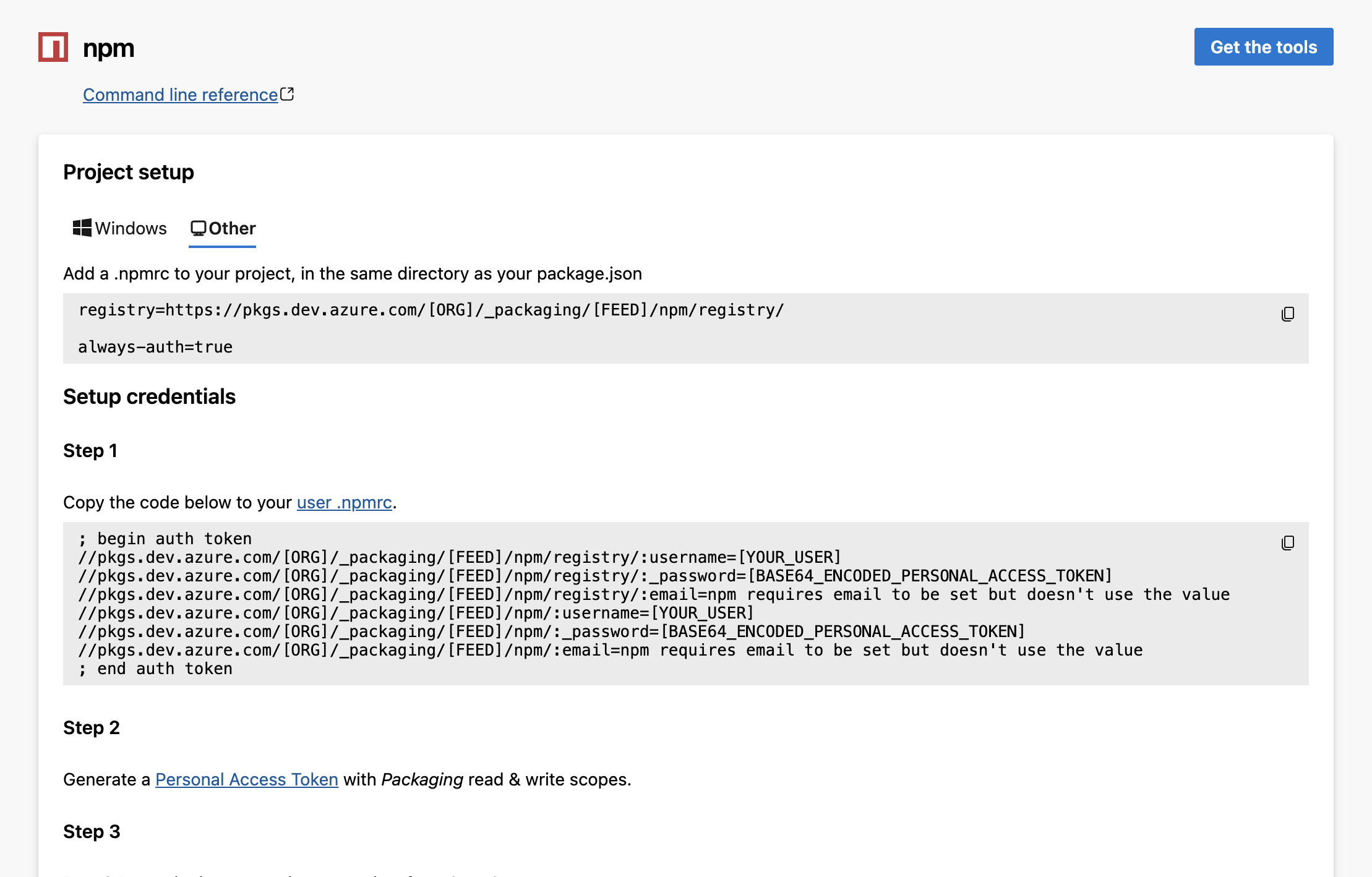
Obtaining the .npmrc for Azure DevOps
- In Azure Devops, navigate to the "Artifacts" page of the project, click on "Connect to Feed" button and select "NPM" from the list
- You will now land on page describing how to setup the project, select "Other" From the project setup tabs, you should see a page with setup instructions similar to this. Follow the steps and paste the
.npmrccontent into Aikido.