
Auto-Close Jira Tasks When Aikido Issues Are Resolved / Ignored
Use Case
When Aikido marks issues as resolved or ignored, you can sync this status with Jira to keep tasks automatically updated.
Aikido checks every 8 hours to detect and update resolved issues. Updates are not instantaneous, so some delay is expected between resolution and task closure.
Setup
Step 1. Go to your Task Tracker Integration Settings in the Aikido dashboard.
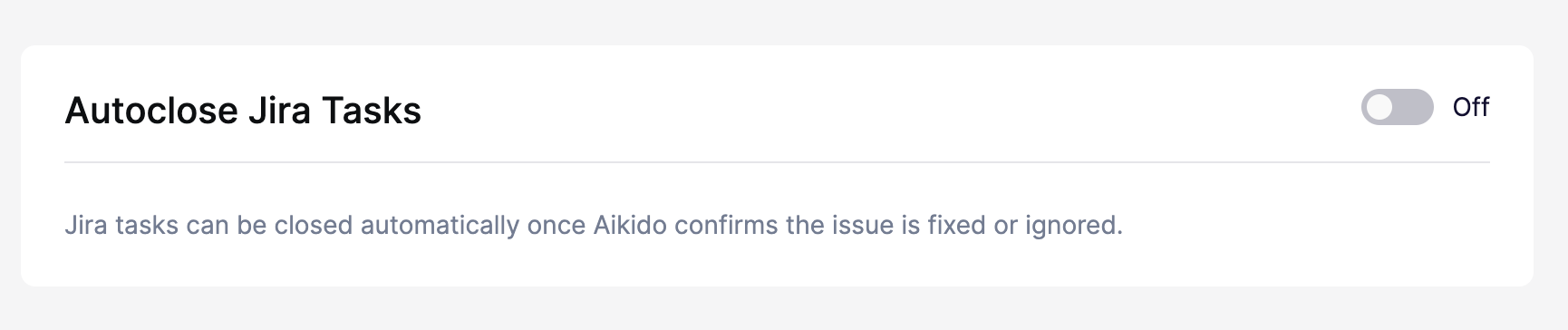
Step 2. In the Advanced section, enable Autoclose Tasks.
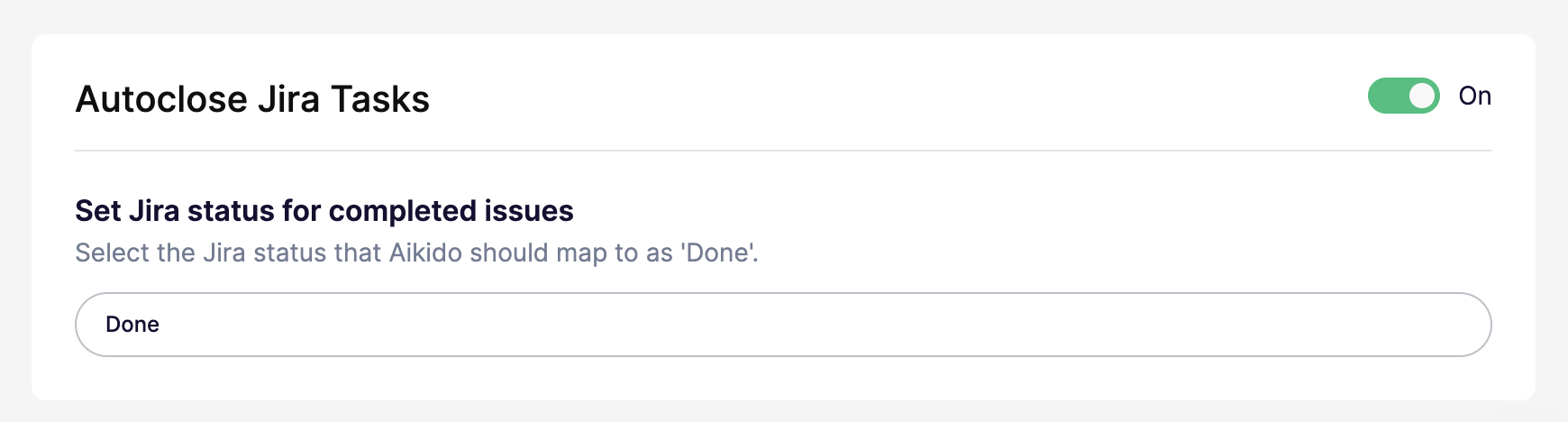
Step 3. Set the corresponding completion status that you are using in Jira (e.g., “Done”).
Step 4. Hit Save Settings in the top right