
GitLab Issues
Aikido can connect to GitLab so that you can create issues for security findings found through Aikido. For each of the findings in the 'Feed' of Aikido, a GitLab issue can be created, and linked.
You will be able to follow along in the Feed, to whom the ticket is assigned.
1. Set up integration
Go to https://app.aikido.dev/settings/integrations and scroll down to the 'Task trackers' section.
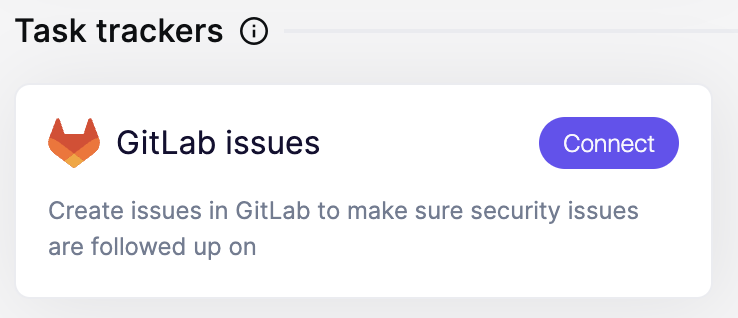
Click on 'Connect'
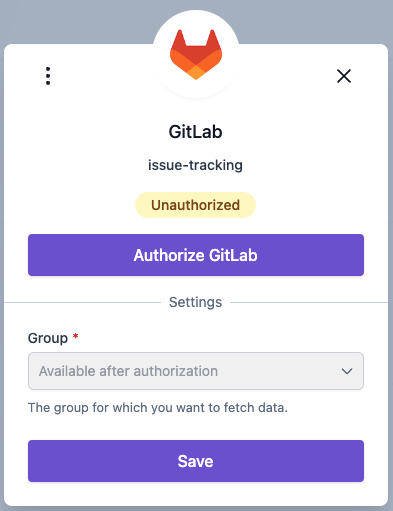
Click on 'Authorize GitLab'
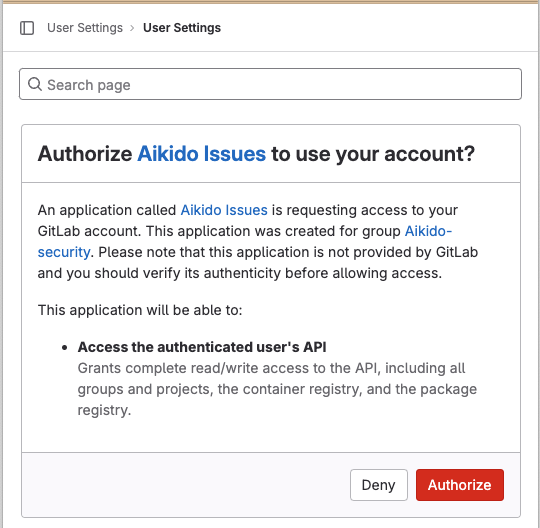
And select a 'Group' for which you want to activate the integration.
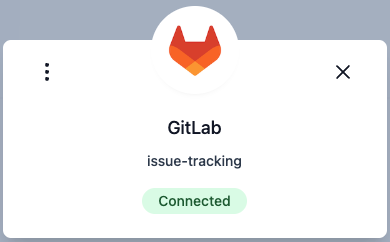
Click 'Save' and you're connected.
2. Create a GitLab issue for a finding, inside Aikido
Go to the Feed, and go to the security finding of choice. In the column 'Assignee', you will find the ability to assign a GitLab Issue to someone.
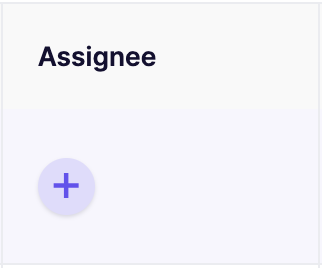
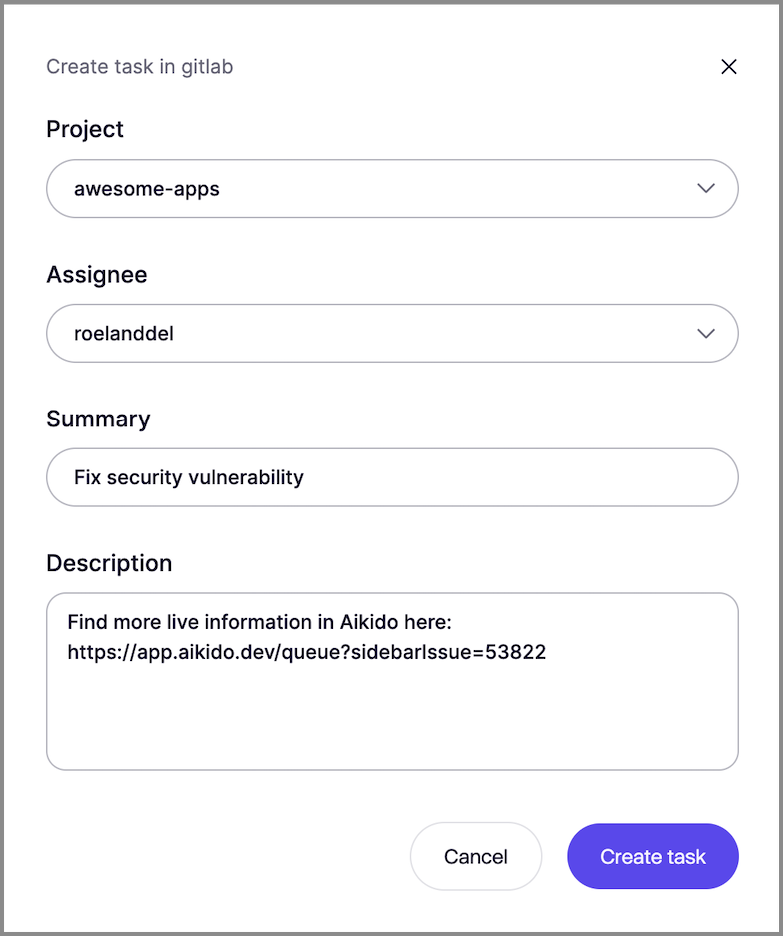
When you click on it, a popup will open.
When creating the Issue Task, this will be made clear in the UI of Aikido
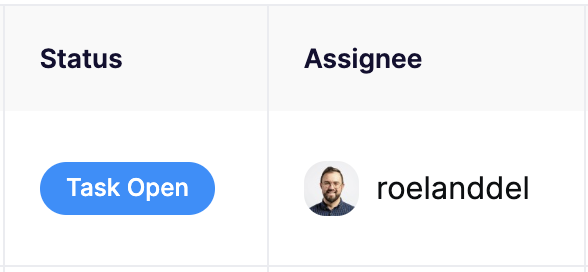
You're done!