Email Forwarding
This feature lets workspace admins configure external email addresses to receive automated alert notifications when new vulnerabilities are detected.
Use it for shared inboxes like security@company.com, forward to robot emails, escalation aliases, or teams that do not use chat alerts.
Set up Email Forwarding
Open the integration
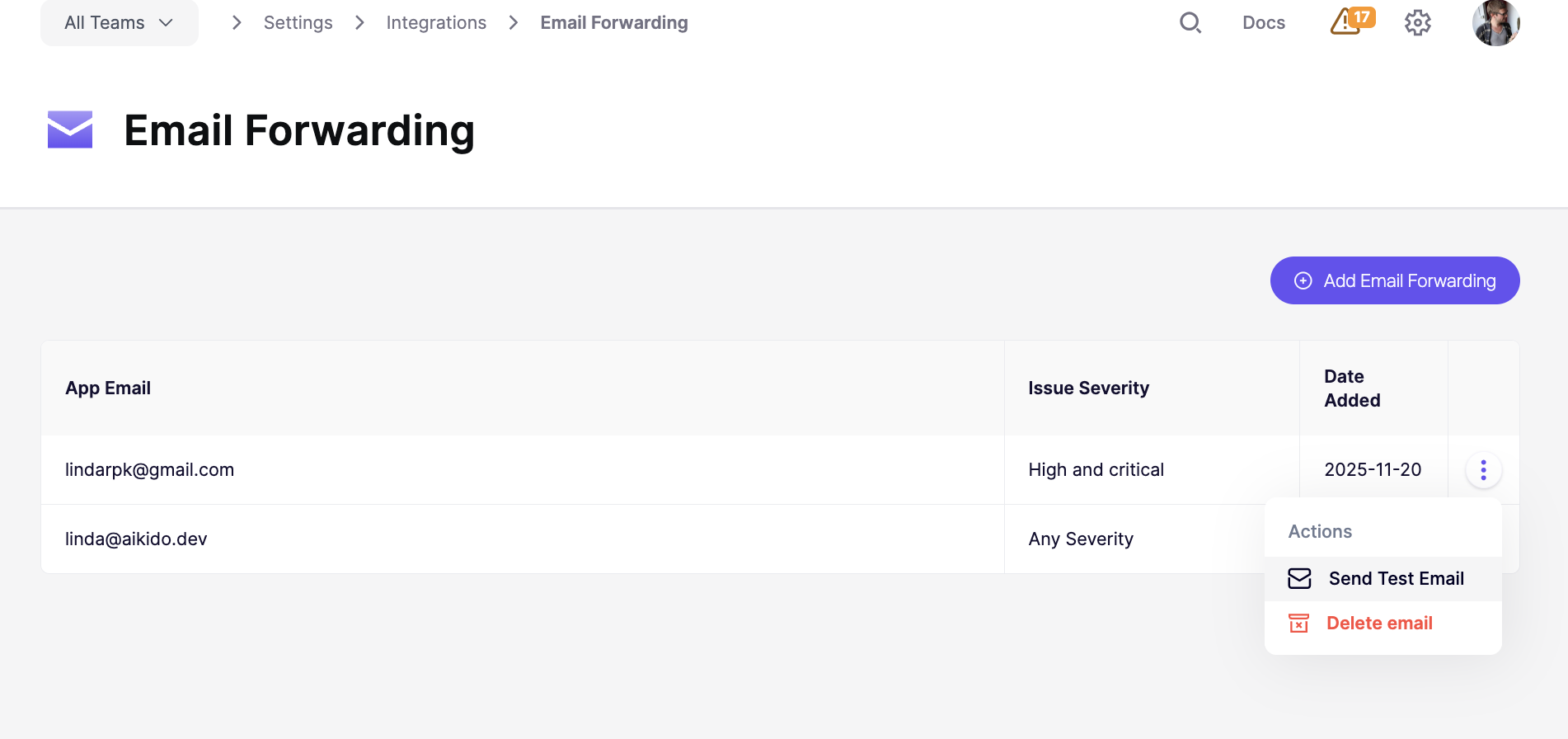
Go to Settings → Integrations → Email Forwarding
Configure forwarding
Enter the email address that should receive alerts.
Choose a minimum severity (
Critical, High, etc)The address will receive alerts for that severity and anything higher.
Save additional addresses if needed
Repeat the same setup for every inbox that should receive alerts.
Each forwarding address can have its own minimum severity.
Send a test email
Click Send Test Email to confirm the integration works.
Use this after setup to verify delivery to the target inbox.