
Vulnerability Scanning on Private Packages - Maven
When letting Aikido scan your dependencies in repositories with private maven packages, Aikido would need to also have access to the private packages. You can now provide private Maven settings.xml configuration in Aikido for this.
Prerequisites
Prepare settings.xml
For private Maven packages, Aikido uses a settings.xml file to authenticate with the private registry.
Example settings.xml for accessing private packages on a private registry:
<settings xmlns="http://maven.apache.org/SETTINGS/1.0.0" xmlns:xsi="http://www.w3.org/2001/XMLSchema-instance" xsi:schemaLocation="http://maven.apache.org/SETTINGS/1.0.0 https://maven.apache.org/xsd/settings-1.0.0.xsd">
  <servers>
    <server>
      <id>your-repository-id</id>
      <username>your-username</username> <!-- Optional, you can leave this as a dummy value -->
      <password>ACCESS_TOKEN</password>
    </server>
  </servers>
  <profiles>
    <profile>
      <id>private-registry</id>
      <repositories>
        <repository>
          <id>your-repository-id</id>
          <url>https://...</url>
        </repository>
      </repositories>
    </profile>
  </profiles>
</settings>
Include the <profiles> section with your repository URL. Scanning only needs the <servers> credentials, but the credential test in Aikido runs without your pom.xml and needs the URL to test the connection. Use the same <id> in <server>, in the profile, and in your pom.xml.
Make sure your pom.xml files have releases or snapshots enabled
    <repositories>
        <repository>
            <id>your-repository-id</id>
            <url>https://...</url>
            <releases>
                <enabled>true</enabled>
            </releases>
            <snapshots>
                <enabled>true</enabled>
            </snapshots>
        </repository>
    </repositories>
Configuration in Aikido
Once the prerequisites are fulfilled, you can configure Aikido to authenticate with your private Maven registry when updating the dependencies by following the steps below:
- Go to AutoFix → Settings in the Aikido app and click Connect Registry in the Private Registry Connection section.

- Select Maven.
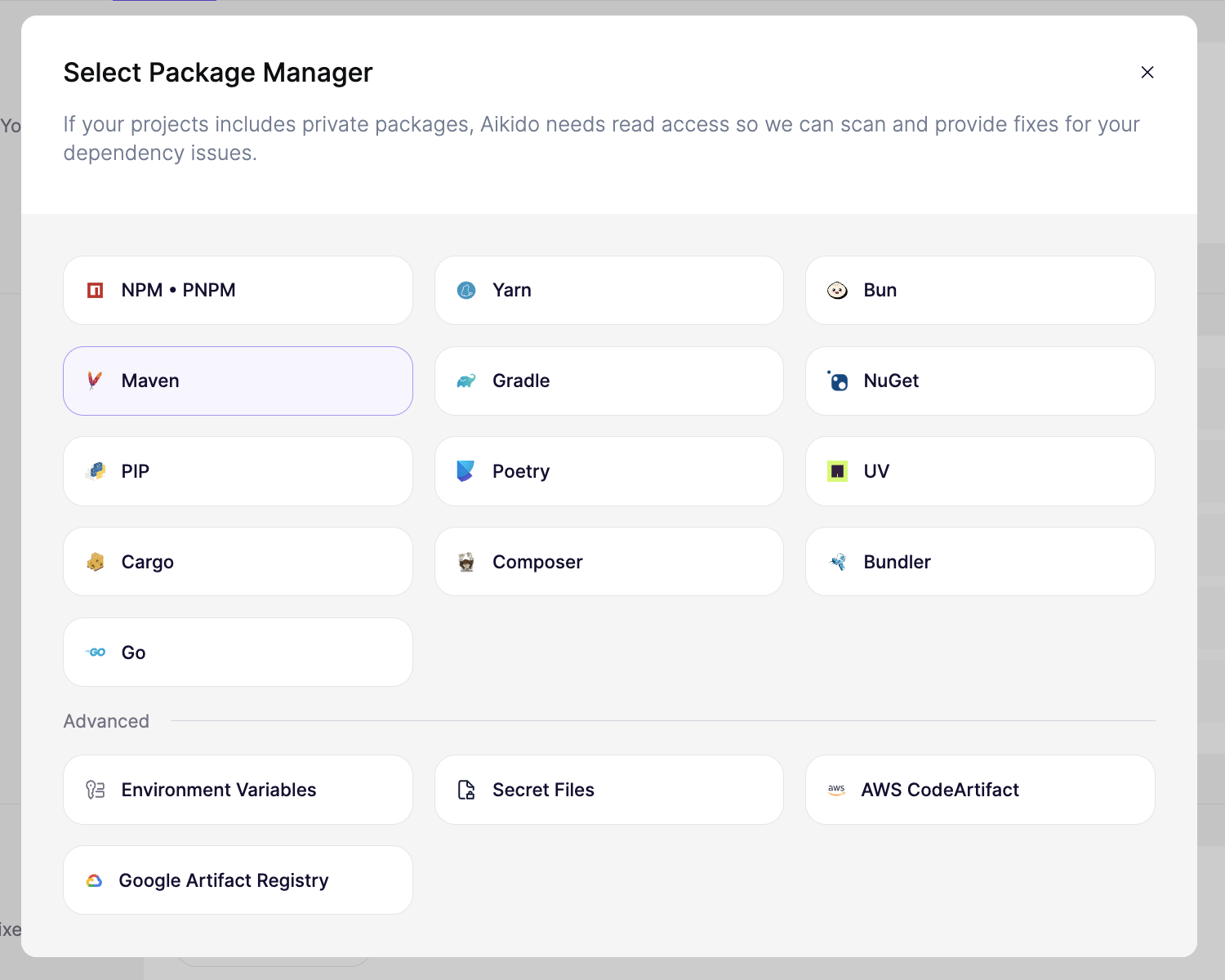
- Paste your settings.xml contents and click Connect Registry.
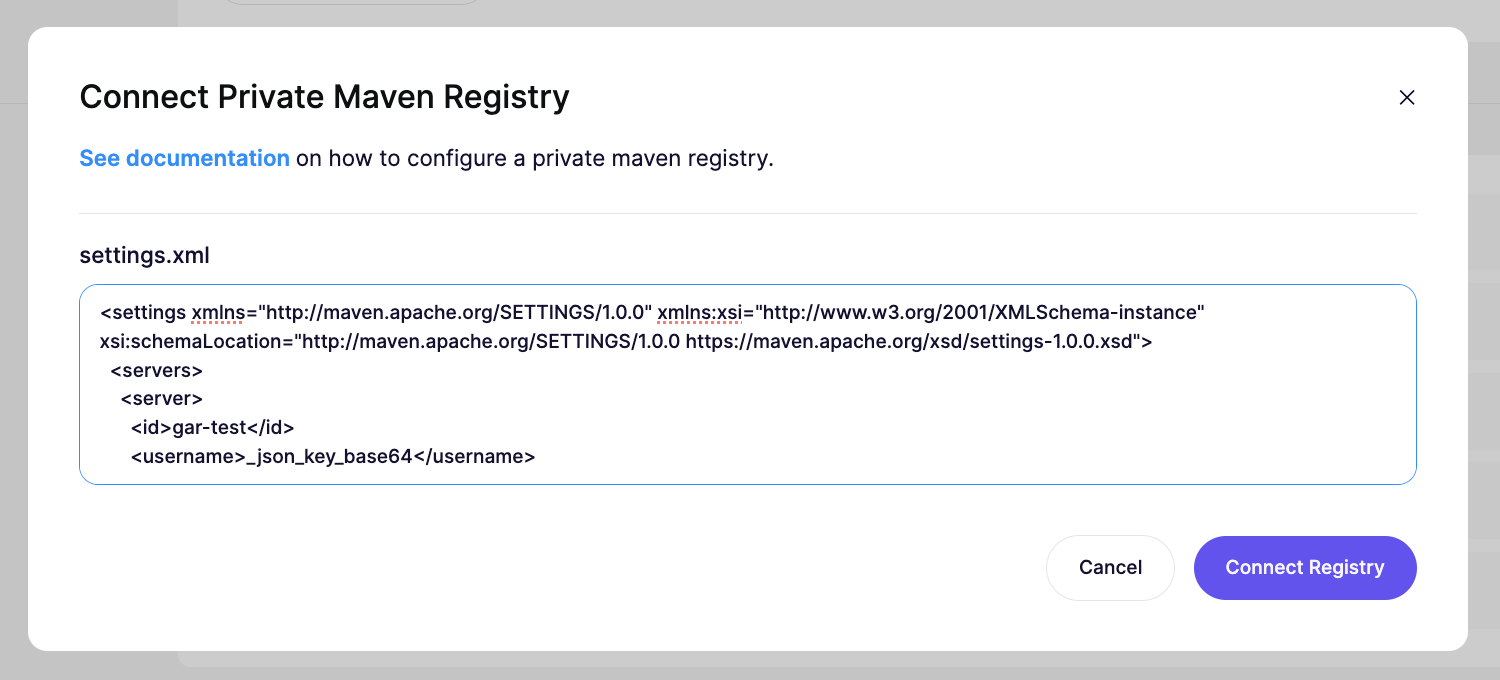
- Aikido tests the credentials and shows the result next to the Maven connection.
- In the next scans, this settings.xml will be used by Aikido.
AWS CodeArtifact
To set up the AWS CodeArtifact connection, see AWS CodeArtifact - Private Packages.
GitHub Packages
The Maven registry on GitHub Packages requires a classic personal access token with the read:packages scope. Fine-grained personal access tokens are not supported for this registry.