Custom Registries
If your team installs packages through a private registry like AWS CodeArtifact or JFrog Artifactory, add its domain in Aikido. Device Protection only inspects installs on domains it knows about.
Packages served through a registered domain are checked for malware exactly like packages from the public registry, and your existing installation policies apply to them too.
How it works
When you register a custom registry, Device Protection recognizes its domain as a proxy for a public ecosystem. Package installs that flow through that domain are inspected on the device and checked against Aikido's malware signatures, just like installs from the public registry itself. Your existing installation policies apply to these installs too.
Add a custom registry
- Go to Custom Registries in your Aikido account.
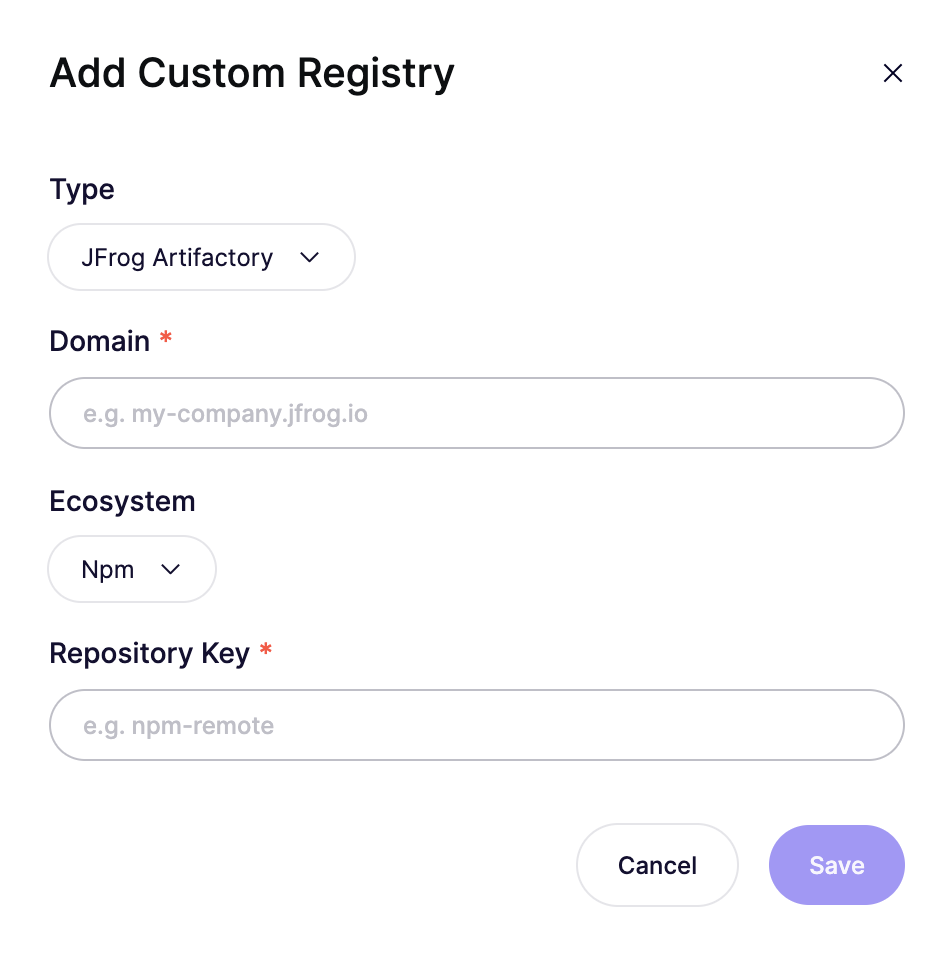
- Click Add Custom Registry.
- Select the registry Type: AWS CodeArtifact or JFrog Artifactory.
- Enter the registry Domain, for example
my-org.d.codeartifact.us-east-1.amazonaws.comormy-company.jfrog.io. - For JFrog Artifactory, select the Ecosystem that the repository proxies (for example Npm) and enter its Repository Key (for example
npm-remote). - Save.
A JFrog repository key maps to a single ecosystem, so add a separate entry for each repository you use.
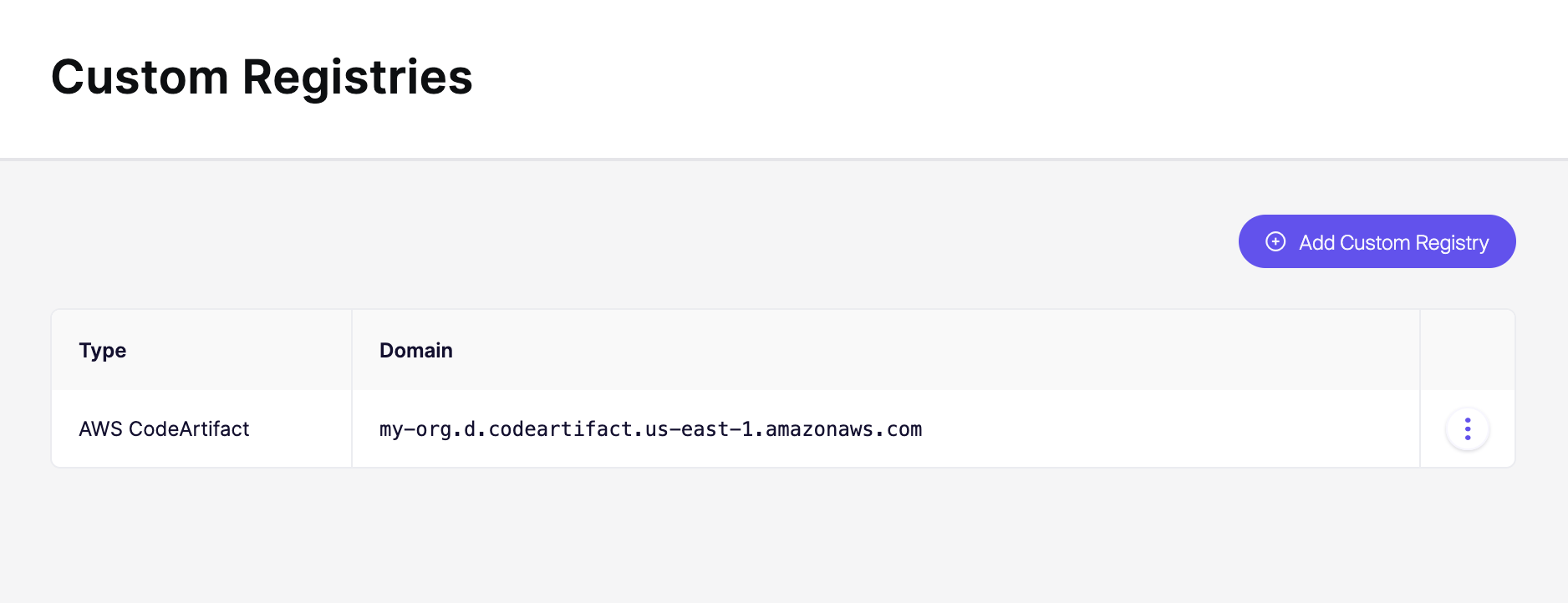
The registry now appears in the list with its type and domain. Use the ⋮ menu on a row to edit or remove it.