Leveraging Code and Documentation
TL;DR
Black-box testing is blind. White-box testing is precise. Connect your repositories to give the system full visibility, then use the context box and file uploads to fill in the gaps.
Repositories
Unlock White-Box Testing
Without source code, the system scans blind. Connecting your repositories upgrades the test from external guessing to internal verification.
Connecting your repositories is the single most impactful step you can take. Instead of just poking at endpoints from the outside, the system analyzes the actual source code to understand how the application processes data.
Commit standing instructions in AGENTS.md at the repository root so the agents can follow your architecture and accepted risks. See Guide Agents with Repository Files.
- Why it matters: It finds deep-logic vulnerabilities that external scanning simply cannot see.
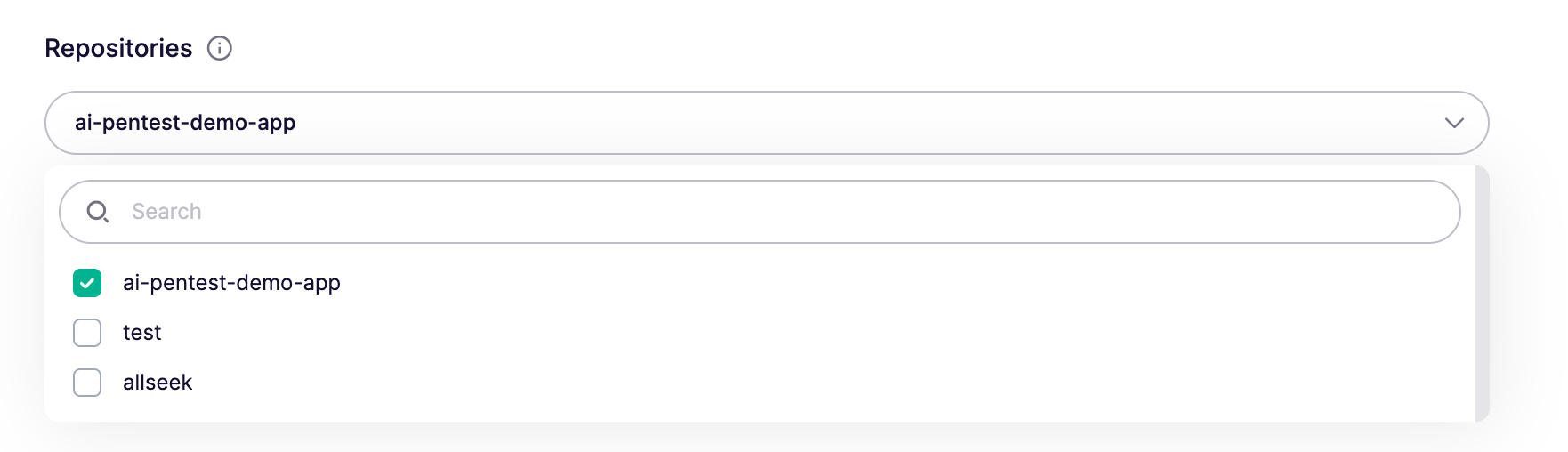
- What to select: Include all repos involved in the scope (Frontend, Backend, IaC).
- There is a limit on how many repositories you can connect per pentest. This keeps the pentest focused on a single application. Overloading the scope with unrelated services can dilute the depth of the analysis.
- Need more? If your application needs more repositories than the limit allows, reach out to our support team and we can increase the limit for your specific use case.
- The result: The system maps your routes and logic directly from the source. It doesn't need to guess your API structure, it reads it.
Exclude paths from a repository
For monorepos, click Exclude Paths next to a selected repository and exclude specific directories to keep the pentest focused on the services in scope. Excluded paths are also removed from the Rightsized credit estimate, so the recommended amount only reflects the code being tested.
Only files that meaningfully impact your attack surface are counted toward the estimate. Excluding images, documentation, READMEs, or other non-code assets won't lower the credit estimate, and we recommend against it. Aikido uses these as context to better understand your application, which improves the quality of the pentest. Exclude unrelated services or applications instead.
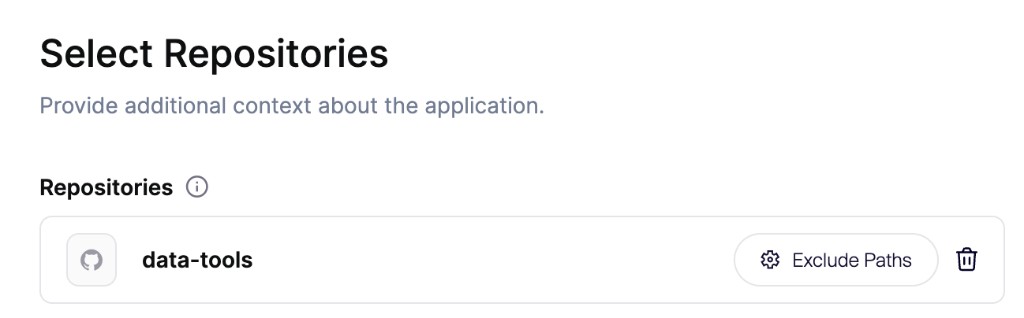
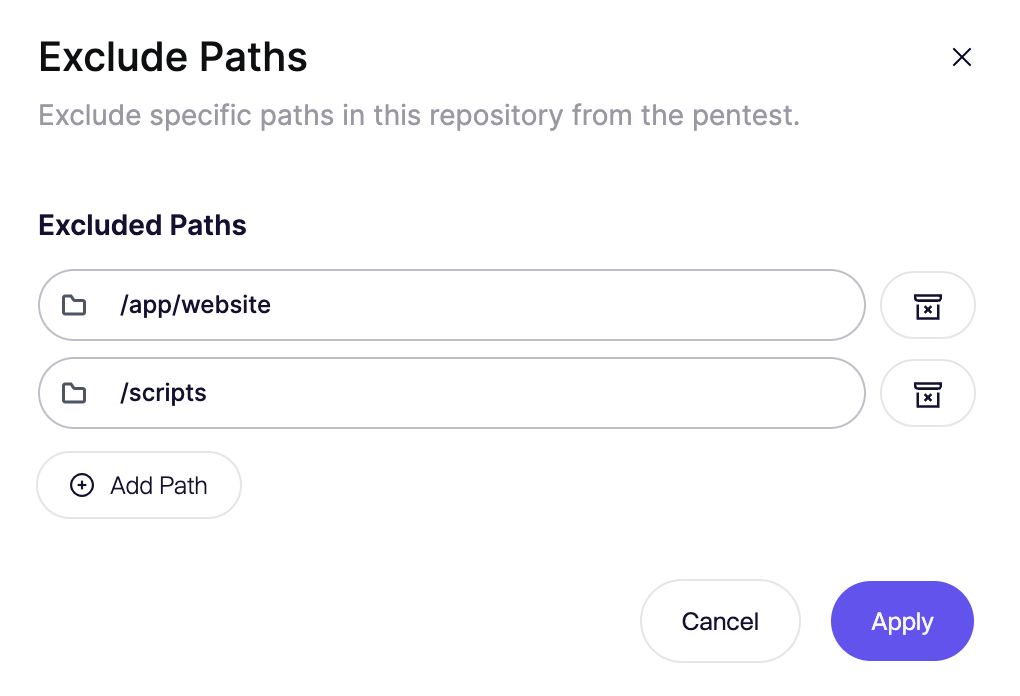
How path matching works
Paths are matched with a starts with rule from the repository root. Entering a directory path excludes that directory and everything under it, including all files and folders.
Wildcards are not supported. Characters like * are treated as literal characters in the path, not as a pattern. For example, /path/* excludes a file or folder literally named *, not every file under /path. To exclude an entire directory, enter the directory path itself (e.g. /path).
| Path you enter | What gets excluded |
|---|---|
/services/legacy | The services/legacy directory and all files and folders under it |
/apps/admin | The apps/admin directory and everything nested inside it |
/README.md | Only the file README.md at the repository root |
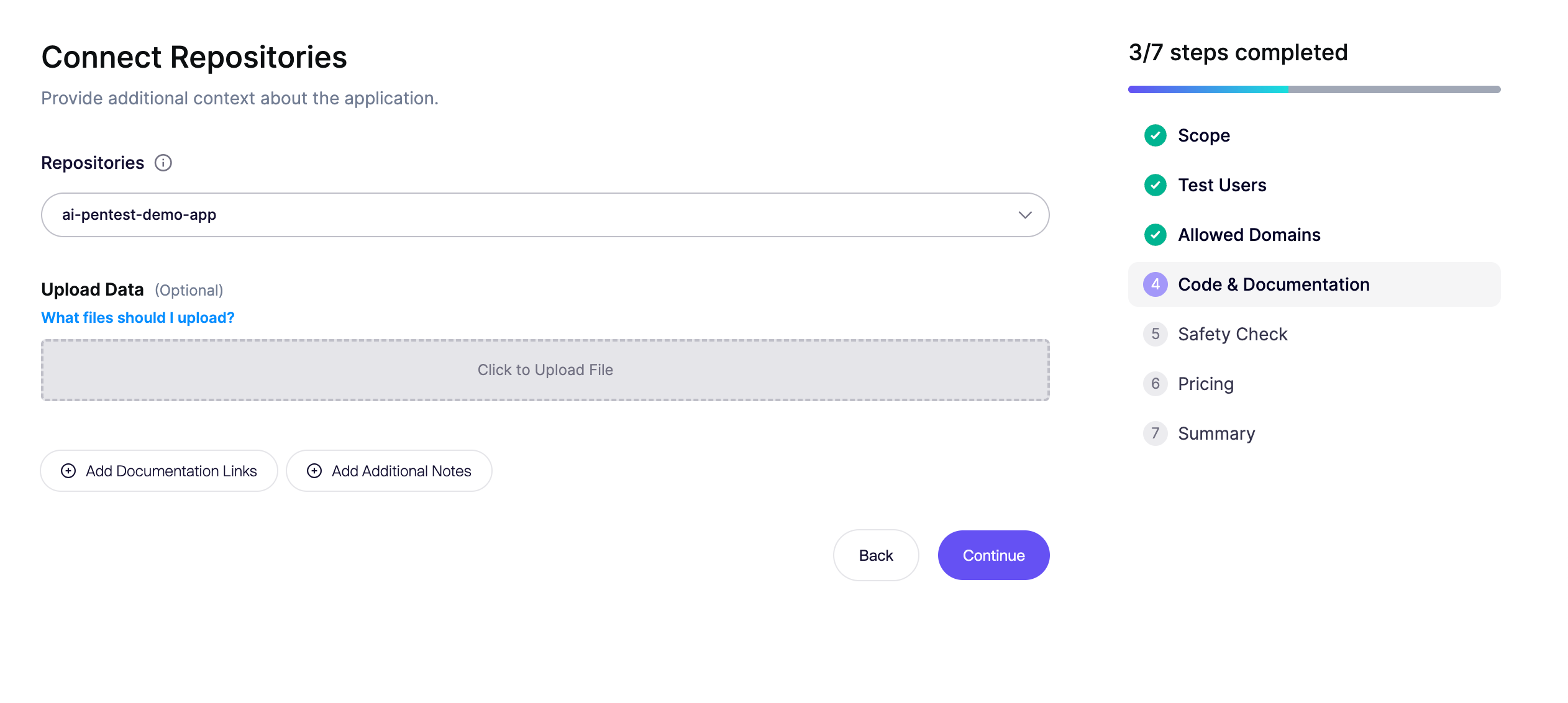
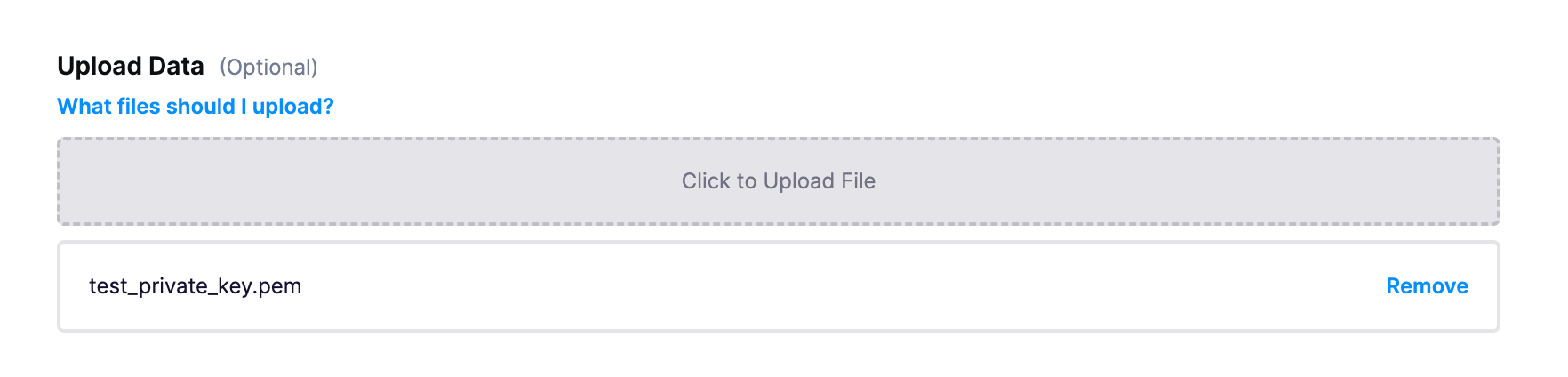
Upload Data
Files cover the structural elements that the code doesn't reveal.
- OpenAPI Specs (JSON / YAML): Gives the system a complete map of the API surface. This ensures it interacts with and attacks every endpoint, not just the ones it can crawl.
- Offline documentation (README.md / Specs): Provides the system with deep context on the target and its threat model, helping it distinguish between intended design and actual vulnerabilities.
- User Role Definitions: A list of supported roles (e.g., Admin vs. Viewer) and their specific constraints. The system uses this to strictly test what specific users should not be able to access.
- Workflows & High-Level Structure: Descriptions of complex flows (like "Checkout" or "Onboarding") and the general app structure.
- Previous Pentest Reports (PDF): Feeds the system historical data. It uses this to validate past fixes (regression testing) and hunt for variations of those specific bugs elsewhere in the code.
Data persistance
We persist your data encrypted for two pragmatic reasons:
1. Continuous Pentesting & Repeatability Security isn't a one-off. When you trigger a re-scan or a continuous test, we use these attack resources to ensure the test is consistent. You don't want to re-configure the scope every time a scan is triggered.
2. Audit & Legal Defense For SOC2 or ISO 27001, you need to prove how you tested. We maintain this data to create a defensible audit trail. It allows you to justify exactly what was in scope, and prove that the test was done with full white-box visibility, not just a superficial scan.
Additional Notes
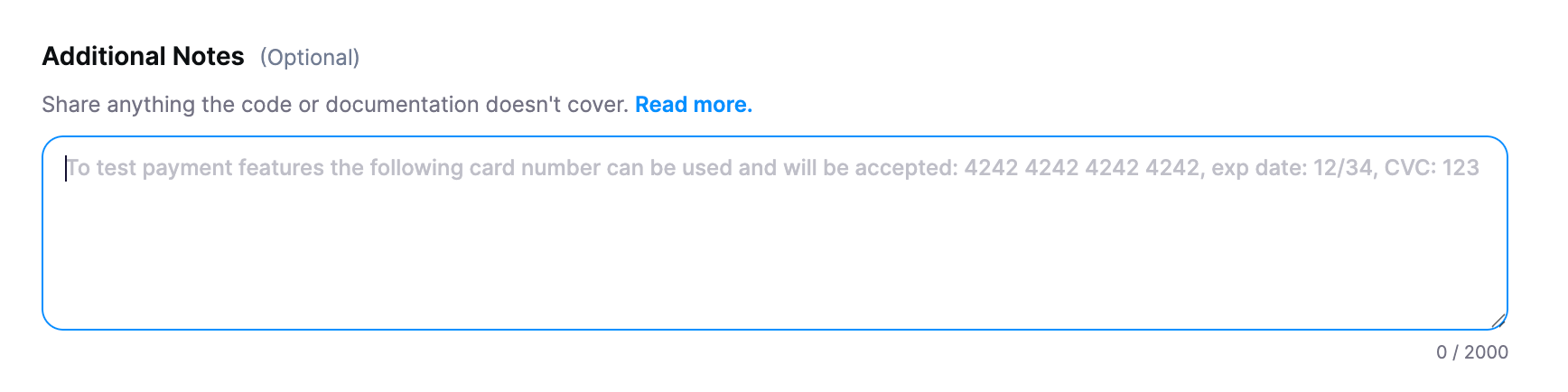
Code shows syntax, but it doesn't always show intent. Use this text box for anything valuable that isn't explicitly defined in the repo or the docs.
- Business Logic: Explain rules that might look like bugs but aren't (e.g., "Admins are allowed to see all user data").
- Architecture Quirks: "We use a custom implementation of OAuth" or "The database is read-only for this service."
- Known Gaps: "The API documentation in the repo is slightly outdated for the payment service."
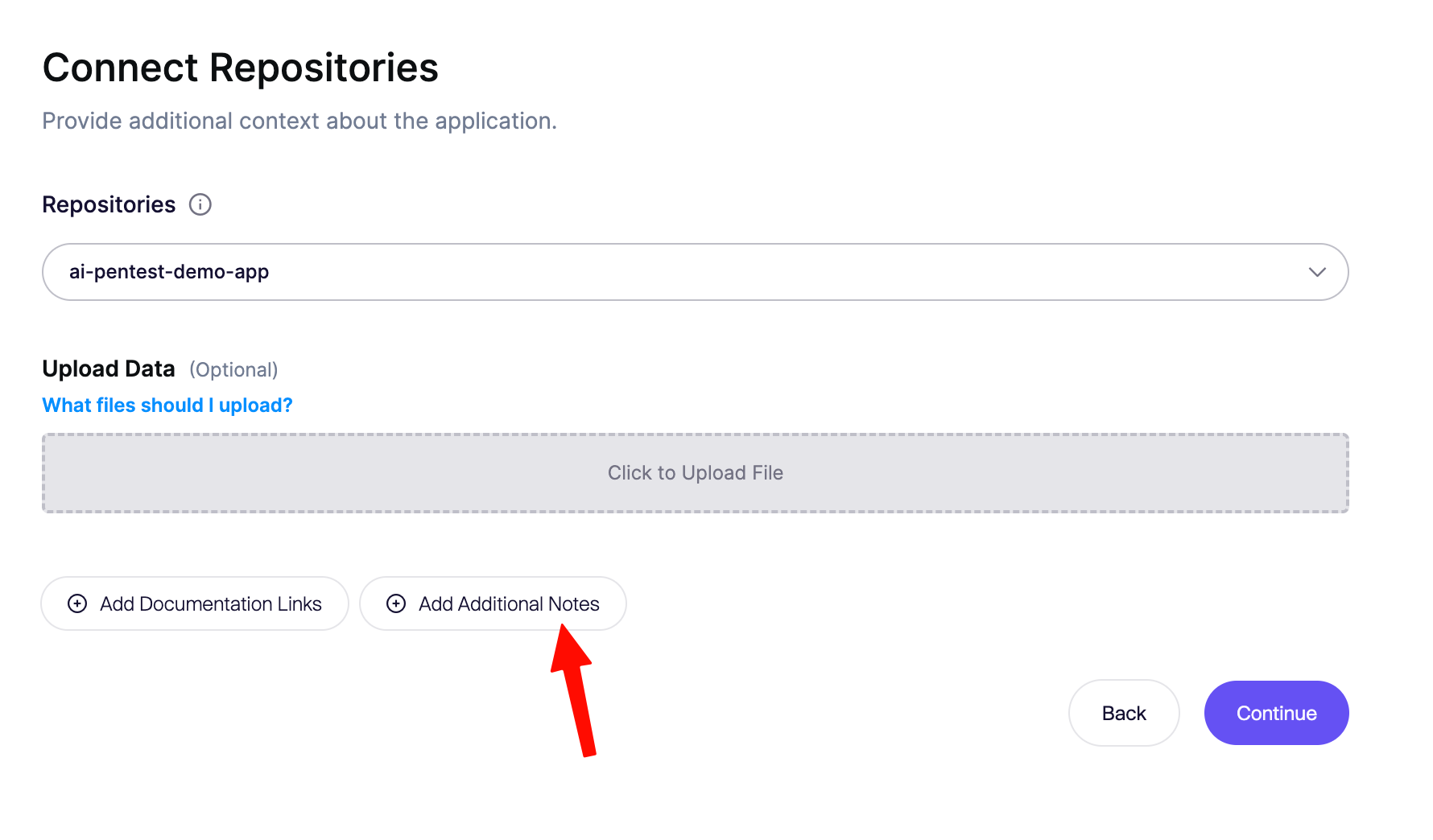
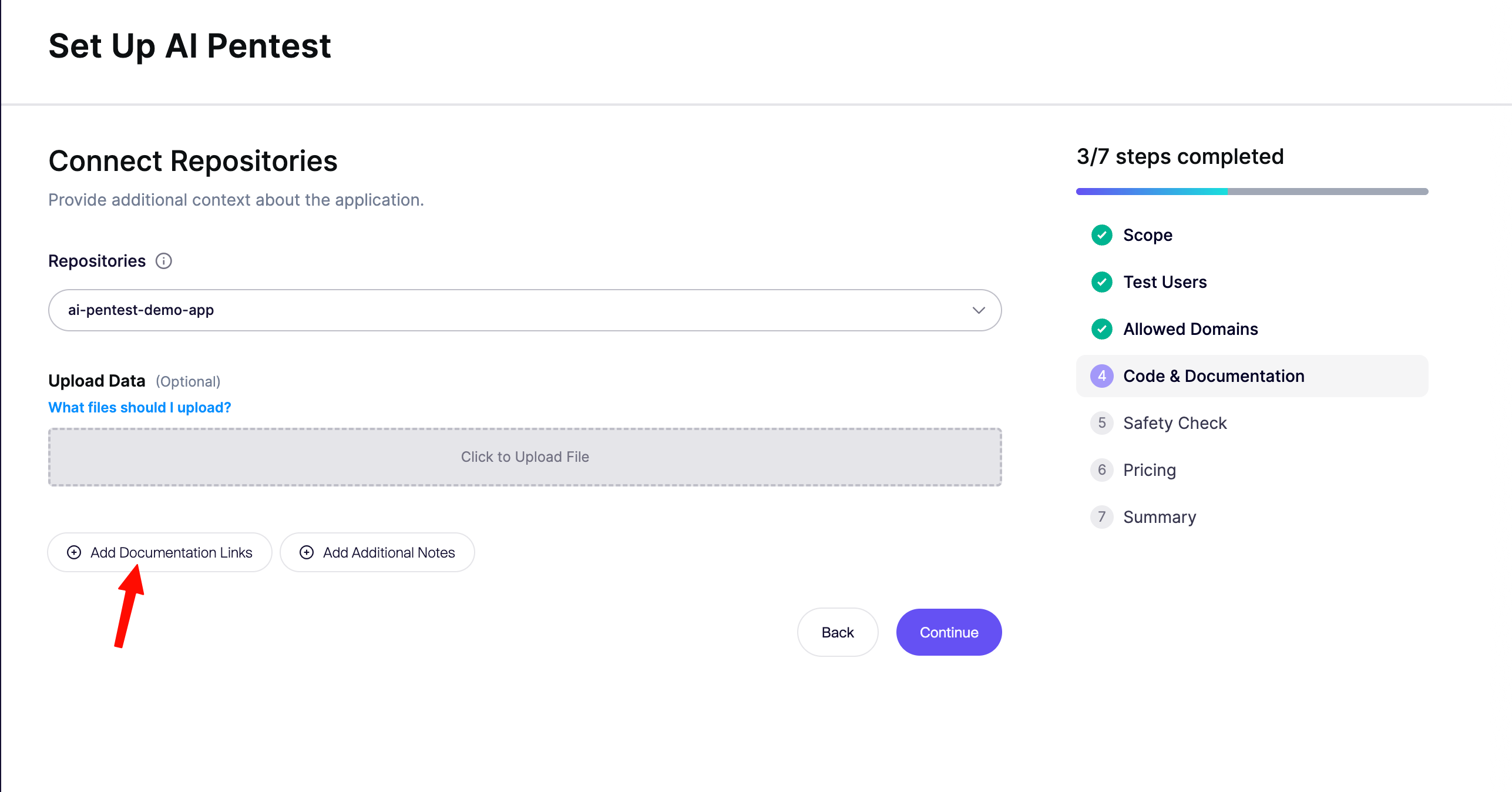
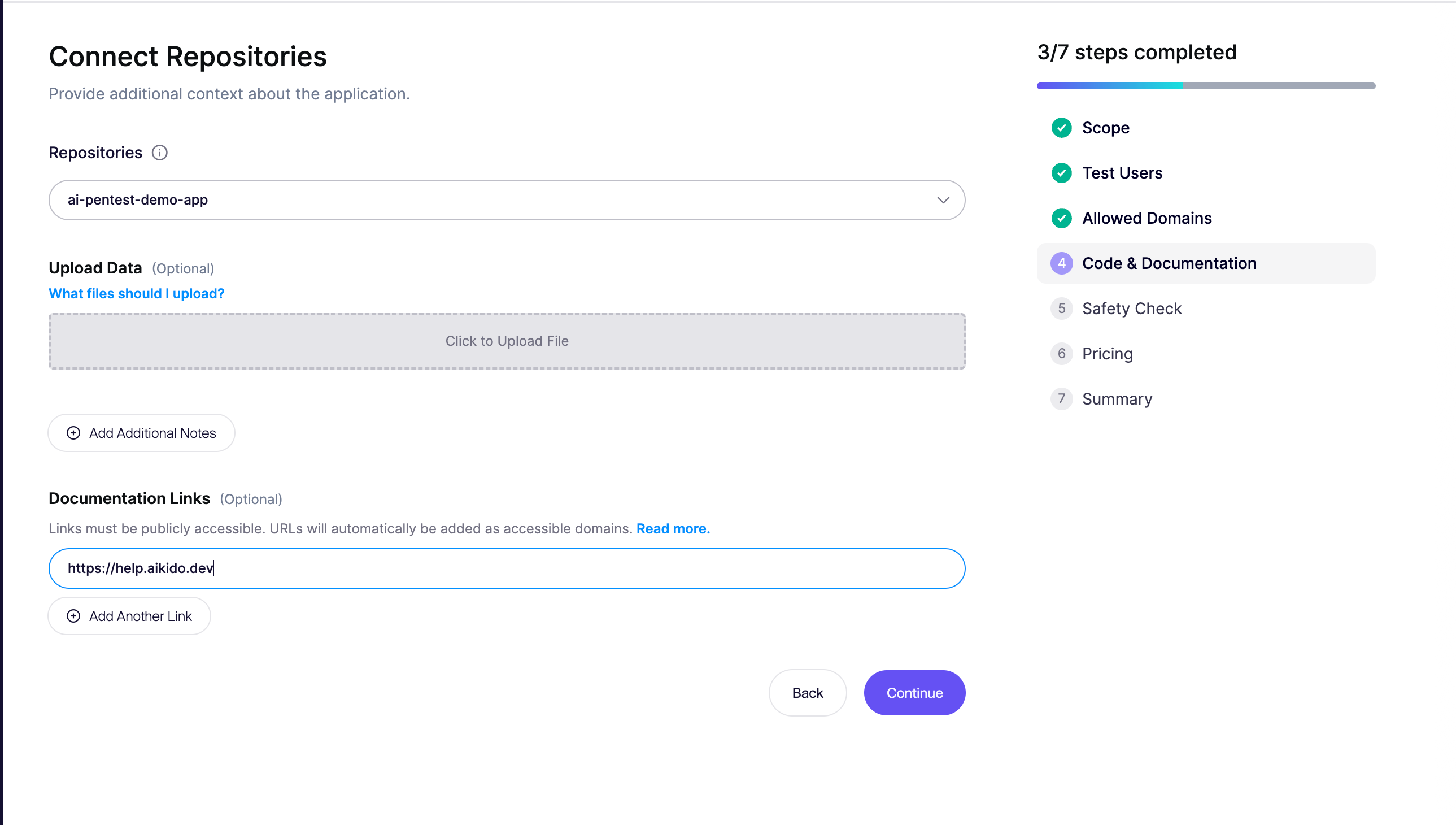
Add Documentation Links
If your documentation is publicly available online, you can add the URL directly.