
Code Scanning with a Workspace Access Token
Bitbucket only supports the creation of Workspace Access Tokens for their premium plan.
Introduction
You can easily configure Bitbucket Code Scanning via the Aikido interface via the account settings page, or by navigating directly to this link.
Creating a Workspace Access Token
Navigate to the workspace settings
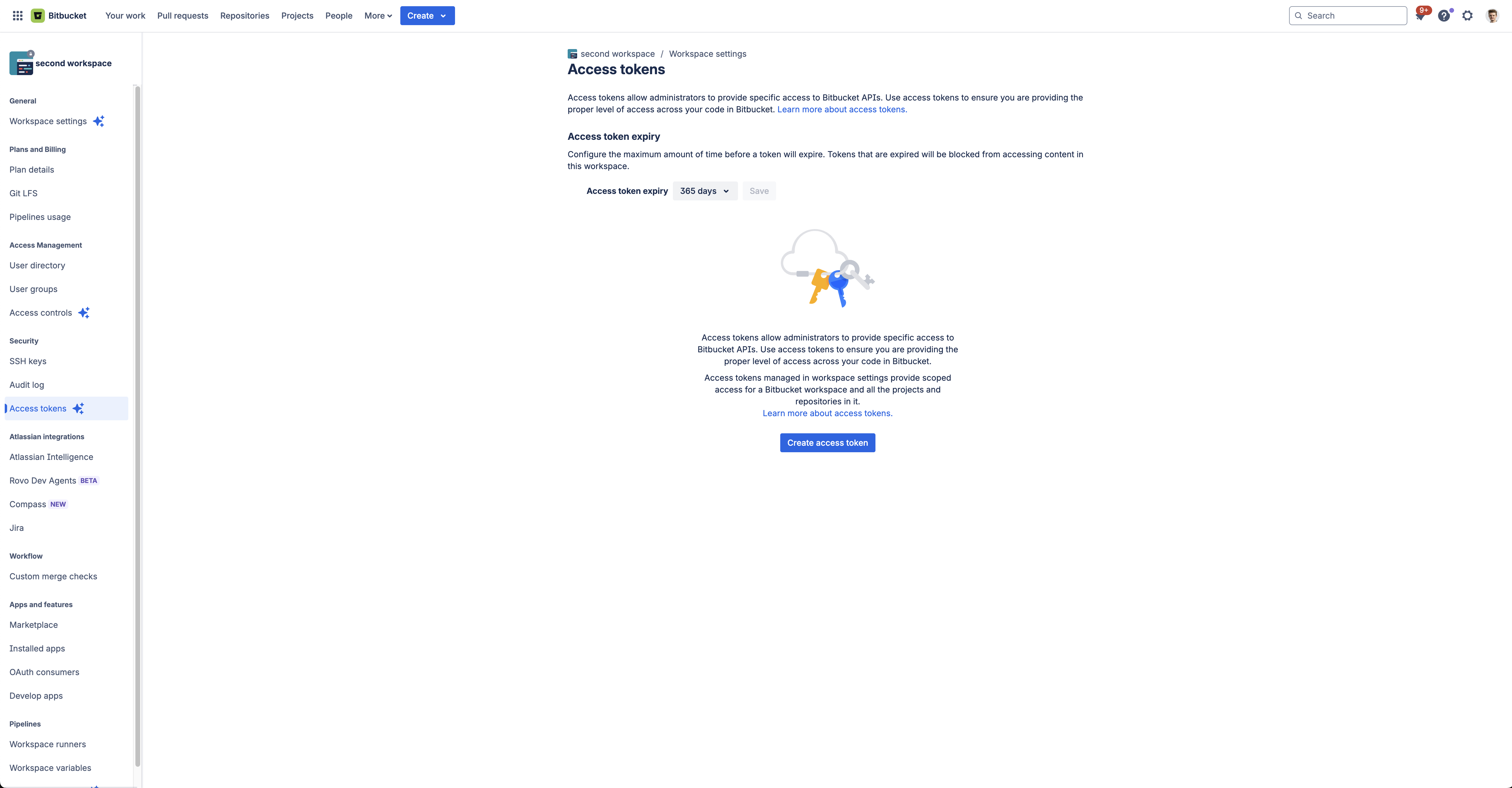
Create access token
Click on the "Create access token" button to start creating a workspace access token.
Select the required scopes
Choose a descriptive name for the token like "Aikido Security Code Scanning", and select the following scopes: Account:Read & Repsitories:Read
Copy the token
After clicking "Create", you can copy the token and enter it in the input field on this page