Auth0 Configuration
The pentesting agents share session state across multiple instances. To ensure this works correctly, apply the following settings in Auth0.
This page covers Auth0 specifically. See OAuth and JWT apps for any OIDC provider. If you cannot change these settings, use Disable Credential Sharing so each agent keeps its own test user.
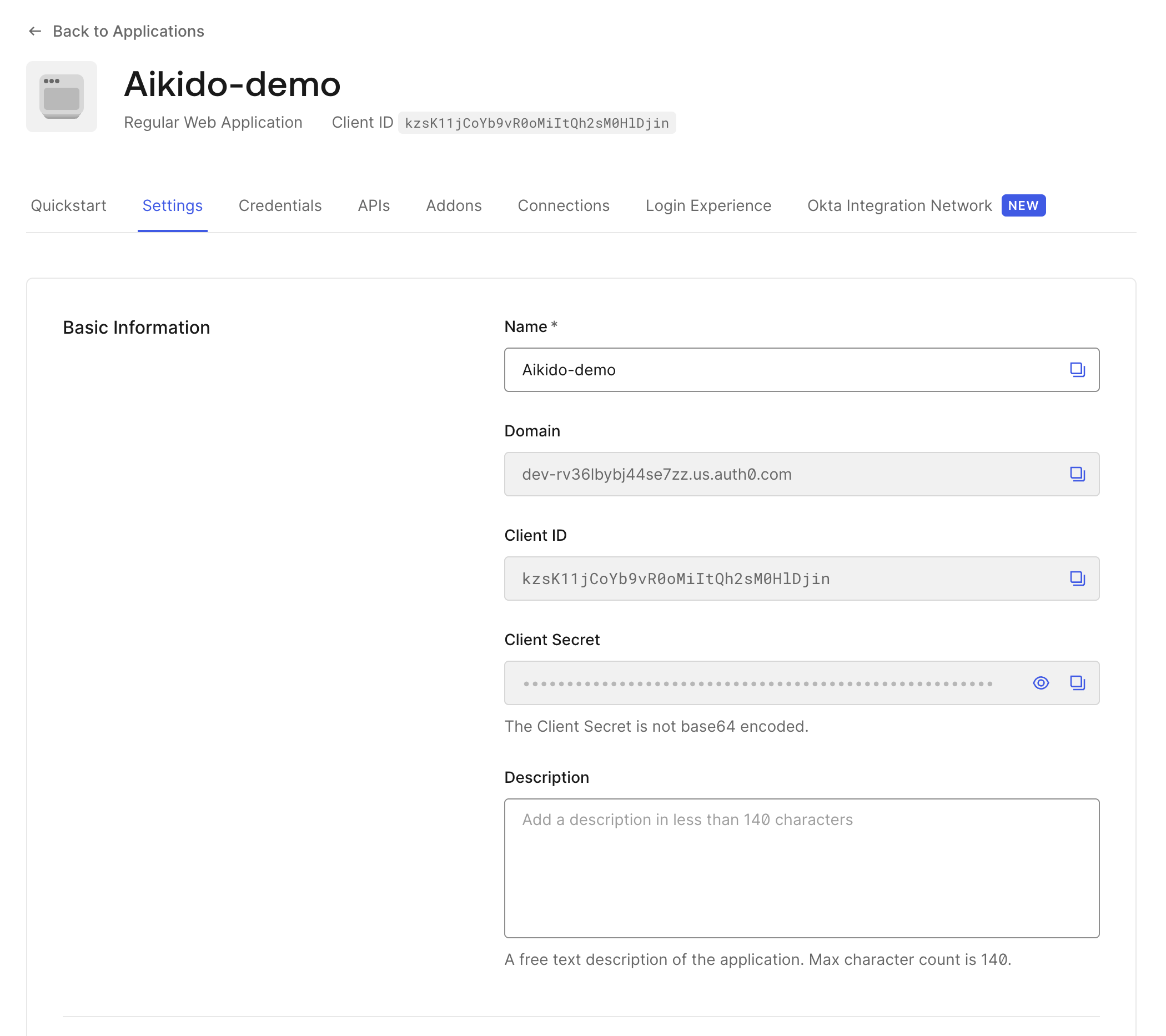
Open Application Settings
Navigate to Applications → [Your Application] → Settings.
Disable Refresh Token Rotation
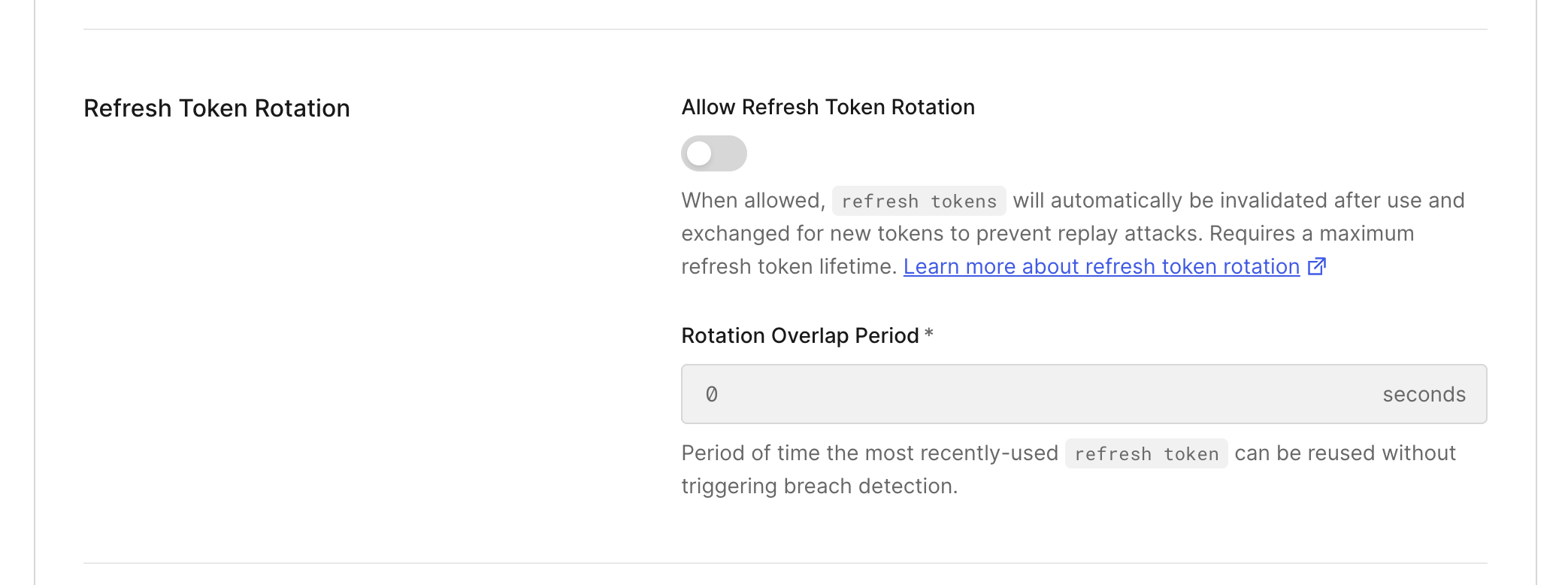
Refresh token rotation issues a new refresh token on each token exchange. This interferes with the agents’ shared-session model and must be disabled.
Configure Refresh Token Lifetime
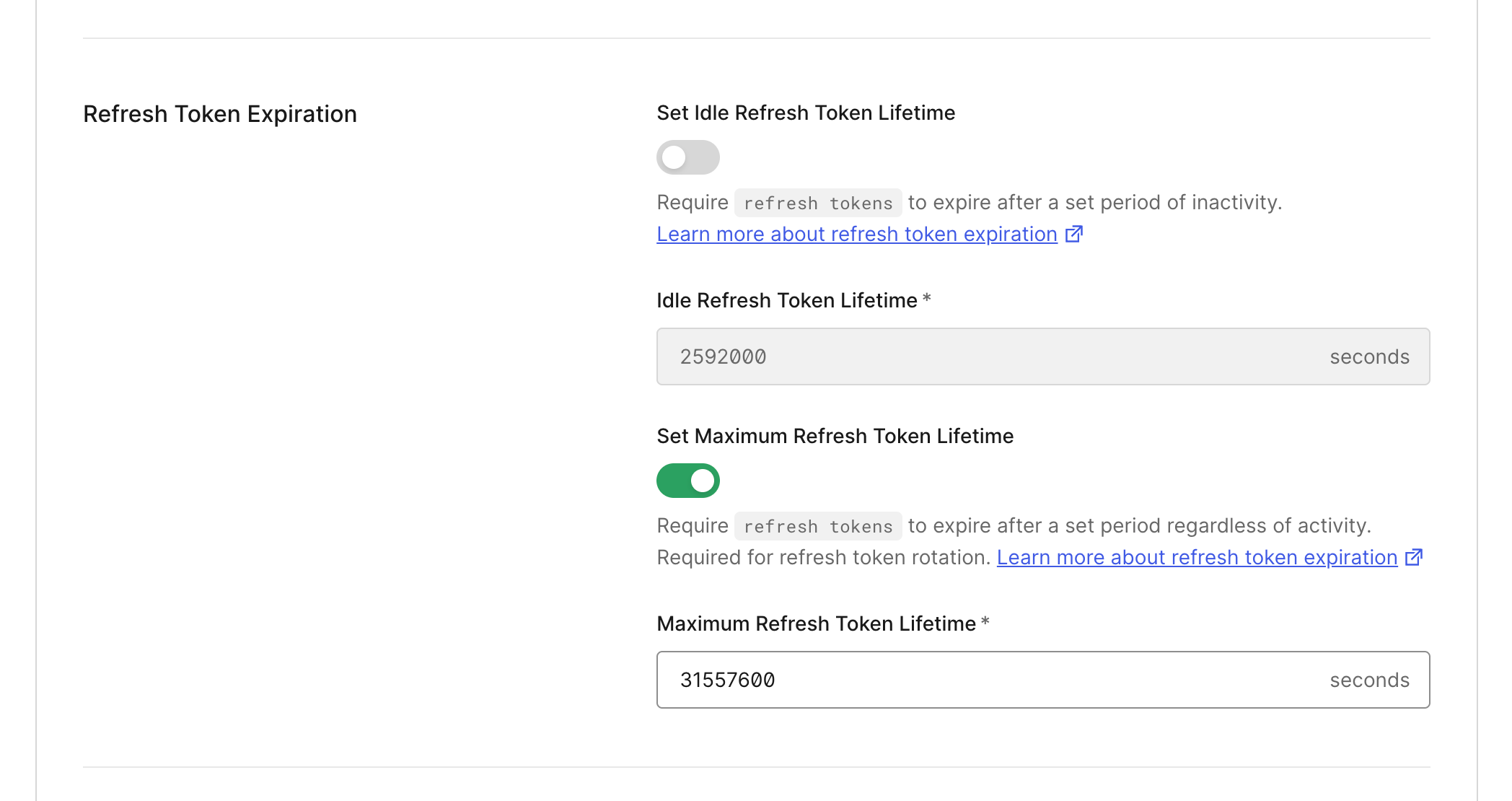
Configure the refresh token lifetime to a sufficiently long duration (recommended: greater than 7200 seconds) to reduce the frequency of agent re-authentication during execution.