
Integrate your Lovable Apps
You can connect Lovable to Aikido, run an Aikido Pentest, and fix findings without leaving your Lovable project.
You can watch the walkthrough below, or follow the step-by-step guide further down.
Lovable Apps walkthrough - Watch Video
By running a pentest, agents will try to find vulnerabilities in your application and will need to interact with it. This might result in test data being created in your app.
Connect Lovable to Aikido
Open connectors in Lovable
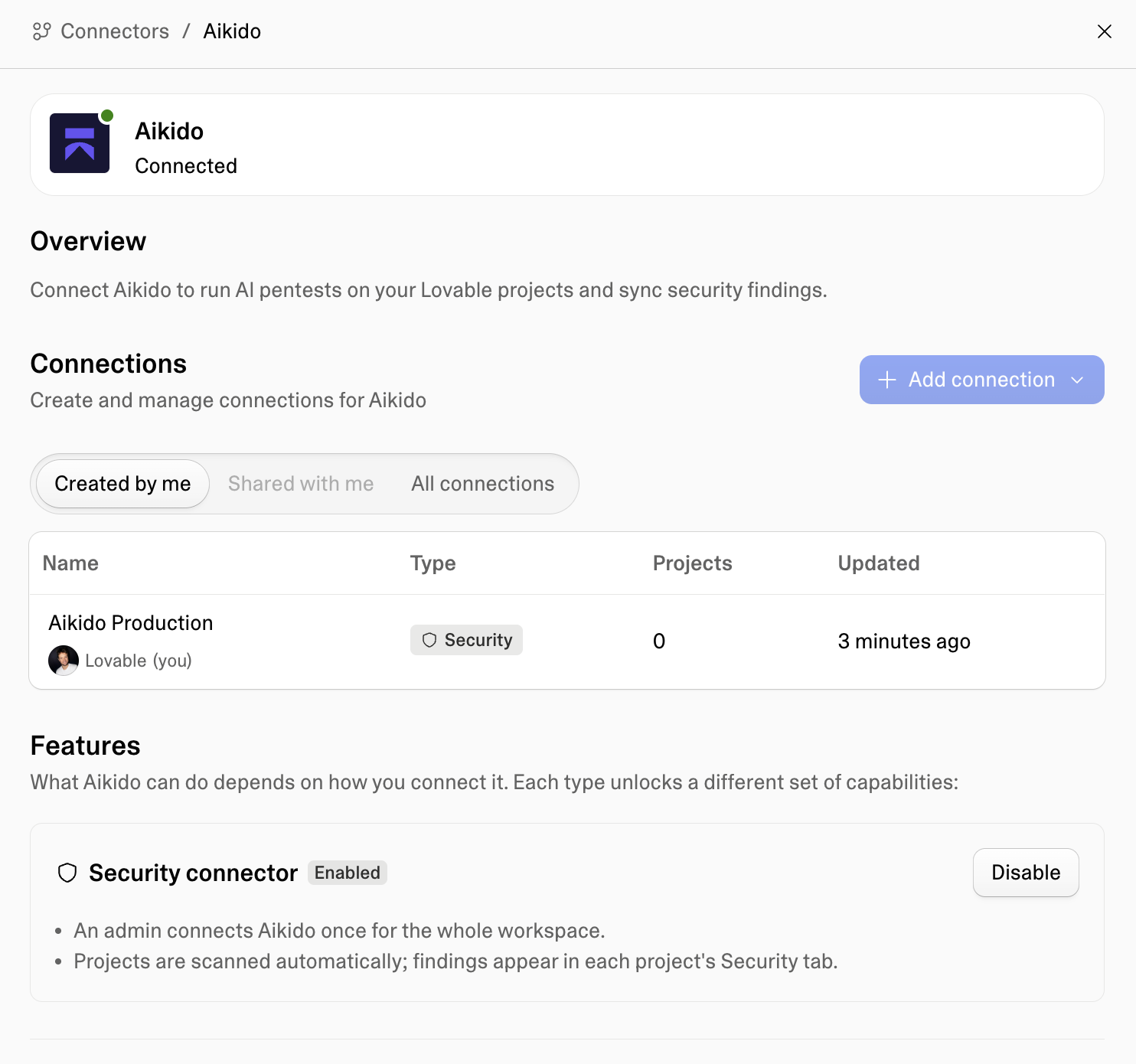
In Lovable, go to your Connectors tab in the side menu and look for Aikido.
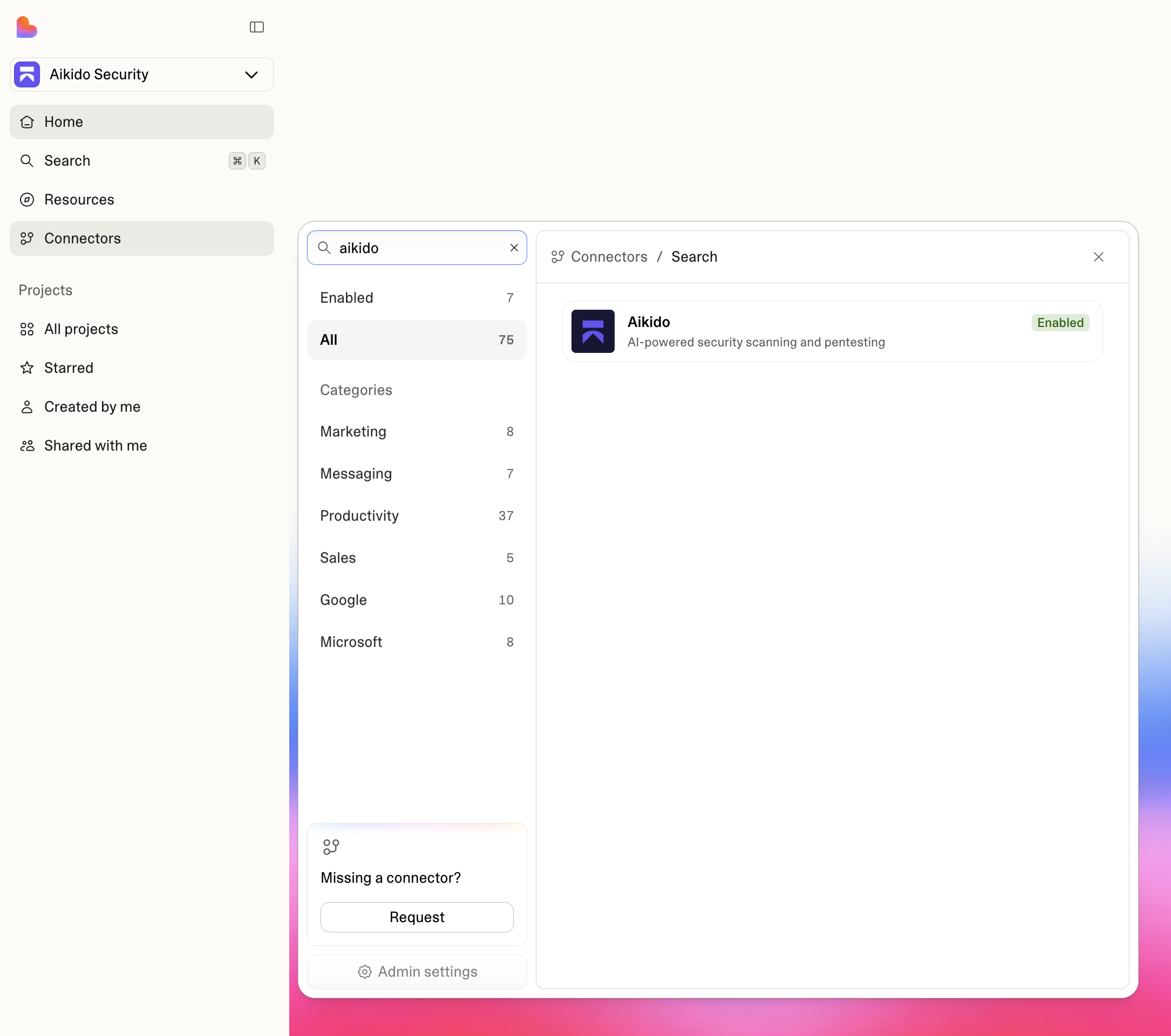
Add the Aikido connector
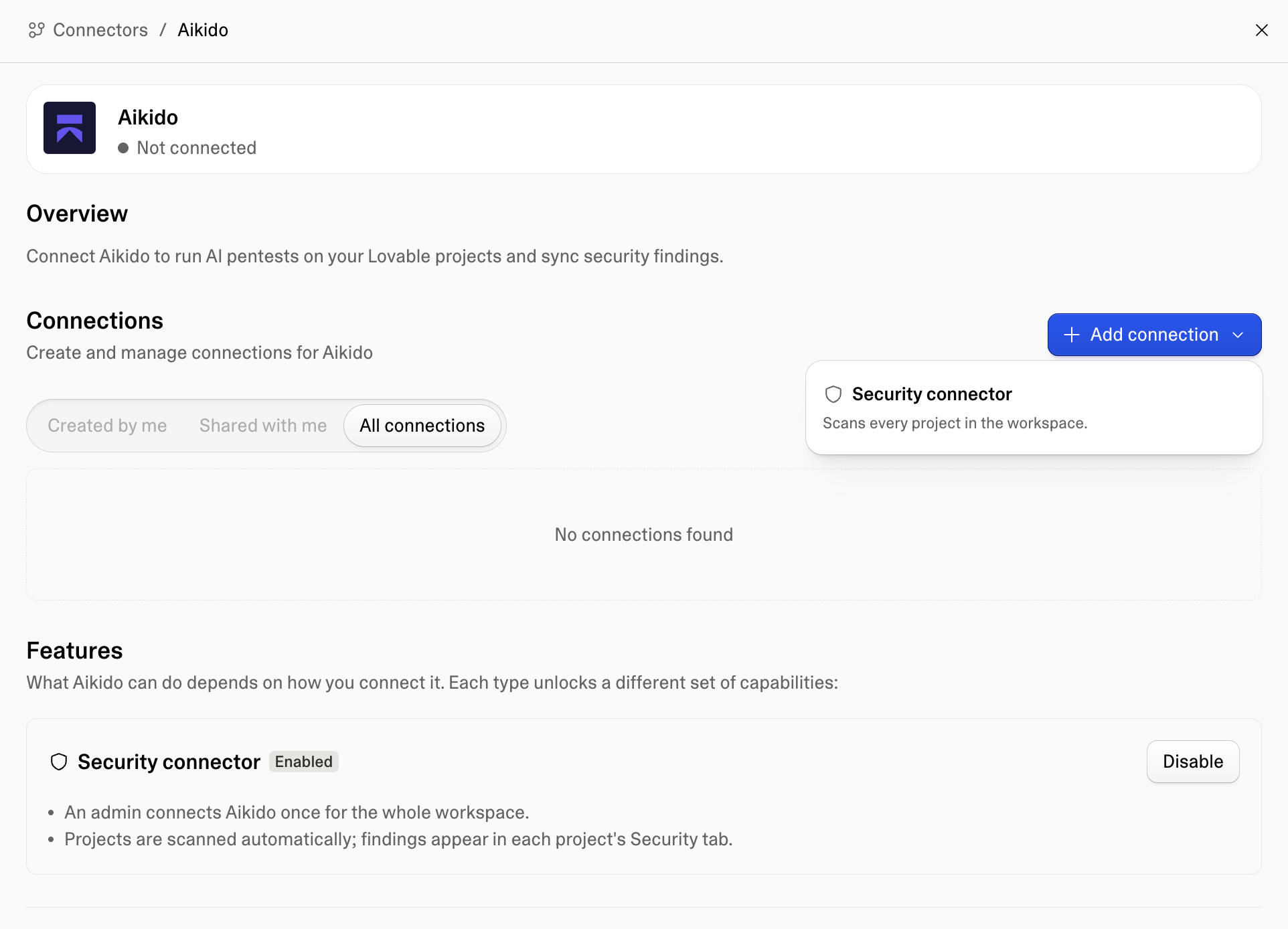
Click Aikido, then click Add connection.
Give the connection a clear name, for example the name of your Aikido workspace.
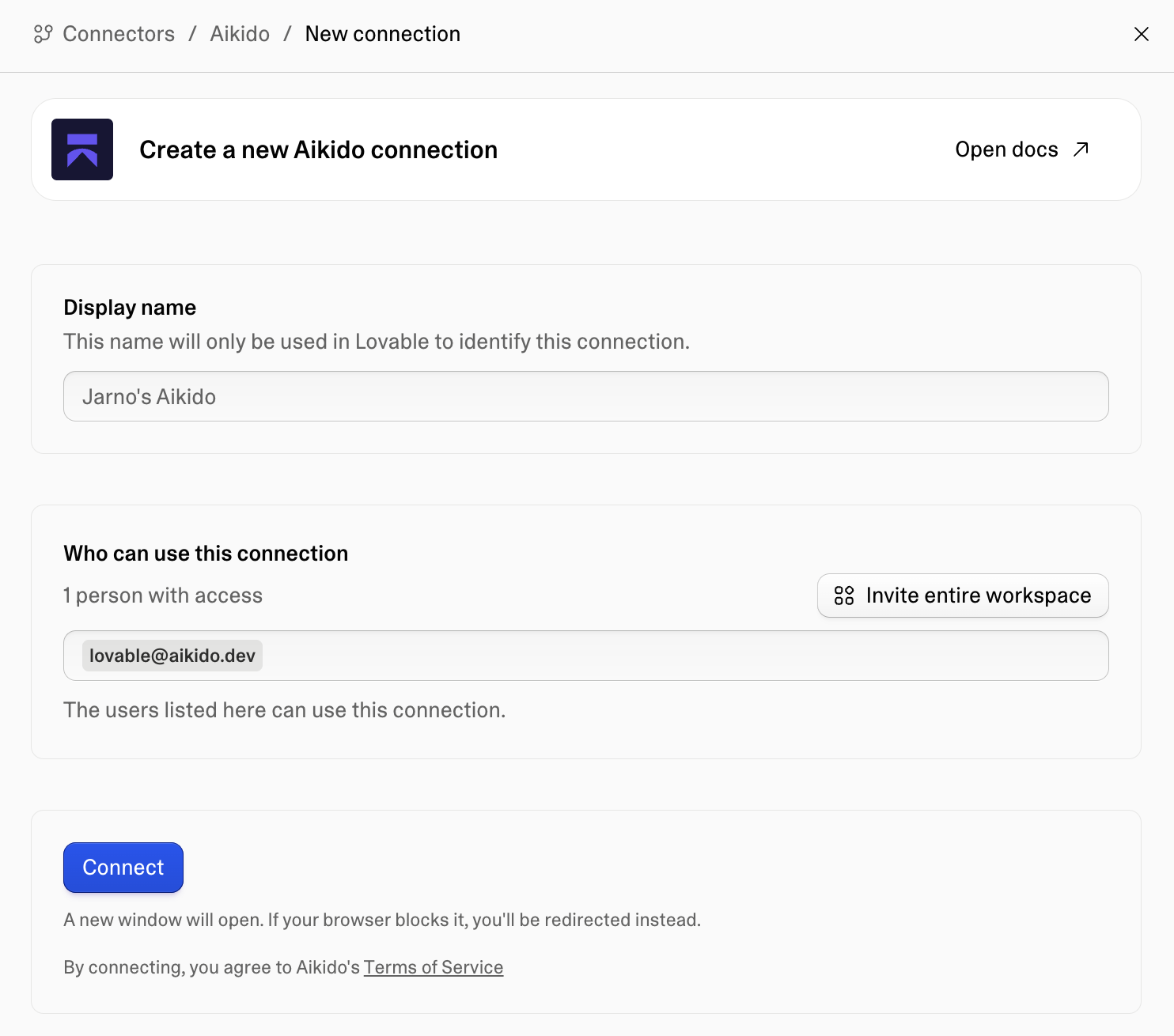
Configure the Connector
Give it a clear name, for example the name of your Aikido workspace and specify who has access to it.
Click Connect when you're ready.
Create an Aikido organization (if needed)
If you don't have an Aikido organization yet, create one in the popup.
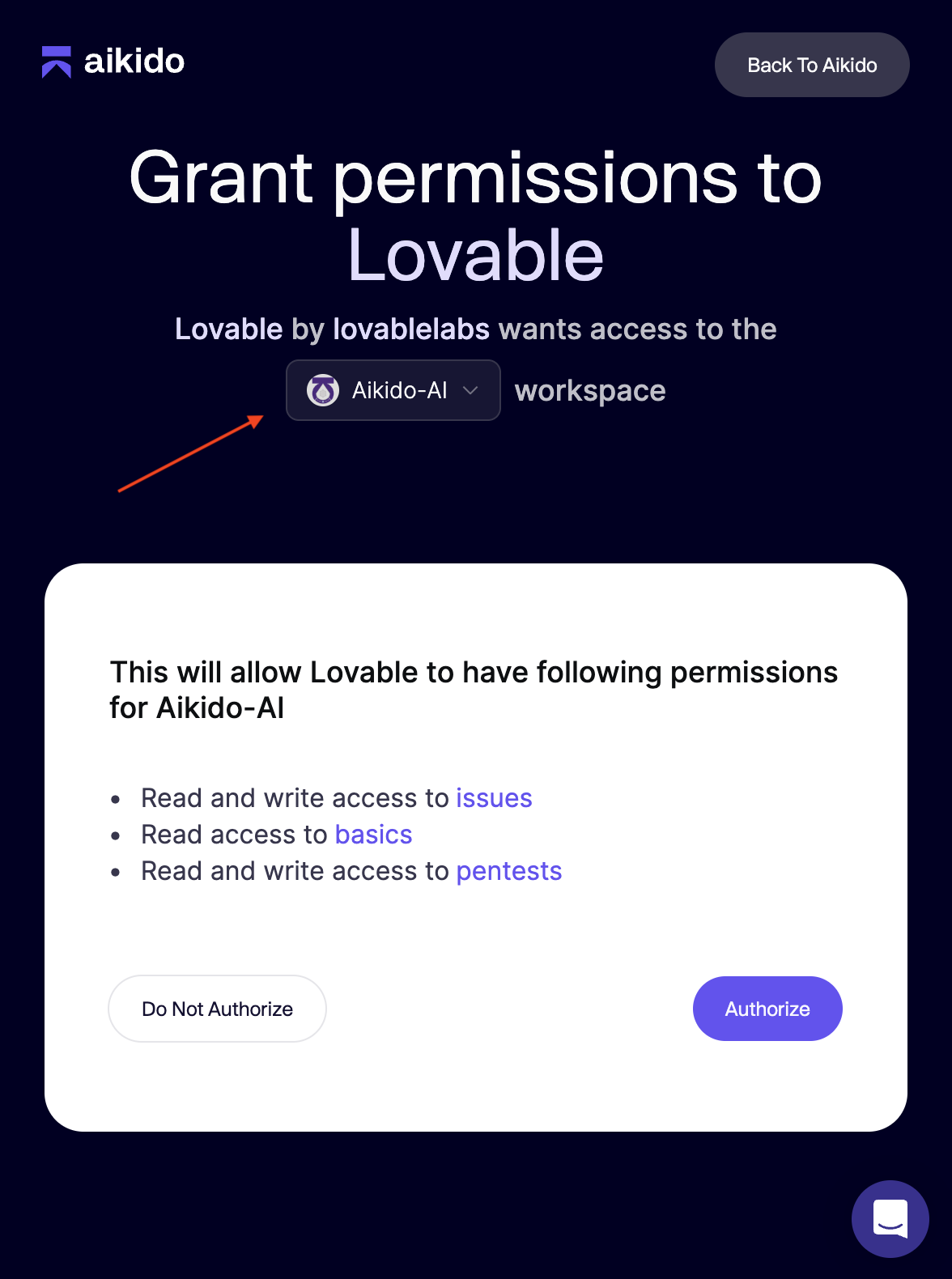
Approve access for the right Aikido workspace
Grant permission from Aikido to Lovable for the correct Aikido workspace.
This is the workspace where your Lovable apps will be tested and where findings will appear.When the right one is selected, click Authorize.
Confirm the connection is active
Your Aikido workspace and Lovable workspace are now successfully connected.
Run a pentest from Lovable
Open your project
Go to your project in Lovable.
Start the security flow
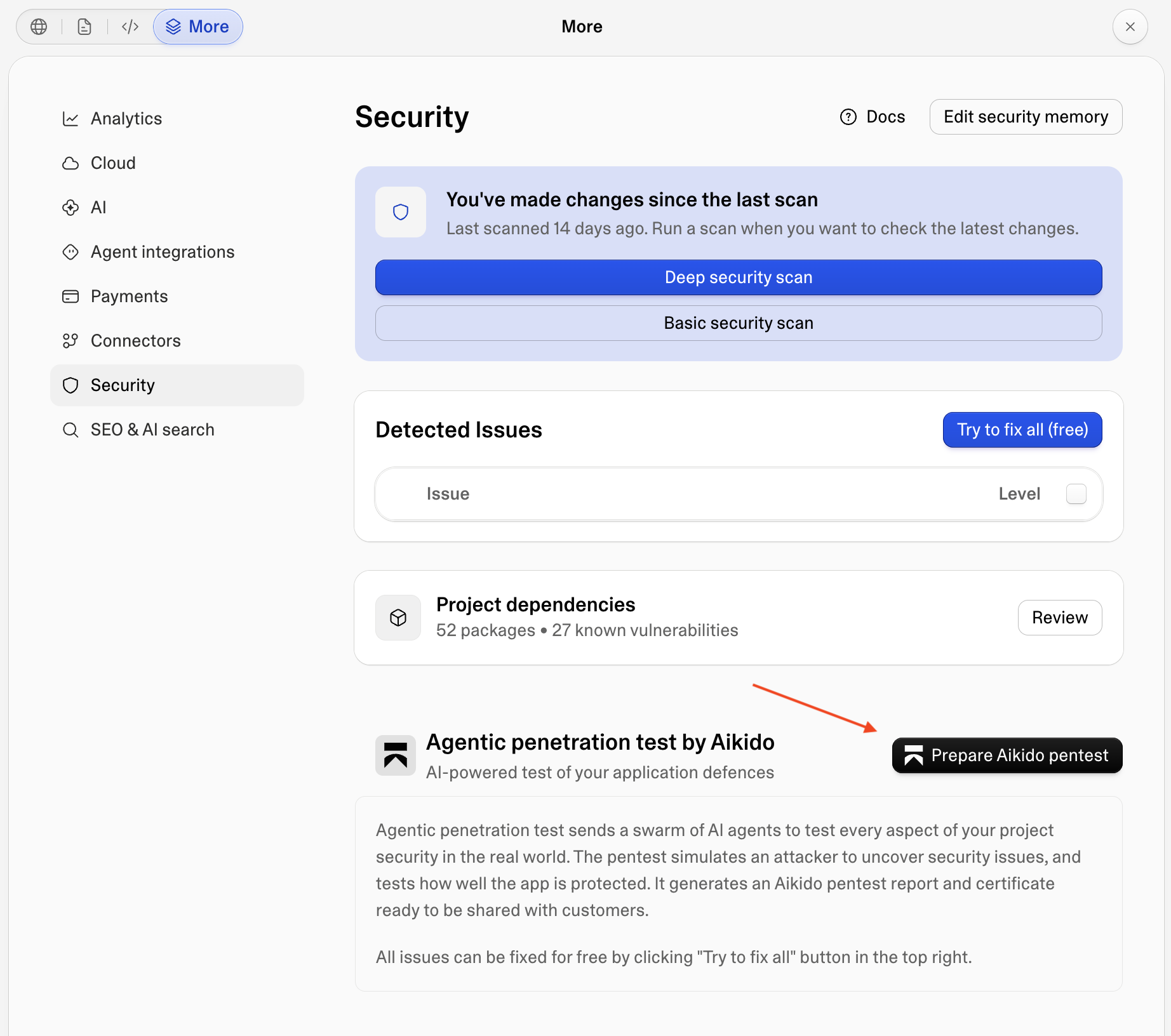
Go to more in the toolbar and open the Security tab.
Create a new pentest by clicking Prepare Aikido Pentest.
Complete setup
Go through the pentest setup flow in Aikido.
The most important part is configuring the right test users so Aikido can access authenticated parts of your app.
If you need help with test users, check:
Start the assessment
When everything is configured, click Run assessment.
Review and fix findings
When the assessment is finished, Lovable shows the findings directly in your project.
To remediate quickly, click Fix all and Lovable's agent will patch the vulnerabilities for you.