
JFrog Artifactory
Use Aikido Registry Proxy as the default upstream for Artifactory. The proxy blocks malware and enforces a minimum package age on every package your team installs.
The same Artifactory setup also lets you install Aikido Libraries.
Get your Aikido proxy URL
Go to Settings > Registry Proxy, select your ecosystem and copy the upstream proxy URL
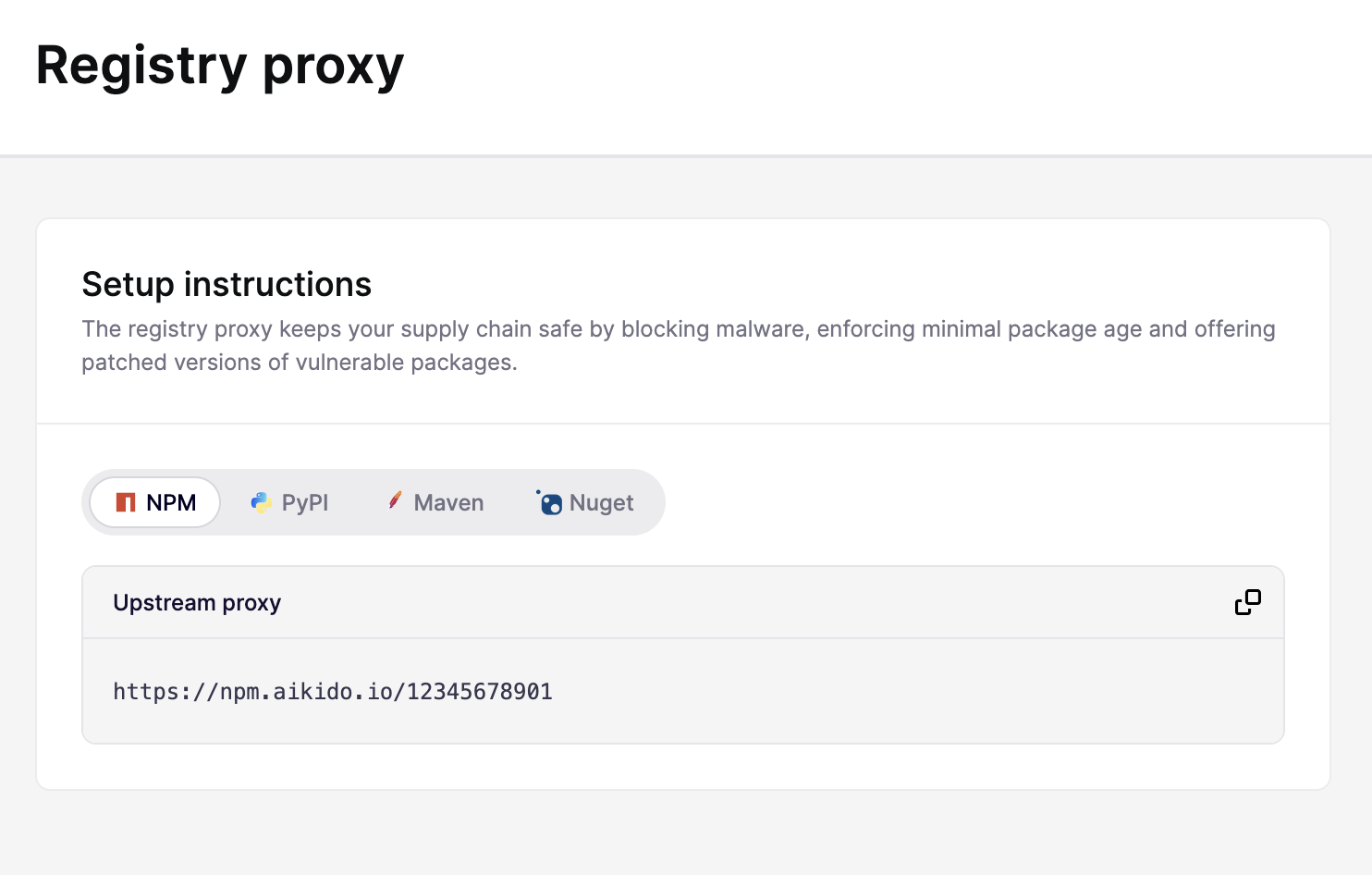
Create a Remote Repository in Artifactory
- In Artifactory, go to Administration > Repositories.
- Click New Repository and select Remote.
- Set Package Type
- Give the repository a key, for example
aikido. - Set the URL field to your Aikido proxy URL from step 1.
- Save the repository.
If packages don't reflect the latest data from Aikido, set the Metadata Cache Lifetime to
0in the remote repository settings. This forces Artifactory to always fetch fresh metadata from the Aikido proxy instead of serving a cached version.(Optional) Create a Virtual Repository
If you also have internal packages stored in a local Artifactory repository, create a Virtual Repository that aggregates both:
- Go to Administration > Repositories > New Repository > Virtual.
- Set Package Type to match your remote repository
- Add your local repository and the remote repository as members.
- Point your package manager at the virtual repository URL instead.
This gives your team a single registry endpoint that serves both internal packages and externally proxied packages through Aikido.
Configure Developer Machines to use Artifactory
Point each developer's package manager at the Artifactory repository. See JFrog's documentation for the exact steps:
(Optional) Block the public registry with Device Protection
Once Artifactory is in place, developers can still bypass it by pointing their package manager directly at the public registry. Deploy Aikido Device Protection to enforce that all traffic goes through your private registry.
Block Public Package Registries