
Bundler - Private Gems
For Aikido to update dependencies that include private gems, it needs access to your private gems so it can generate accurate AutoFixes. You can now provide private gem registry configuration in Aikido for this.
Configuration in Aikido - Private RubyGems Registry
You can configure Aikido to authenticate with your private RubyGems registry when updating the dependencies by following the steps below:
- Go to your account's settings page for the autofixer in Aikido, here.
- Click on "Connect Registry", the private registry modal will now be shown
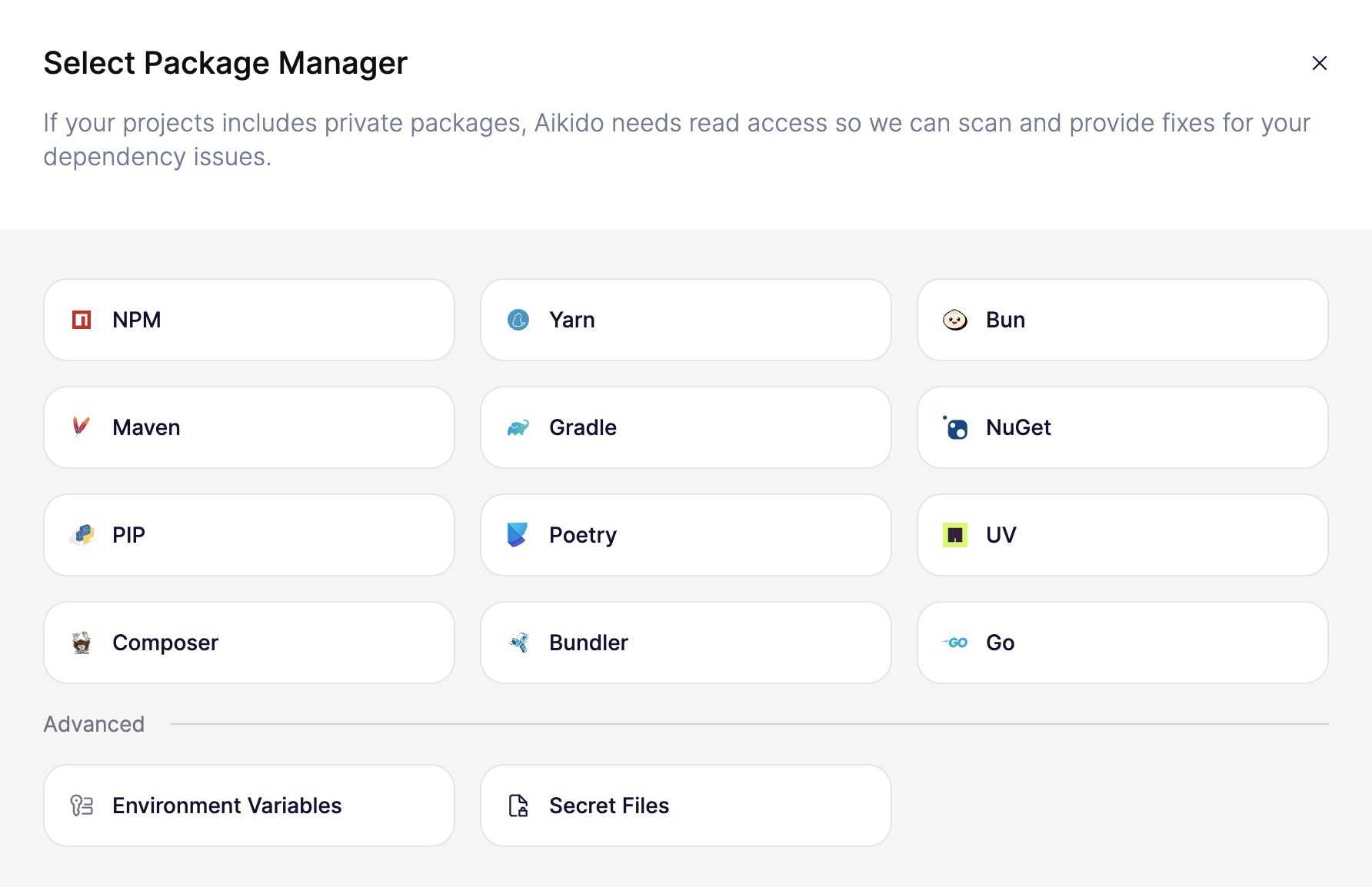
- Select "Bundler". In the example below, we show a possible setup for a private GitHub RubyGems registry. The environment variable key is
BUNDLE_RUBYGEMS__PKG__GITHUB__COM, and the value is a GitHub access token with theread:packagesscope. This will vary depending on the private registry you use.
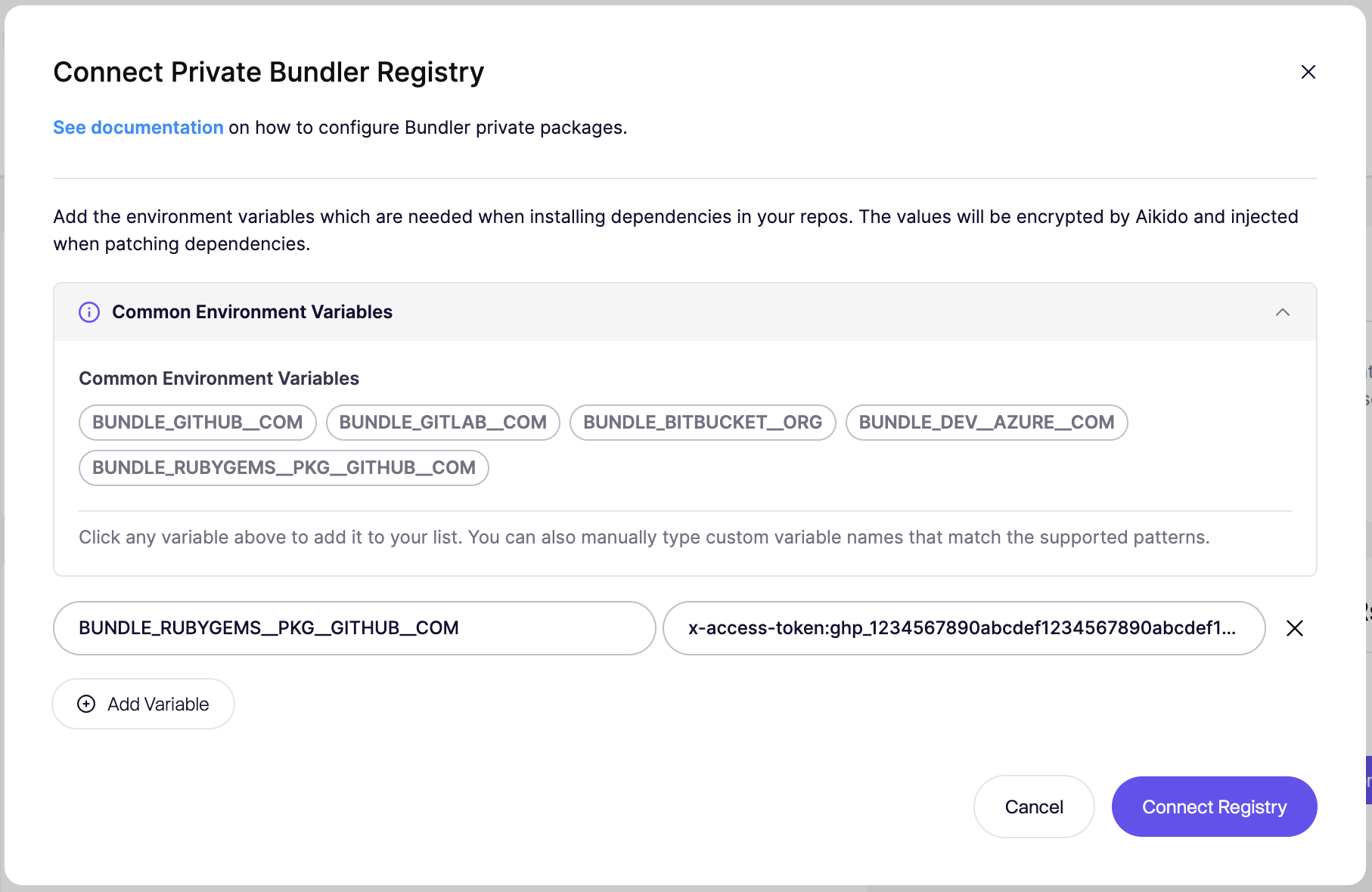
- Click "Connect Registry" to save the configuration.
Configuration in Aikido - Private Git Repository
Same SCM organization
If the private git repository for the gem is in the same organization as the code being autofixed, you can extend the permissions of the existing access token to include access to the private repository here.
Different SCM organization
You can configure Aikido to authenticate with your private RubyGems git repositories when updating the dependencies by following the steps below:
- Go to your account's settings page for the autofixer in Aikido, here.
- Click on "Connect Registry" and then select Bundler.
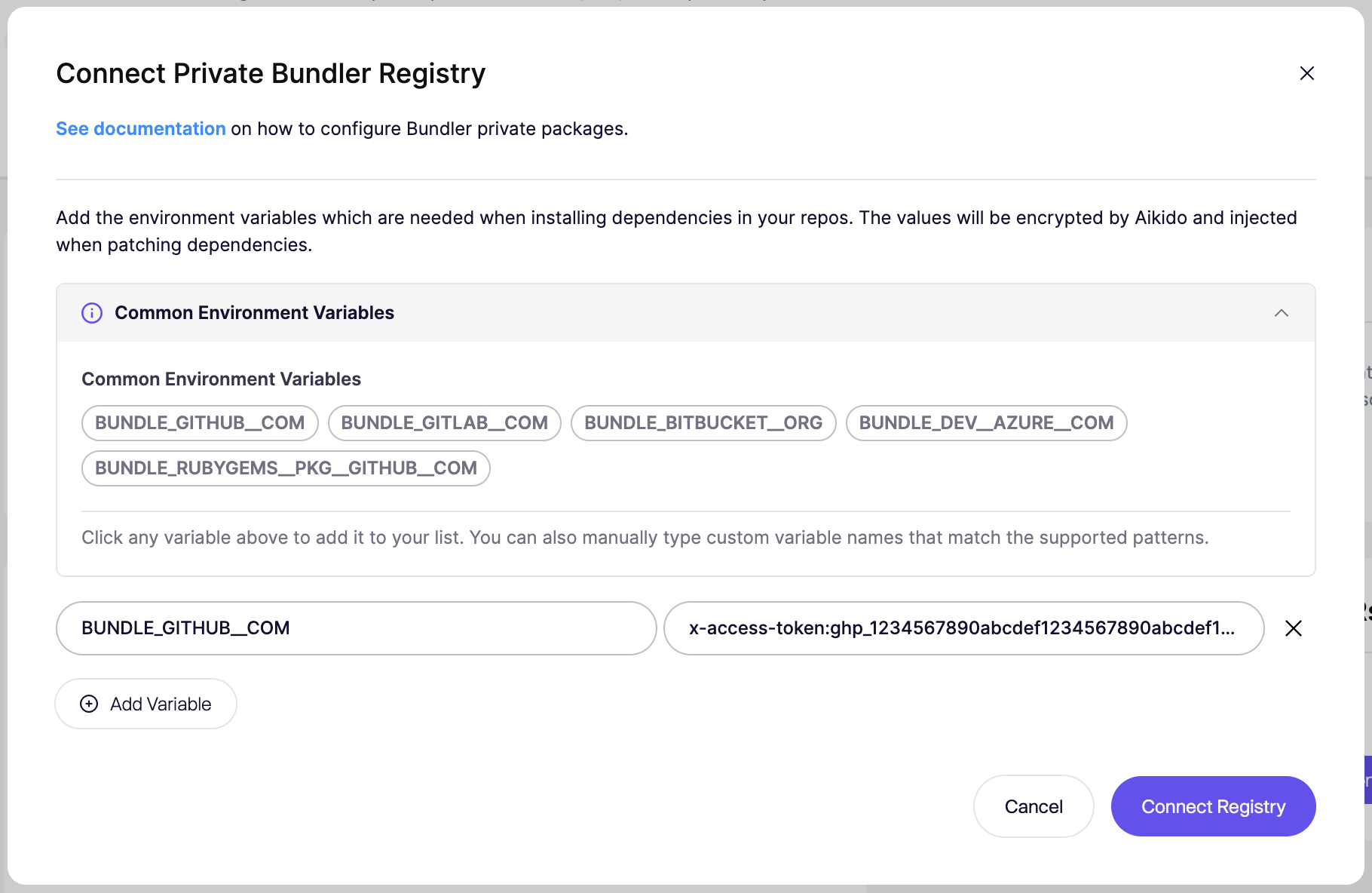
In the example above, we show a possible setup for a private GitHub Git repository. The environment variable key is BUNDLE_GITHUB__COM, and the value is a GitHub access token with repository access.
| Provider | Environment Variable Key | Value Format |
|---|---|---|
| GitHub | BUNDLE_GITHUB__COM | x-access-token:your-access-token |
| GitLab | BUNDLE_GITLAB__COM | oauth2:your-access-token |
| Bitbucket | BUNDLE_BITBUCKET__ORG | x-token-auth:your-access-token |
| Azure DevOps | BUNDLE_DEV__AZURE__COM | :your-access-token |
- Click "Connect Registry" to save the configuration.