
Linked Repositories
Link related repositories when Deep Review needs context that lives outside the pull request's repository. This is useful when your services, shared libraries, or APIs are split across repositories.
Open the repository
Open Repositories and select the repository you want to configure.
Open the Deep Review settings
Open Repository Settings, find the Deep PR Review card, and click "Edit" next to Linked Repositories.
Add a repository
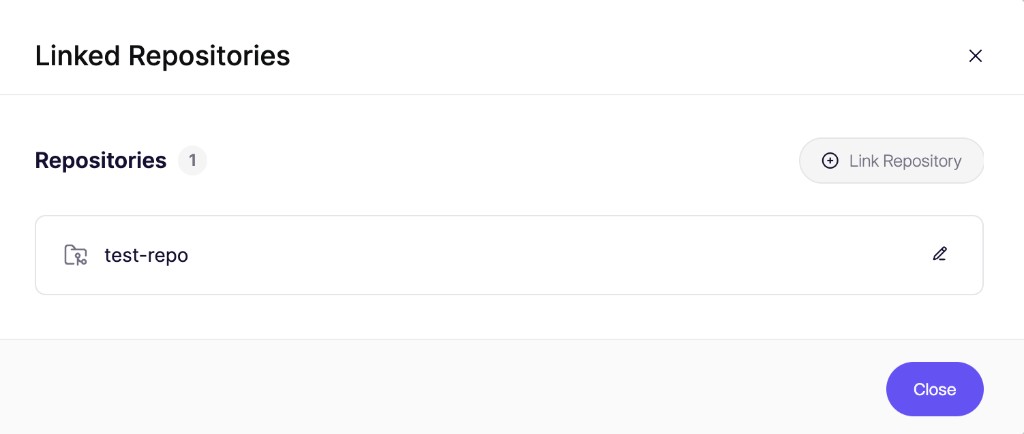
In the Linked Repositories dialog, click "Link Repository".
Select the repository and add context
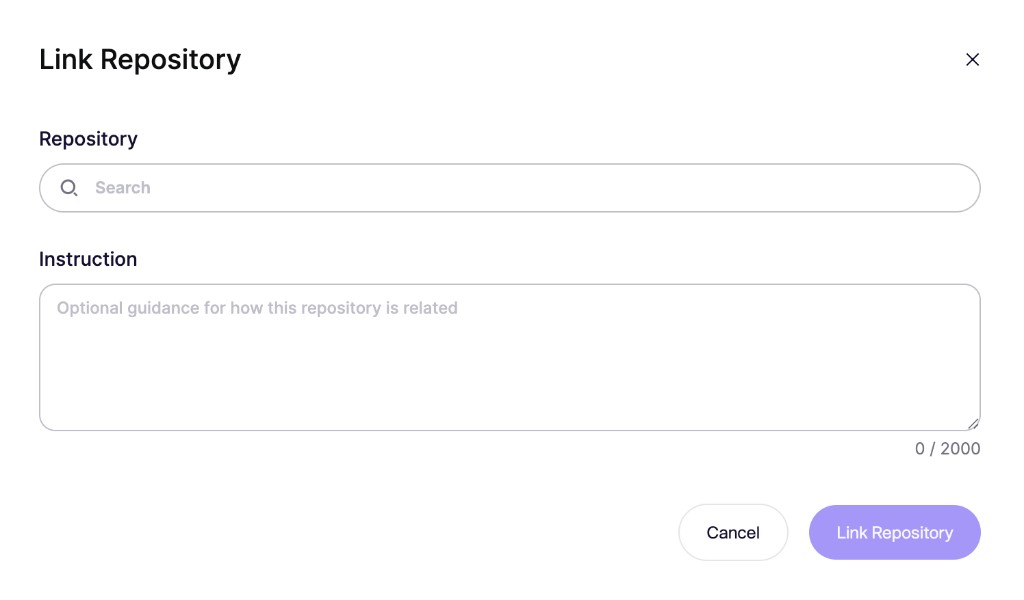
Search for the repository Deep Review should use as additional context. Optionally use the Instruction field to explain how the repository is related, for example that it holds the backend API your frontend calls. Then click "Link Repository".
Each repository can link the following number of repositories, depending on your Aikido plan:
| Plan | Linked repositories per repository |
|---|---|
| Developer | 0 |
| Basic | 1 |
| Pro | 1 |
| Advanced | 5 |
| Enterprise | 10 |