
How to test if Device Protection is working
Use one of the methods below to verify that Aikido Device Protection is active on your machine.
Quick check (recommended)
Open the link below in your browser. The page will immediately show whether your device is protected or not.
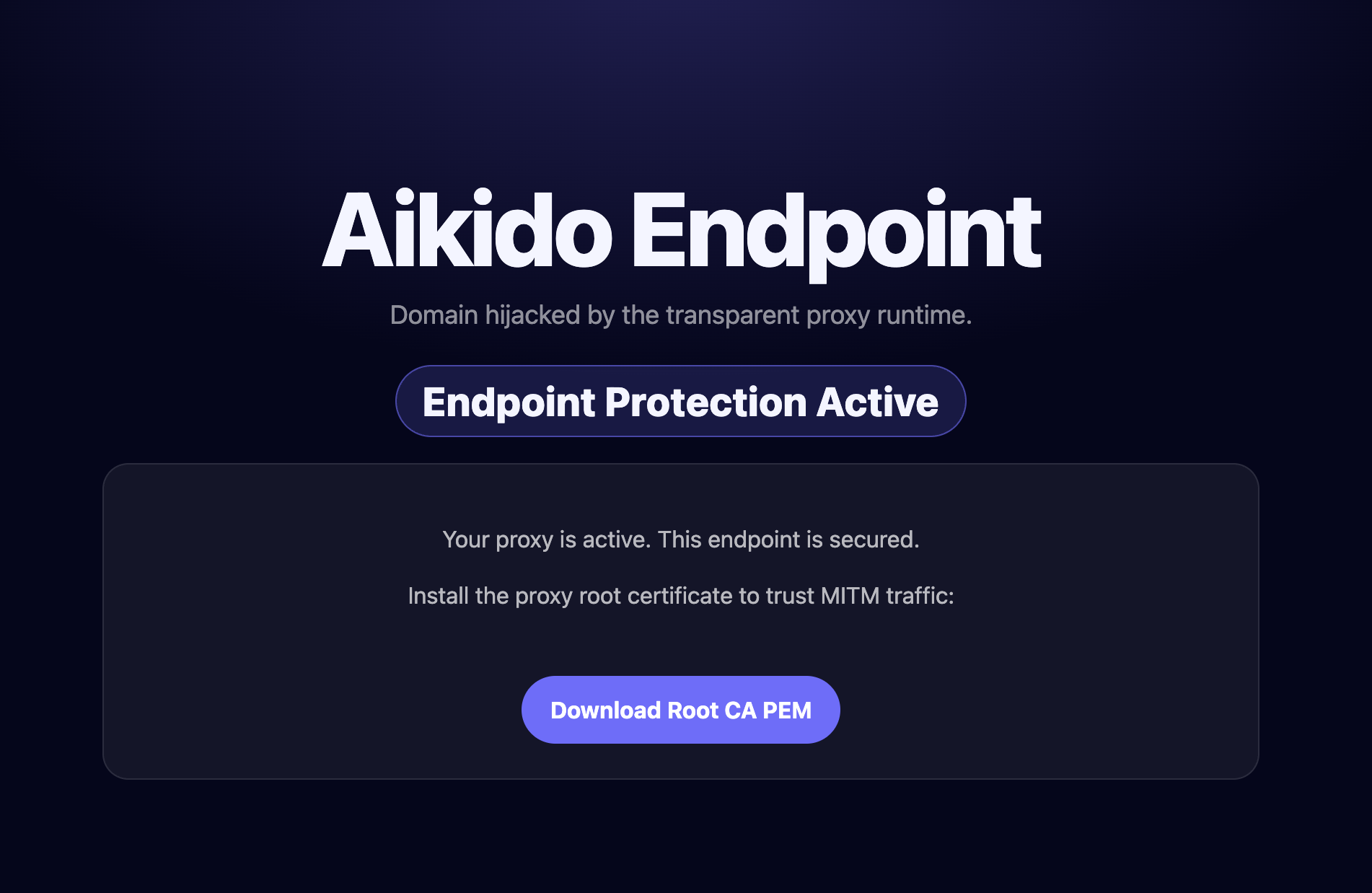
Package-based test
Install a safe test package in your preferred language. These packages are harmless and exist solely to trigger a detection.
npm install aikido-endpoint-testpip install safe-chain-pi-testgo install github.com/Aikido-demo-apps/endpoint-golang-test@latestIDE extension test
Install the test extension in your editor. It will trigger a detection if Device Protection is running.
- VS Code: Aikido Endpoint Test
- Open VSX (e.g. Cursor, Windsurf): Aikido Endpoint Test
Test package or extension not blocked? See Why is a Package Not Blocked?
Automated test
#!/bin/bash
curl -s https://device-protection.aikido.help/ | grep -q "Device Protection Active"
This script will return exit code 0 when Device Protection is active, and exit code 1 when it's not.