
Report a Problem / Device Protection Support
When contacting Aikido Support about Aikido Device Protection, please include the information below. This helps us troubleshoot issues faster and avoid unnecessary back and forth.
Report a problem (recommended)
The easiest way to send diagnostics is directly from the app. Aikido will automatically attach agent diagnostics data (never personal data, deleted after debugging).
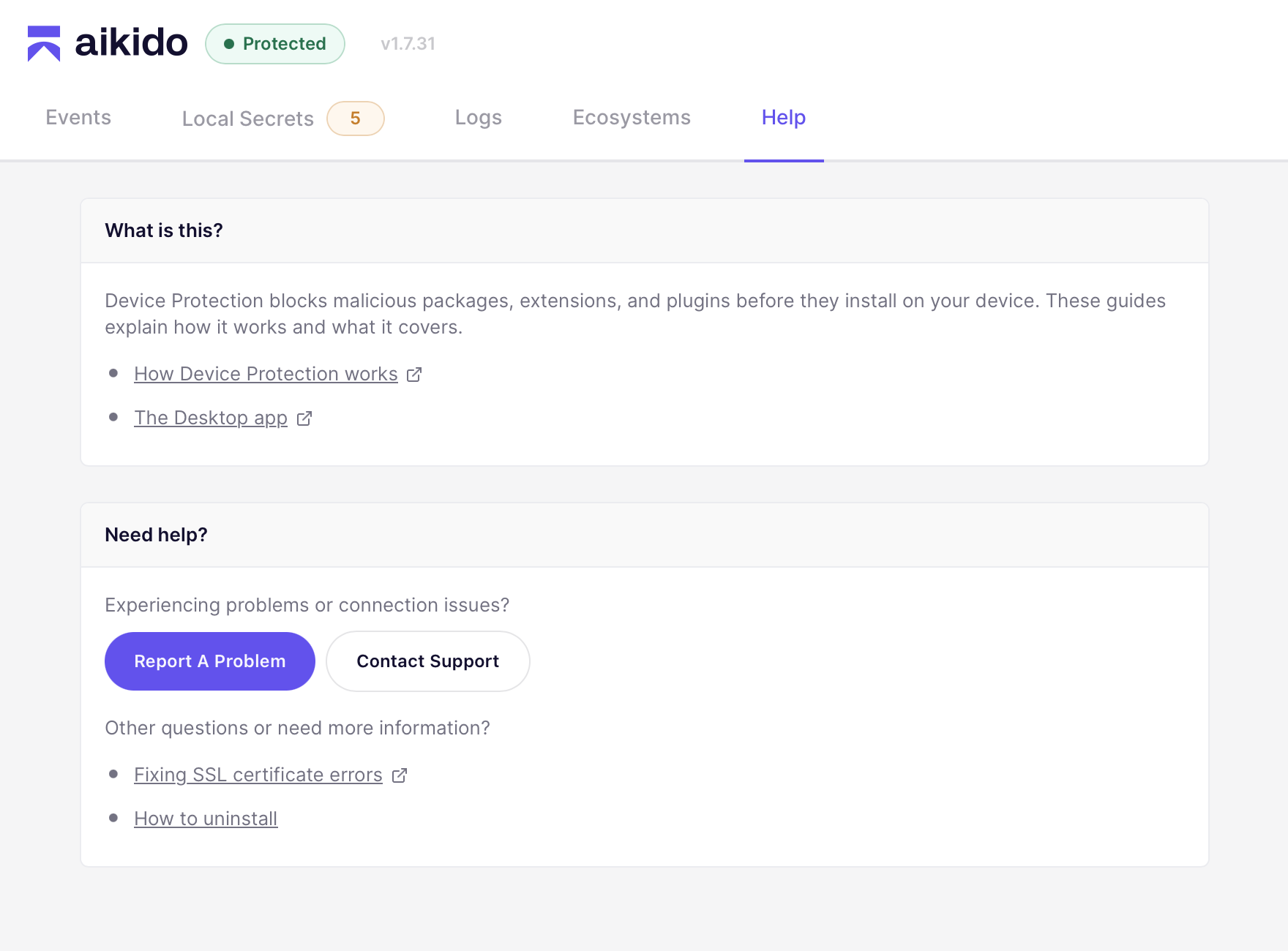
- Open the Aikido Endpoint Protection app
- Go to the Help tab
- Click Report A Problem
- Add any additional notes about the issue (optional)
- Leave your email if you'd like us to follow up (optional)
- Click Submit Report
Run the diagnostics command (fallback)
If the app is not accessible, run this command and attach the diagnostics logs. We only keep this data for as long as we need it to fix the problem.
sudo /Applications/Aikido\ Endpoint\ Protection.app/Contents/Resources/scripts/submit_diagnostics& "C:\Program Files\AikidoSecurity\EndpointProtection\scripts\SubmitDiagnostics.ps1"sudo aikidoctl diagnosticsFind the diagnostics zip if the upload fails
If the report or the diagnostics command can't reach Aikido, the zip is still saved on the device. Attach it to your email or support ticket manually.
| Platform | Location |
|---|---|
| macOS | /Library/Logs/AikidoSecurity/EndpointProtection/aikido-endpoint-protection-logs-<timestamp>.zip |
| Windows | C:\ProgramData\AikidoSecurity\EndpointProtection\logs\aikido-endpoint-protection-logs-<timestamp>.zip |
| Linux | /var/log/aikidosecurity/endpoint-protection/aikido-endpoint-protection-logs-<timestamp>.zip |